Work history
Work history for George R. Cossey
with commentary, Sept 9, 2026
Work history for George R. Cossey
with commentary, Sept 9, 2026
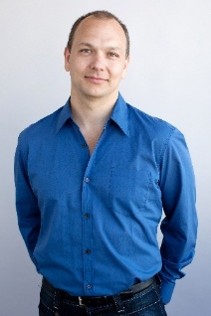
John Buck inspired me to document my history and my recollections about the different projects and products I have worked on.
Around 2018, I was contacted by an Australian author, John Buck, who was writing a book about Apple’s Advanced Technology Group (ATG) in the 1980s.
He was approaching this as a computer and technology historian, and he wanted to capture this period by talking to the people who lived it and to get their personal stories by doing direct interviews. He was and is running up against time, people he would like to interview passed away or are too ill to talk.
His book contains firsthand accounts of the people developing those products and technologies during the years around 1981 to 1991. These were also the years I was at Apple, once full-time and then again as a contractor.
I was interviewed by him multiple times. I gave him information and stories of my time at Apple and later when I came back to contract on Apple’s QuickTime project. None of the other places I worked at are covered in his book, so I wanted to do them here.
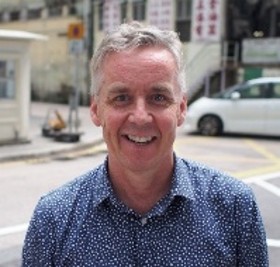
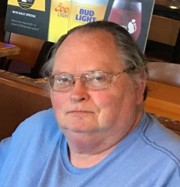
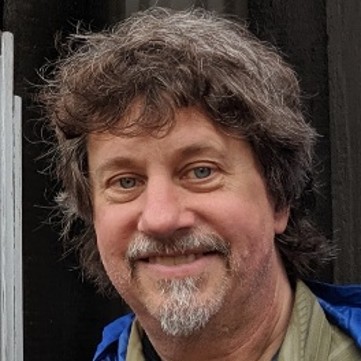
John Buck – author
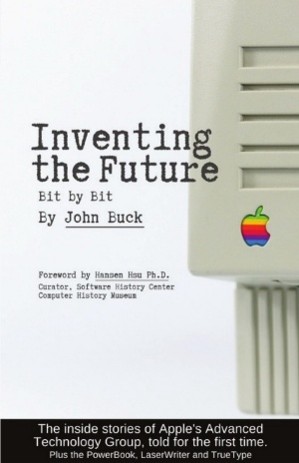
I recommend this author, John Buck, and his book “Inventing the Future: Bit by Bit”.
It is available through the website “books.by/john-buck”.
I want to also show how my path followed different projects and ideas.
Some of my work that was done at Apple Computer appears in his book based on him interviewing me. What I intend to write here is about all the other places I have worked, and some more insights into my work at Apple that is not in his book.
I am writing this mainly for myself, my family, and some friends as I look back over my hard and fun work done over 50+ years.
I started off describing my work experience after High School, how I got through college, and then working in the tech industry.
NOTE: Text in italic are from sources that had relevant information, not written by me. This also includes product reviews.
Dedicated to my wife Esther, who has always been at my side.
Reedley H.S. graduate, 1969
Fresh from graduating High School in the spring of 1969 my father was anxious for me to leave home, “spread your wings and fly!”. We lived in Central California near both Sequoia National Park and Fresno. I think since there were six of us kids, dad looked forward to not paying for our way any longer and made no secret of wanting us to leave immediately. As each of us graduated High School we were strongly encouraged to move out into the world and find a job. There was never any discussion about college or even a trade school, not an option.
Photo: Bar inside Clingan’s Junction. Owned and operated by my parents.
I had no work experience, except at my dad’s service station where I would pump gas over the 4 years of High School.
I would sit at the bar (this was a combo Bar/Gas station/Café) and wait for any cars to pull into the gas pumps. I got an education sitting at the bar over the years.
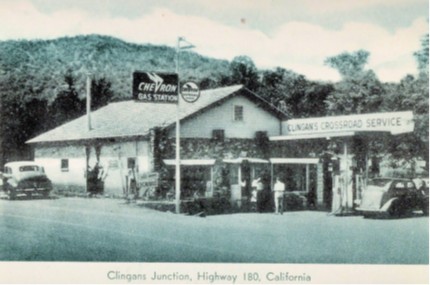
Photo of our store, from a brochure published years before we bought it. Except for the gas pumps it remained looking the same.
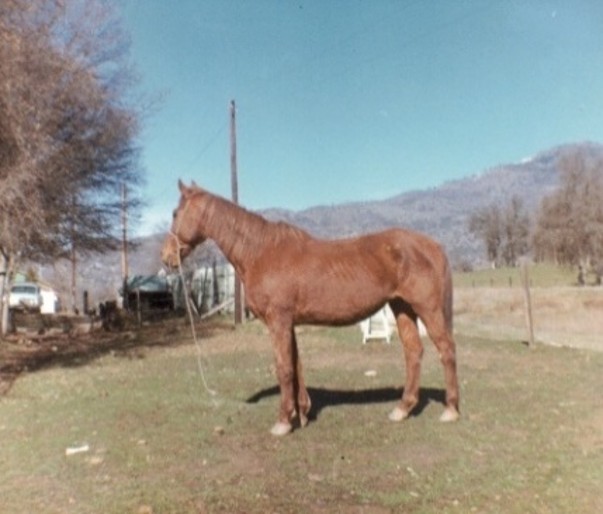
I also did some work at local ranches and could handle a horse, I owned my own horse but never named her. She had her own mind and sometimes would not want to be ridden. Sometimes she would reach around and try and bite my leg as I was sitting on her back. A rancher friend of mine told me when a horse does that then the best reaction, to teach the horse a lesson, is to have a 2x4 board and give her a good whack in the head. I never did that, but the rancher told me that he had floored a horse doing that, and the horse never did it again.
One day I was riding her without a saddle and without a halter, just a rope on her head. She took off running with me on her back, and without a halter I could not stop her, just hang on for dear life. Luckily, we were on a road that had a fence and cattle guard about a ¼ mile or so up the road. She ran at full speed till we reached the fence and then stopped. I hopped off and then led her back home. Some kids that watched this told me they had never seen that horse run that fast.
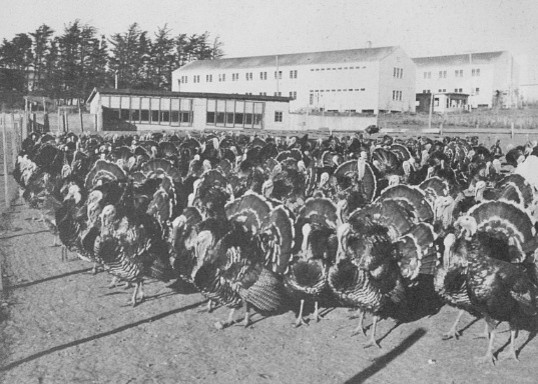
There were a number of turkey ranches close to home, and I worked at some part-time on both a turkey egg ranch and a meat ranch.
Photo: Turkey farm
Turkeys are extremely dumb and we would use empty burlap sacks thrown on the ground to make a ‘fence’ they would not cross unless they were really crowded, and then they may fly over them.
One of the local cattle ranchers would come by and I would go with him to pick up bales of hay freshly cut in the field and load his truck, hard work and fun. This gave me a break from waiting in the bar to pump gas.
Photo: example of the process, but not me.
With no idea what to do after graduation, and with the draft already taking two of my brothers off to the Vietnam war, my choices seemed non-existent. Needing a place to live, and a way to get food, off to the Army…
Before my report date for joining the Army, I worked the summer of 1969 firefighting, a common summer job for guys my age. I was at a fire station, in the mountains in Piedra near Sequoia National Park and Pine Flat Reservoir. Work was 4 days on and 3 days off. For the ‘on’ days we lived in the fire station, to respond 24hrs a day for a fire.
We fought brush and forest fires, hardly ever a structure or home on fire. Our main tools were a Pulaski and a McCloud.
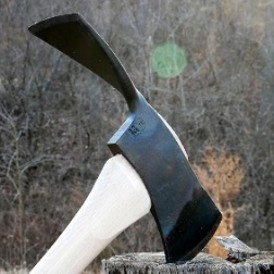
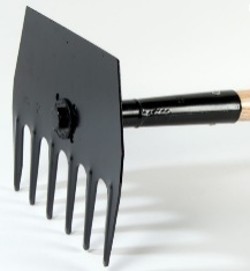
Pulaski McCloud
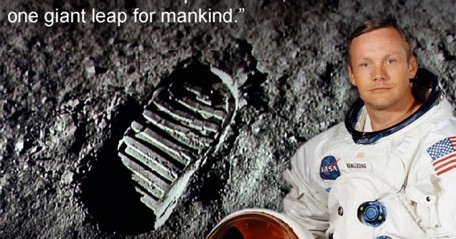
On one stormy night with lots of lightning, we were patrolling in the fire truck looking for fires caused by lightning strikes. We stopped in at a Bar/Gas Station for gas. Some of us went inside and the guys at the bar were telling us that we had just landed and walked on the moon. They had the TV set on a channel that was showing the video from the moon. This was on July 21st, 1969.
Picture: Neil Armstrong.
September 1969 - April 1972
U.S. Army, 1970
I volunteered for the U.S. Army in the fall of 1969 directly out of High School and after spending the summer firefighting.
By volunteering I was able to select a technical school, although only a few weeks long. Then I was to work using that training and get experience I could draw on when I got out of the Army.
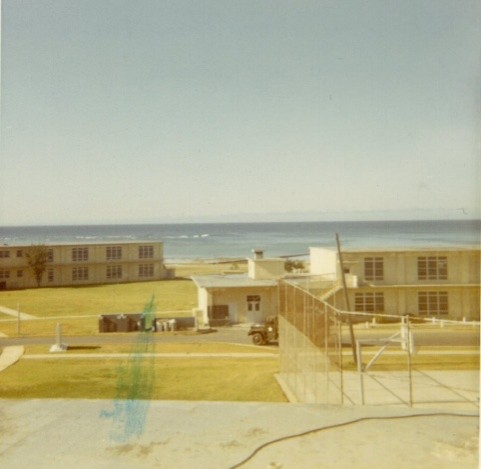
Picture: Fort Ord barracks, next to Pacific Ocean
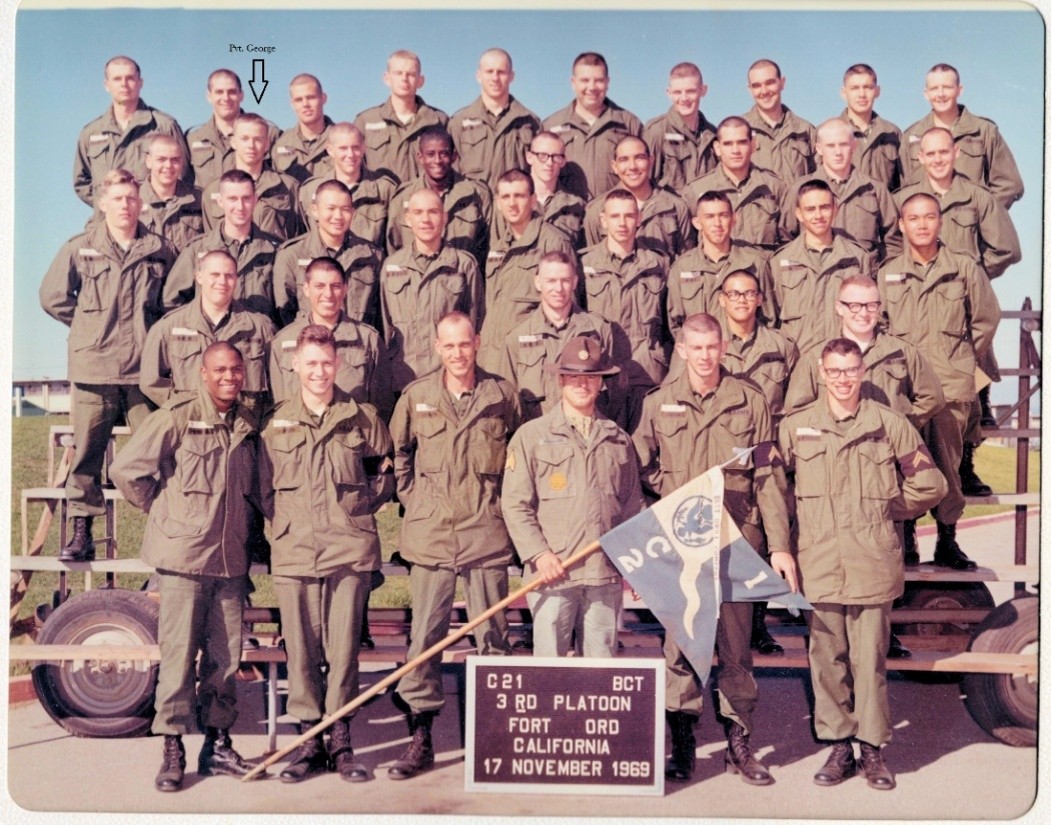
I went to boot camp at Fort Ord, on the California coast near Monterey Bay. After boot camp, the draftees were being sent directly to Vietnam. On our last day of boot camp we were all assembled in a large area. Names of all the draftees that were going to Viet Nam were called out. Those people formed a very large group and were taken to the airplanes headed for Hawaii and then Viet Nam. Since I volunteered, I was sent to a school at Fort Belvoir in Virginia.
Graduating from boot camp at Fort Ord.
I did an 11-week basic mechanic course at Fort Belvoir. After that, the top students also did a 7-week additional course. After that was another additional course, I did a 2-week NCO (Non-Commissioned Officer) course.
On weekends I would go into Washington D.C. and see the monuments as well as museums.
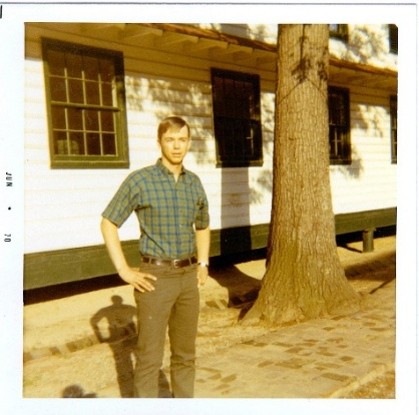
Picture: In front of Ft. Belvoir army barracks, weekend off.
I had volunteered because the draft would get me soon, like my two brothers, and if I volunteered then I could choose a school and get training in the Army. The downside was the draft was 2 years and volunteer was 3 years. I volunteered to get the schooling and chose heavy machinery mechanic, for things like bulldozers and cranes.
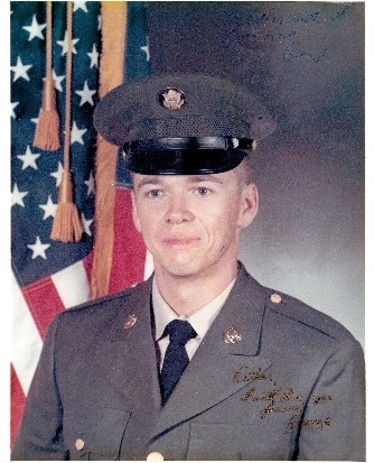
Picture: U.S. Army, private.
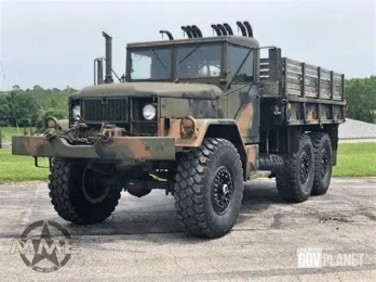
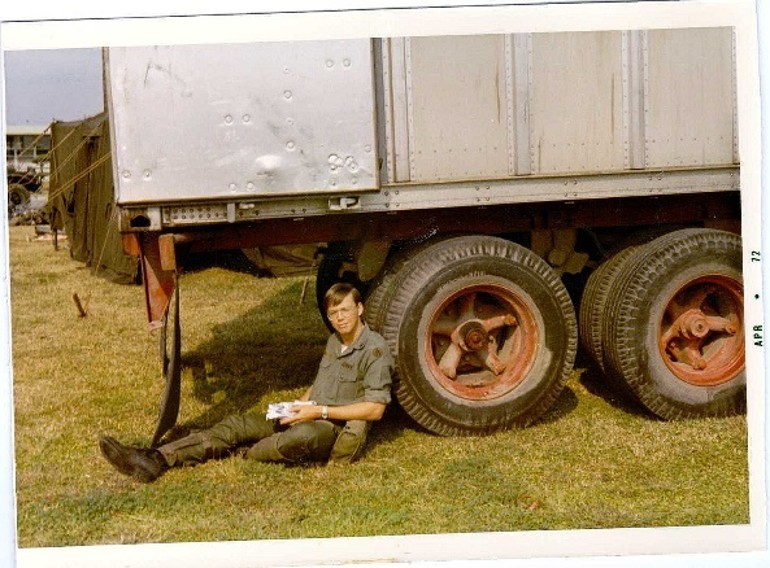
I ended up getting two short classes on heavy machinery at Fort Belvoir in Virginia before being shipped out to Okinawa. I tried to think of it as free room and board while going to a trade school. I never got to work in what I was trained for but was assigned as a mechanic for smaller machinery like forklifts and 2 ½ ton trucks. The Army was never going to trust the heavy machinery to someone that only had a few months training. That work was being done by civilians that had worked on it for years, as the soldiers came and went.
After completing school at Fort Belvoir, I was posted to a non-combat zone in Okinawa, Japan. My two brothers, Bill and Tom, had been drafted earlier and were fighting the war in Vietnam.
In Okinawa.
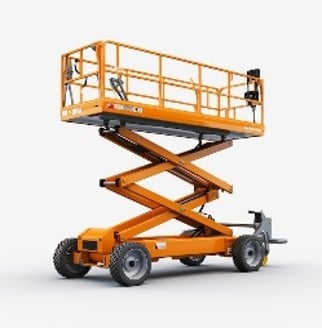
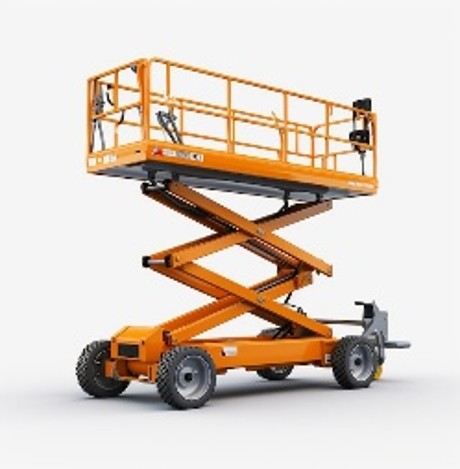
I was assigned to working on rebuilding forklifts and scissor lifts coming in from Vietnam. After 6 months or so, I wrote a letter saying I went to school to work on heavy equipment and asking to be reassigned. I was reassigned to the repair of 2 ½ ton trucks coming in from Vietnam. Not what I was after, but closer to heavy machinery.
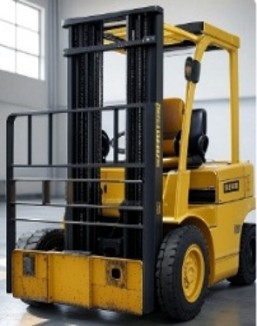
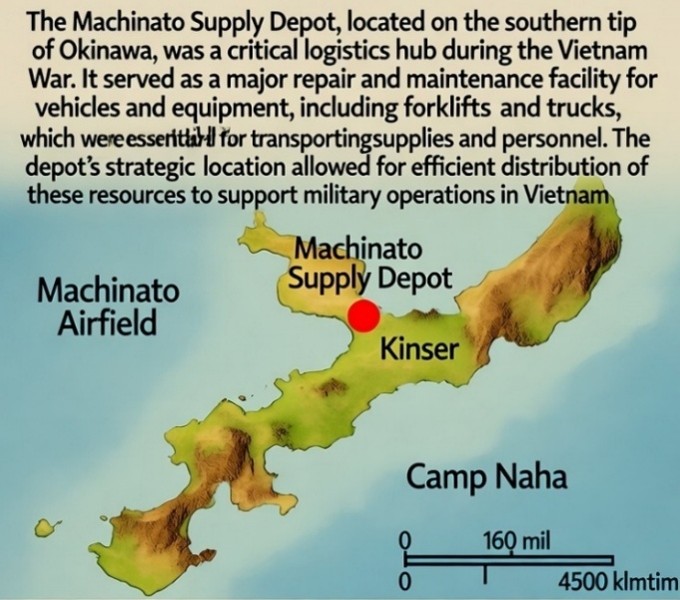
I was working at the Machinato Army Depot on the island of Okinawa.
The Machinato Supply Depot (also known as the Machinato Army Depot or Machinato Service Area) in Okinawa was the primary U.S. Army facility responsible for repairing, cannibalizing parts from, and overhauling damaged forklifts, trucks, and other military vehicles shipped from Vietnam during the late 1960s.
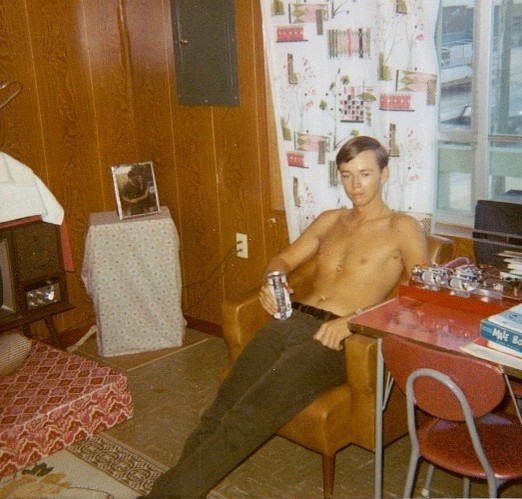
1971 - George in Army barracks, a hot July day.
This depot employed both military personnel and local Okinawans in assembly-line repair operations, focusing on equipment like deuce-and-a-half trucks, 5-ton trucks, and material-handling vehicles that had been battle-damaged or worn out in combat.
One day there was a big commotion in the main office.
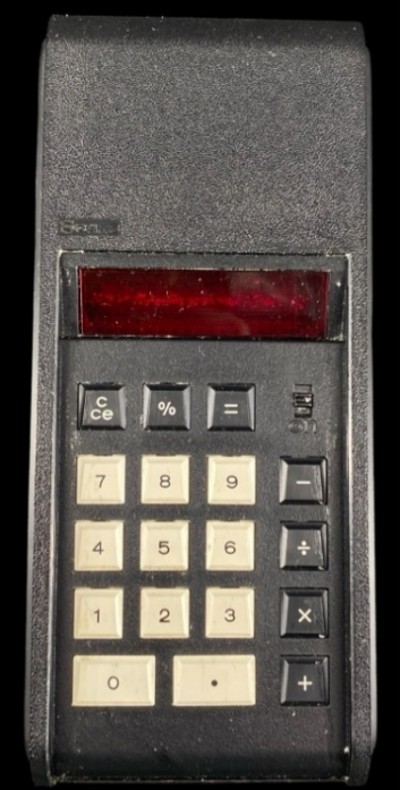
I went over there to check it out and found people gathered around looking at something a little bigger than a wallet and was held by an officer. He said this new device could take two numbers and with just the press of a button it could multiply the numbers and instantly give you the result.
This was the first handheld calculator, also called a 4-Banger, that I ever saw. It could add, subtract, multiply, and divide.
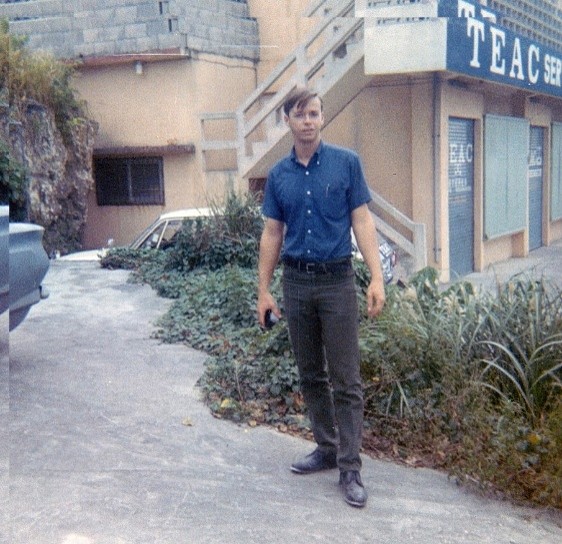
Photo: 1970 - George exploring town in Okinawa, while in the Army
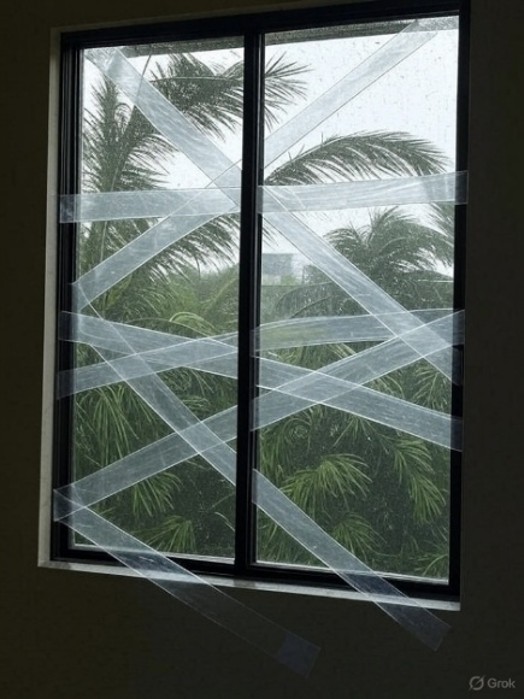
Okinawa Island would be hit with typhoons each year. We would tape large ‘X’s on the windows, to try and keep them from breaking due to vibrations in the high winds. The wind gusts would shake the buildings and at times break the windows.
Sometimes, in the peak of summer, we would lose running water for a few weeks and would take turns bathing in 55Gal drums. Everyone would always try and be the first and not the last in those cases. The water got dirtier as each person took their turn.
Each barracks hired an Okinawan guy to come in every day and shine our shoes and boots. Everyone paid into a ‘pot’ for this guy. We set our boots out when we wanted them polished. When we came back that evening then they would be done.
Every payday for these guys, the Okinawan guys would gather from all the barracks and get together to play poker. Their poker games could last for days, day and night, as our boots set out to be polished would wait.
A few ‘lifers’, like 1st Sergeants, would have boots made of ‘patent leather’. These would stay shiny and hardly ever need attention. They could then yell at us while their boots were clean and shiny.
The U.S. was in the process of giving the island back to Japan’s control. They had taken control of the island after World War 2.
Photo: In Okinawa waiting to do guard duty or riot control.
The native Okinawans did not want that to happen, not considering themselves to be Japanese, and would hold strikes against the military bases trying to keep the US from returning the island back to Japan.
They would be out protesting one day and the next day come into the base to work. During the strikes there were a few protesters that would get violent.
On strike duty we had riot shields and had to protect ourselves from protesters who were using long bamboo poles with razor blade embedded tips.
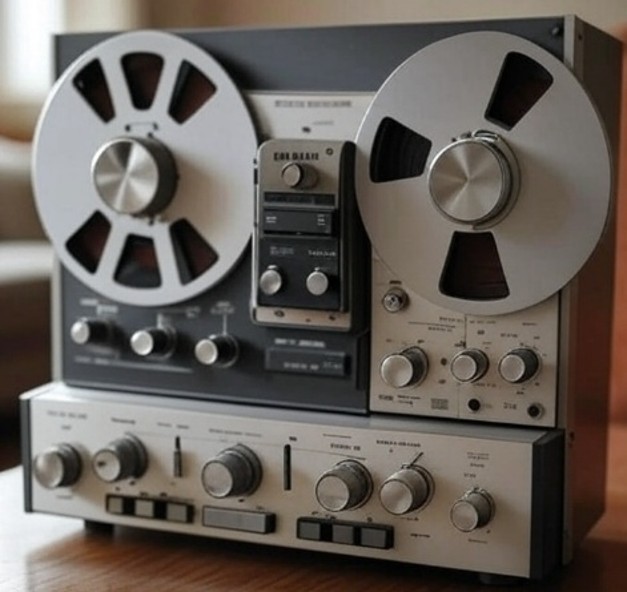
For entertainment we could buy reel-to-reel stereo equipment, especially useful to the people who were in a room instead of the open barracks. Since I was a squad leader, I was in one of the 2- and 4-man rooms.
The Army base had a building where we could go and copy reel-to-reel music. It was loaded with reel tape players as well as a huge library of music on reel tapes. The Army had special permission so that we could make copies without copyright concerns. I ended up spending a lot of time there and brought back some good stereo equipment as well as lots of copied music reels.
This music could only be recorded at normal playback speed. So, a two-hour reel of music took two hours to copy. People spent many hours listening to the music as they recorded it.
Our Army base in Okinawa was taking blown-up and damaged equipment from the ongoing war in Vietnam, rebuilding it and sending it back to Vietnam. I did that job until my service ended a little earlier than expected.
I got out after 2 ½ years instead of 3 years because they were downsizing the Army with the war in Vietnam ending, it was called an ‘early out’. On exit, my rank was Spec5 (equivalent to a sergeant, E5). Honorable discharge on May 15th, 1972.
Looking back, there was one guy I knew there that used his spare time wisely. I wish I had done that.
He learned Japanese and knew it so well that the officers would call on him to translate as needed.
He also took martial arts training and was quite good at it.
1972-73
Professional tree trimming service, 1972
Back from the Army, I got married (best decision in my whole life) and went to work with my brothers down in the L.A. area at a tree trimming service. I was mostly doing cleanup and stacking brush, instead of trimming the trees. I did some spraying of trees, taking out a spray truck for the day.
We trimmed trees at wealthy people’s homes and golf courses. At one golf course that we were trimming trees for; I watched a guy getting ready to golf with the actor Don Knotts.
Picture: Don Knotts
Don was very timid and looked like this was not his normal thing. He seemed nervous that anyone was watching him, looking around quite often. He hit the golf ball just fine, so maybe he had done it before, but it plainly was not his normal sport.
We trimmed trees at a movie ranch, on the outskirts of L.A. Once while working there, they were filming the TV show “The Waltons”. At lunch time the crew would line up for food, and the main actor that played ‘John boy’ (Richard Thomas) jumped to the front of the line for his food. It made sense because everyone else was there for him and would be waiting on him if he had to wait in line.
The kids that played the children on that show arrived in Limos. They were greeted by the director and would go up and tell him that they were feeling fine and ready to go. I sensed that maybe there was a history there.
I watched them filming this one scene where ‘John boy’ visited a shack and an older black lady was living there. I remember that she made the show much better and more authentic, you could spot her as a professional. When her scene was done, someone came up to her and handed her a check. She then left. Life of an actor doing a bit part.
I worked trimming trees for a year or so and then decided it wasn't going anywhere and wanted to find something else.
1973-74
Mechanic in Selma, 1973
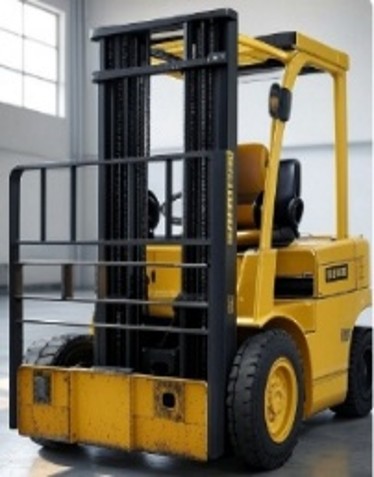
My wife and I moved from L.A. back to Reedley in central California. I worked as a mechanic at a forklift manufacturer in Selma building new forklifts and scissor lifts for a short time, my Army training paid off! Then I decided to go for a college degree using the G.I. Bill and my wife’s income from her working at various places. She put me through college since the G.I. Bill was not enough for us to live on. She has always been a hard worker.
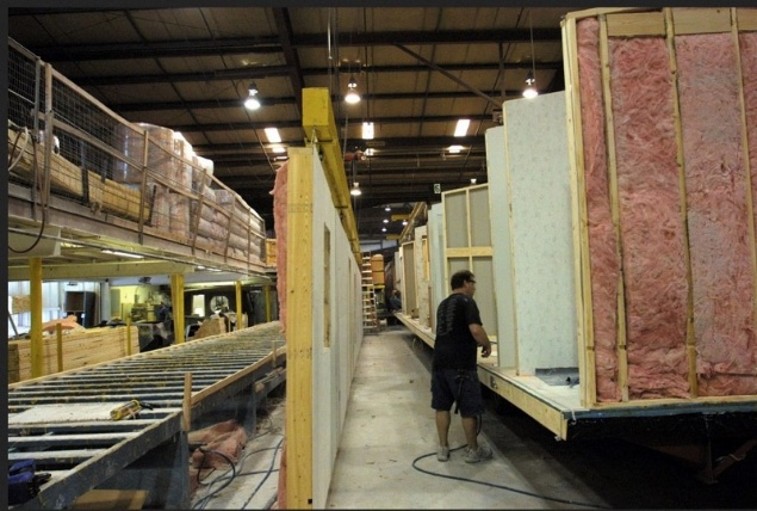
Assembling mobile homes.
For a short time, I worked at a factory assembling double-wide mobile homes. We would take prebuilt walls and lift them onto the frame. Then securing them to the floor and to each other.
Hectic work, they wanted to get as much work as possible from the unskilled employees.
1975-76
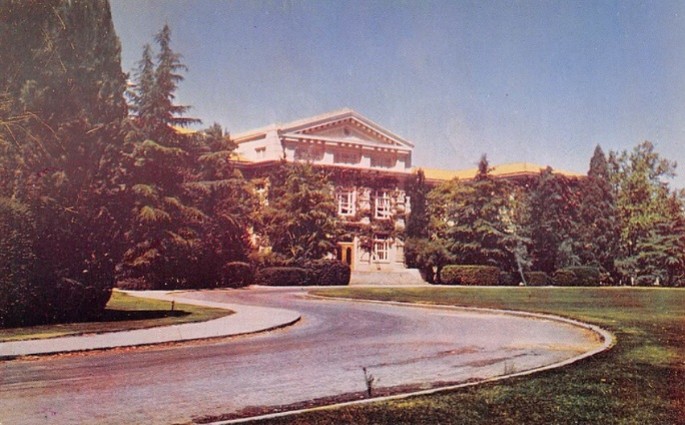
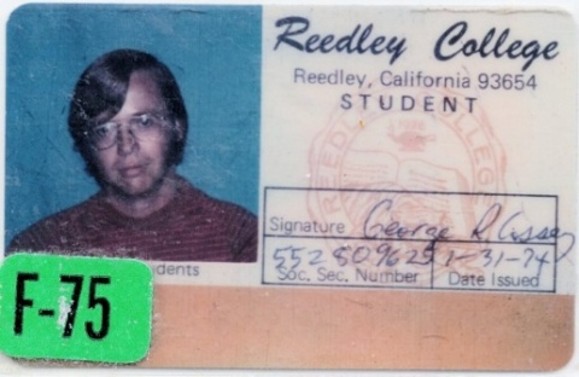
Reedley Community College, 1975
A Community 2-year college was quite a bit cheaper than going to State 4-year college. It was easy to transfer credits between a Community college and a 4-year State college, so going the Community college route saved a lot of money. You would spend about 2 years taking general education classes at a community college before another two years in your selected major at your 4-year college.
So, I started my first two years of college doing general education classes, a basic requirement for a 4-year degree. All classes were basic education like English, Calculus, Chemistry, etc. None of these classes were directly related to getting a B.S. degree, but they were required general knowledge classes.
Since I never had taken Chemistry in High School, I took the ‘Toledo’ test, which determines if you know enough to take college chemistry. I did.
These classes were designed to give the student a more well-rounded education.
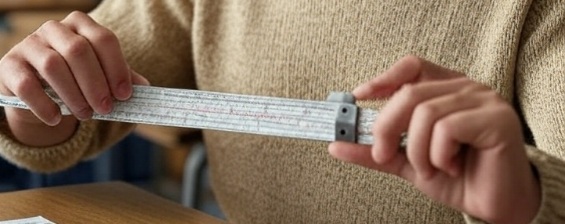
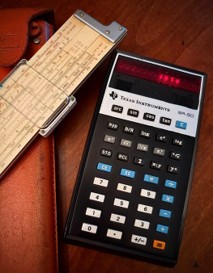
I was using a specialized Texas Instruments scientific calculator, that I bought for myself and was very expensive at the time, and a slide rule for math calculations. One of the classes I took was learning how to use a slide rule, now forgotten and almost never used.
1977-78
B.S.E.E., Electrical Engineering,
Calif. State at Fresno, 1977
There was no Computer Science degree from Fresno State available at that time, I was a few years early for that. My dad always talked about electrical engineering as something he admired. He did some work designing and making electronic ignitions for his own cars. I think because of that I decided on Electrical Engineering.
I took the basic classes required for a degree in Electrical Engineering. Circuit design using transistors, resistors, coils, and capacitors. Very little was taught on devices more advanced since they were not yet in wide use and some were not invented yet. I learned what I needed to get good grades but was not excited about it and so was not very good at circuit design.
I was going after an electrical engineering degree (B.S.E.E.) and got interested in programming as a side interest.
For my senior project in college, I chose to work on a partially done programming project that was a circuit design tool. The design language, SPICE (Simulation Program with Integrated Circuit Emphasis), was partly done for our mainframe and was not yet working or debugged.
I taught myself this special computer language that was used for electronic circuit design. Programming was done using punch cards that were submitted to a mainframe computer.

Fresno Bulldogs – Go, dogs, go!
I had two big stacks of punch cards. One stack was for the design programming language that I completed; the second stack was the circuit design to run on that design program. I was debugging the design language program as well as the circuit design being simulated.
I would figure out everything and then go and punch all the cards. Then submit them to a queue waiting for time on the mainframe and wait for my batch (of cards) to be done. The wait was usually hours since I was waiting for my program to advance in the queue before it was finally placed in the computer and run. I would get the printout at the end and check it, make corrections and punch new cards, and then I would turn around and do it again.
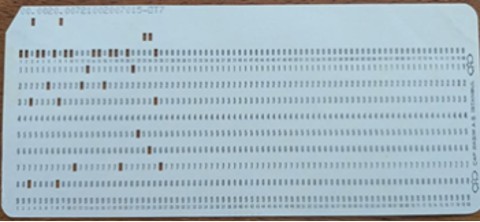
This is a single punch card. A stack usually consisted of 50 to 100.
At the end of my college junior year, right before my senior year and graduation, I found that I needed an advanced Calculus math class to graduate. My college did not offer one that fit my schedule while I was taking other needed courses. I looked for a summer class there and at other colleges in the area, no luck. Since I had family up in Silicon Valley, and I found that San Jose State had a 6-week summer class in Calculus, I went up there to get my required class.
While up in the San Jose area I worked a nighttime side job. A company there was building digital watches, and they hired temps to come in at night to attach watchbands to the watches. This helped a little financially.
For several years after graduating from college, I had a recurring dream. In the dream I was told that a slight miscalculation had been made, and I still needed one more class to graduate. My degree was not valid, and I had to go back for another semester to take that one class. That nightmare finally went away after I had enough experience to get a job without them looking at my degree.
As I was preparing to graduate, some of my friends were sticking around to get their Master’s degree. It would only take them one more year of classes to get it.
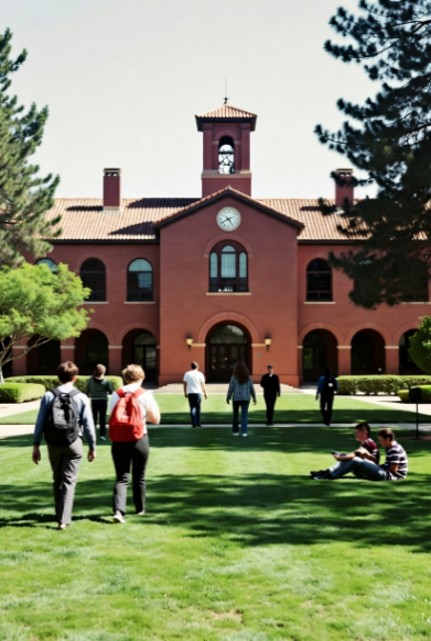
Photo: Fresno State University
My G.I. Bill benefits ran out, and I had to get to work and earn a living, so I could not afford to stay around for another year.
One of the guys sticking around for his Masters would go on to a similar company near to the one I went to, and he would have been my boss because of his higher degree.
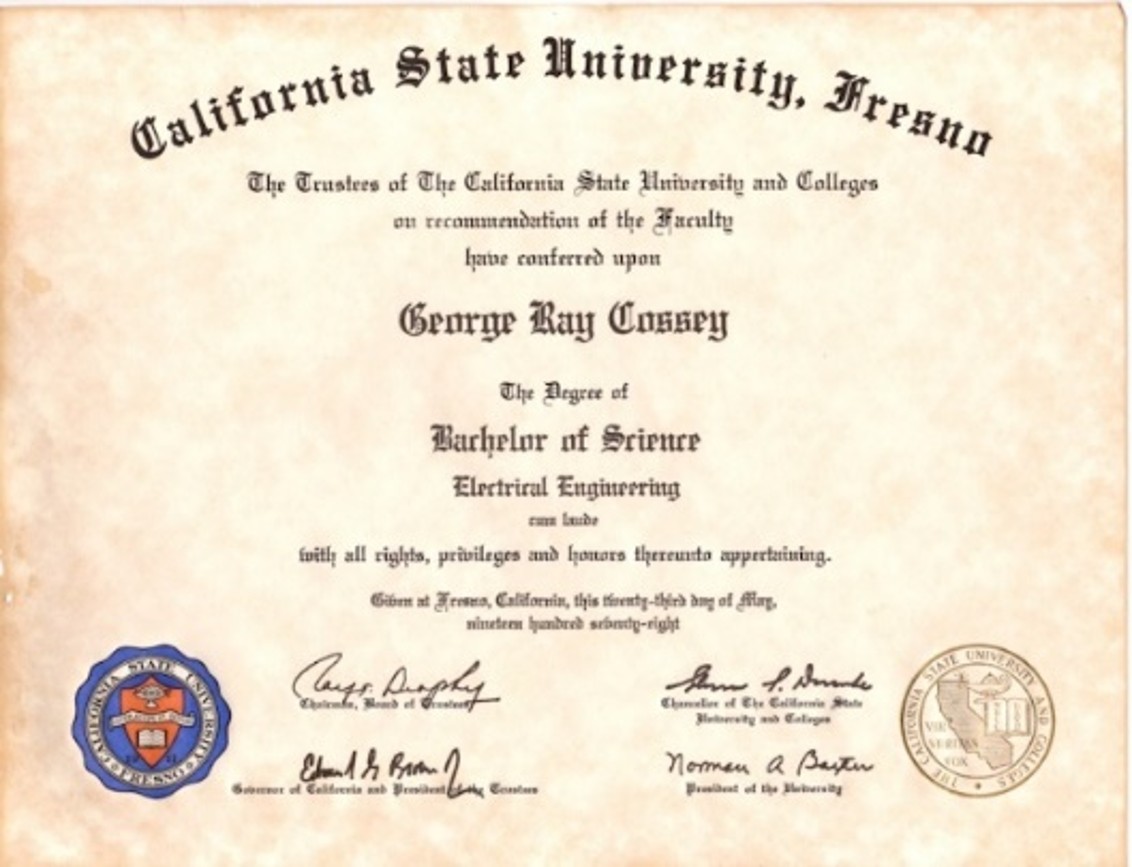
Graduated with a B.S.E.E. degree.
Bachelor of Science in Electrical Engineering
Right before I graduated, I went up to the San Jose area to look for a job. I had relatives there and that was where all the new computer companies were, Silicon Valley. I would get the local newspapers, always including the San Jose Mercury News, and go through them looking for a job to apply to. Then I mailed out resumes to ones that looked interesting.
Fresno State University
The people that I had graduated with took Hardware Engineering jobs doing circuit design. I wanted to be able to do software, so I looked for a job that covered both Software and Hardware. Computer diagnostics was the best fit that I could find at the time. I gradually grew into doing more and more Software, but my Hardware degree and experience helped me get a lot of different jobs.
Since I had gone into the Army and then worked a few years before starting college, I was always older than people I would work with having the same amount of computer experience. Sometimes I would feel like ‘the old man’ working with ‘kids’.
I landed a job at Fairchild Semiconductor working on the VLSI tester equipment in the self-diagnostics group – and they paid to relocate me to the San Jose area.
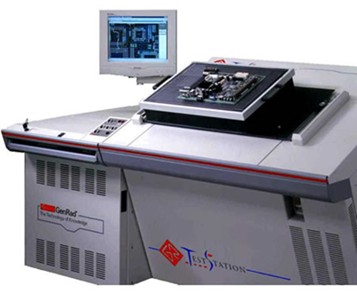
For my first couple of jobs, I did self-diagnostic programming on million-dollar VLSI testers, at Fairchild and later at GenRad. It was a time before programming classes were available in colleges. Companies had to chose employees that could learn whatever was needed. They looked for smart hard workers that could learn whatever was needed. In those early years there was a much smaller pool of people available to work in those areas. I was lucky to hit the timing just right. I was self-taught, felt that I could learn anything, and am a hard worker.
Years later, the ‘good’ schools like Stanford in Palo Alto started graduating people with Computer Science degrees. Then those people were hired to be leaders of small groups and later of startup companies. As more startups came online, many of them were founded by these people from the better schools. In my experience at that time, the 1980 and 90s, everyone I knew coming from Stanford University was very sharp. Some of the smartest people I knew and worked with at the time.
Career path
Out of school I wanted to do more on the software side. Doing diagnostics and drivers was the closest thing to being able to do software and stay close to the hardware, it was also a good skill set to have. Over the years, knowing hardware has gotten me a lot of software jobs, new graduates with Computer Science degrees have no knowledge or experience controlling hardware so I could beat them out. Hardly any new graduates wanted to do drivers or firmware, they were afraid of it.
Some people stay at a company and put in many years to get into management. I did not want to ‘manage’ and I would rather ‘learn and do’. So, I followed new technology and tried to always work on the newest thing. I believe that this has led to a far more interesting career that was also more fun.
Some positions I took were at startup companies, and some of the startups had limited funding that ran out quickly. I could not know what the funding situation was when I joined a company, so some jobs were shorter than I would have liked, as short as 4 to 6 months. In some cases, a company that was about to lose its funding would hire a few high-powered engineers with the hope we could create enough new value to keep the company open. It was usually a case of being too late in hiring good engineers and even though we added value, it was usually too late for investors to put more money in. Investors had lots of startups to move to.
I graduated from a small college, Fresno State in California, and so was not considered for lots of positions because it was not one the ‘best’ schools like Stanford or Berkley. Over time I got jobs by showing samples of my work and having good references. I filled up a briefcase with samples of my work, and I called it ‘my bag of tricks’. Going into an interview and being asked about previous jobs, I would open my briefcase and show them samples of my work.
Over my career, job hiring and interviewing went from:
Hire someone smart that is a hard worker. They can learn whatever is needed.
And then…
Hire from big schools for the best positions.
Or find someone with the right experience. For these jobs I pulled out my ‘bag of tricks’.
And then…
Hire someone that did what you want done at their previous job. No learning curve.
Places like that were not usually doing anything new, so I would pass on them anyway.
And finally…
Hire someone that would fit socially with the current group. How good they were was a secondary consideration, if at all. Not good places to find other hard workers.
For my first few jobs it was a time before programming classes in colleges. Companies had to choose employees who could learn as they went. These jobs were always great, where you could learn something new.
Next came the first ‘wave’ of graduates from India. This first wave was from the best schools in India. These were smart and very capable people who went into lower management and were mostly ‘workers’ like me. I made lots of friends with this group of engineers and still have some to this day.
Later came the second ‘wave’ of graduates from India, on H1B Visas. These were from the other schools in India and were not as high powered. They were like the people from the average US schools; some were good and others not so good. There was no advantage to hiring them over US graduates except to fill the ‘head count’ with someone who they could pay less. The visa required them to stay at their sponsoring company for a certain number of years. They were stuck at low pay and waited for that time to expire before they could change companies.
In the last 5 years or so of my career it had changed so that the managers, especially at large companies, were becoming younger and more inexperienced. These managers were nontechnical and had Business degrees instead of Engineering. The best managers I have had over the years were ones that were very technical and could have done the job themselves if required.
During a job interview with team members, I would sometimes be given a programming exam that was obviously from someone’s college finals. Of course, since I never learned programming at college, I was at a major disadvantage. There is a significant difference between practical working code vs. school example code. Only when I found a place that looked at my actual experience would I do well interviewing.
The last couple of large companies I interviewed at had inexperienced and nontechnical women managers, usually Business majors. They looked like managers that had never done or even understood the actual work themselves. I was looked at by them as how I would ‘fit in’ socially with their existing team. They were not looking for high-powered programmers; they wanted to build a little social group and only wanted to do what they had to in their 9-to-5 job. I found this at some larger companies mostly since the large companies would have large groups of employees that produced less than the smaller company’s small groups.
At one of the best startup jobs that I worked at; I was working on the full range of technology.
a) I was working on hardware drivers for new hardware,
b) firmware for that hardware (board ROM),
c) writing a desktop application that uses those drivers and hardware,
d) and created a database on a server that the application then used.
Other thoughts of what happened before with H1B visas
and what is happening in 2026 with A.I.
One of the first major arrows fired at American Engineers came from management hiring cheap H1B India engineers.
In many cases the American engineer would be assigned to document his work and to train a new H1B engineer to take it over.
He lost out on a higher wage, due to being a senior engineer, and also stock options. He was replaced by a much cheaper junior engineer. The H1B engineer was stuck in that job at the lower salary under the requirements of his H1B visa. He would serve out his indentured Visa time and then quickly change jobs to another company for higher wages. The company would simply replace him with another low-wage H1B engineer just arriving from India.
Many companies made it a practice to fire large numbers of American engineers and then immediately replace them with much lower salary H1B engineers.
Managers are told that a software program, A.I., can replace the majority of its workers (programmers first).
With the availability of A.I. coming without the usual time first spent on testing, Q.A., putting in safety controls, beta testing, feature testing, this is a very dangerous time.
Companies are firing large numbers of engineers without first proving the quality or feasibility of the A.I. result. This also inhibits vast numbers of college students from pursuing engineering careers.
1978-1980
Fairchild Test Systems, 1978
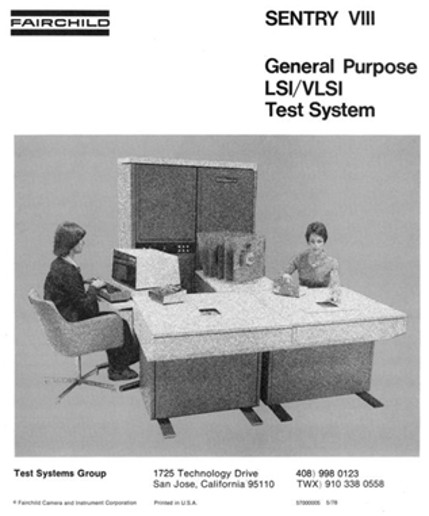
My first job out of college. I worked on Sentry V, Sentry VI, Sentry VII, and the Sentry VIII testers at the Fairchild building in San Jose. These were million-dollar VLSI test systems used in testing the newest and most complex computer chips. I was in a group doing self-diagnostics for these very complex testers. These testers used a PDP-11 as the control computer, and our programming language was in Algol. Having programmed only in the Basic computer language to that point, I quickly taught myself to program in Algol.
When I started working at Fairchild the managers told me that the pattern buffer tests were not very good and the tests for them needed a complete rewrite. I asked another engineer, not as cautious as I should have been, about this and found out later that he was the one who had recently put in a great deal of work writing those tests. Offended, he soon turned in his notice and left. Shortly after, I rewrote the pattern buffer tests, and the managers were much happier with them.
The Sentry VII system included built-in self-diagnostic features primarily driven by software (e.g., the TVFY verification program, which uses a specialized load board mounted in the test head to exercise and validate hardware components like registers, memory, timing generators, pin electronics, and the Precision Measurement Unit during self-checks).
One key lesson I learned by doing these diagnostics was from a design engineer that called me over to the test system. He was complaining that the previous diagnostics, before I got there, were inadequate. He ran the self-diagnostic, it passed. He unplugged the test head from the system and ran the diagnostic again, amazingly it passed and said everything was OK.
The diagnostics written up to that point were always checking for a ‘pass’ condition. If there was a failure, then they expected a ‘fail’ signal to be sent back from the test head. With no test head plugged in, there was no hardware to generate a ‘fail’ signal, so it was assumed that everything was OK. If the ‘fail’ circuitry was bad, then we would not have known that either.
Once I added in a check for a failure condition, and wrote the program to force a failure, then I could easily catch the unplugged system as well as expanding the test coverage to cover the circuits that activated only on a failure.
An extremely important part of diagnostics that I used all my career, is to ‘force a failure’ in order to verify what happens on a failure and to make sure the ‘fail’ logic is working.
An example of a simple test is a power test. We put a test board on, where a chip being tested would normally go. I then told the tester to connect a voltage source to a test resistor on the board. Then, because knowing the resistor value, I would apply different voltages. A known current would be expected, and I would tell the tester to measure the current. Increasing and decreasing the voltage resulted in a changing current. We could test the accuracy of the voltage and current measurements this way.
After I had been there a while, some key engineers decided to leave Fairchild and move to GenRad. They were to form a new group that would compete with Fairchild. GenRad was on the East coast, but they were to start this new group here on the West coast.
They asked me to join them and write self-diagnostics for their new testers.
1981-1982
GenRad Test Systems, 1981
Several engineers from Fairchild Test Systems moved to GenRad after Fairchild sold its test systems division to Schlumberger. This led to the formation of GenRad West Coast Systems. Located in Santa Clara, this was very close to the Fairchild office in San Jose.
Some of the people I worked with at Fairchild, like Jim Healy, were the founders of this new GenRad group. They knew of my work and wanted me there to do self-diagnostics on their new testers, first the GR16 and later the GR18. Having an experienced diagnostic programmer was a big help in getting their new tester working properly and out the door.
I went there and switched to programming on the faster and more advanced VAX computer instead of the older PDP-11. Pretty much the same work, just on a larger and faster computer.
All the functions of the tester were programmable, so I would program some (like a power source) and measure it with another function (like a voltmeter). This is with a known test board in between them.
The GenRad systems sold very well. After writing self-diagnostics for their new testers, I wanted to look for a job doing consumer products.
Changing from VLSI testers to Personal Computers
I decided that I wanted to get into consumer products, they would be cheaper and more sold to consumers like me. The chip testers were large machines that cost $1,000,000+ for a system so they were very limited quantity and very specialized. I wanted to get into a job where whatever I was working on, I could take it home and work on it there because there were never enough hours in a day at work. I also wanted to see it in the hands of normal consumers.
Apple seemed like it was headed in that direction. Companies at that time were looking for talented hard workers who could learn on the fly to solve whatever problem came up. This was a good fit for me.
Doing self-diagnostics at my two previous companies made me an ideal candidate to work doing self-diagnostics on Apple’s new Lisa computer and attached peripherals.
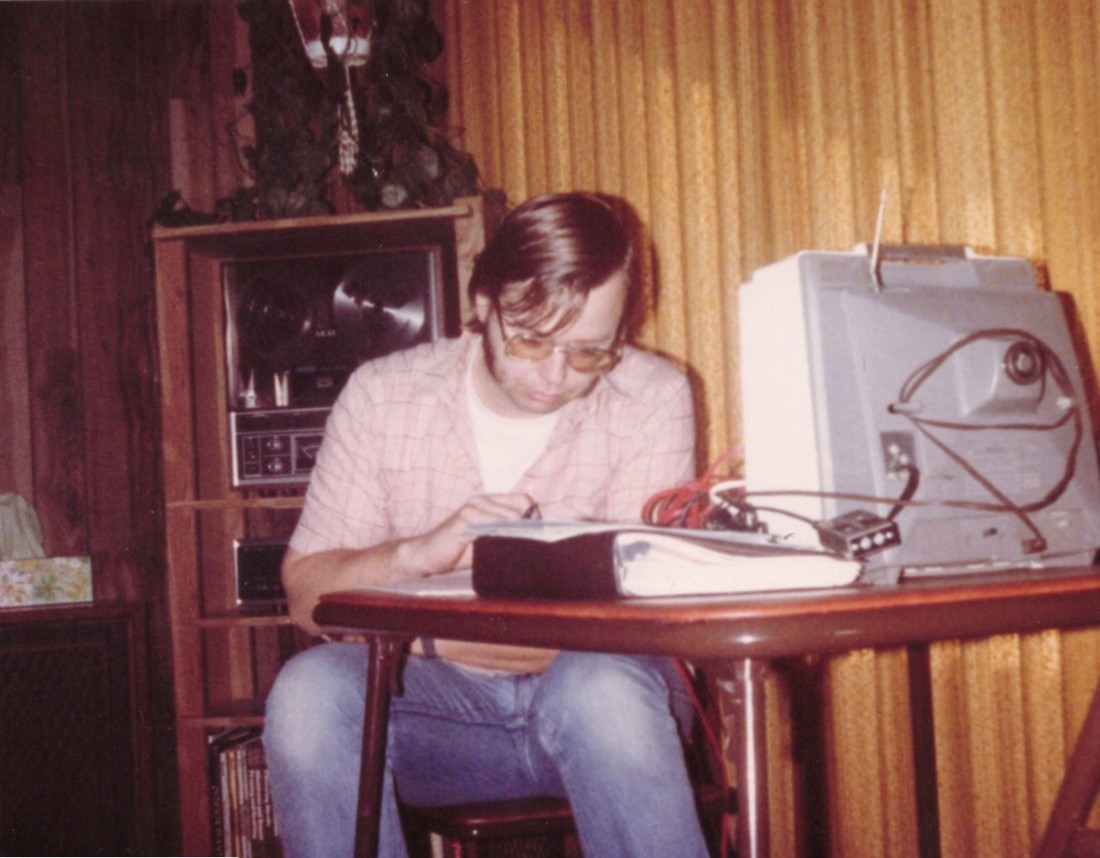
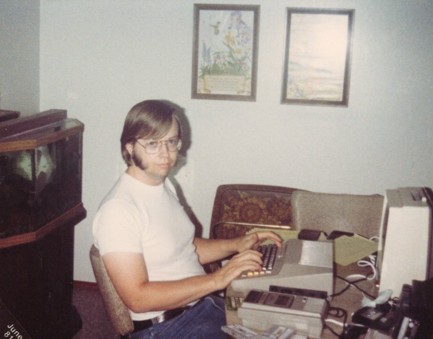
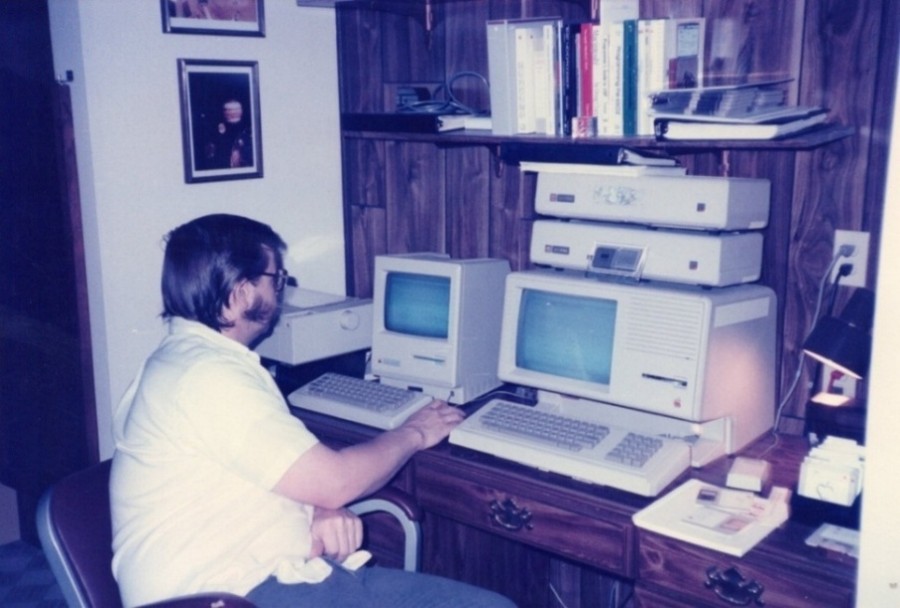
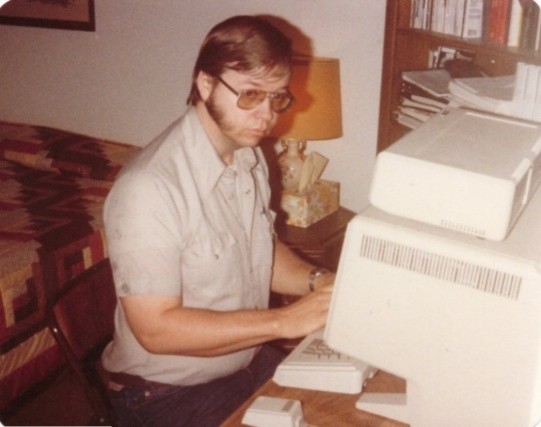
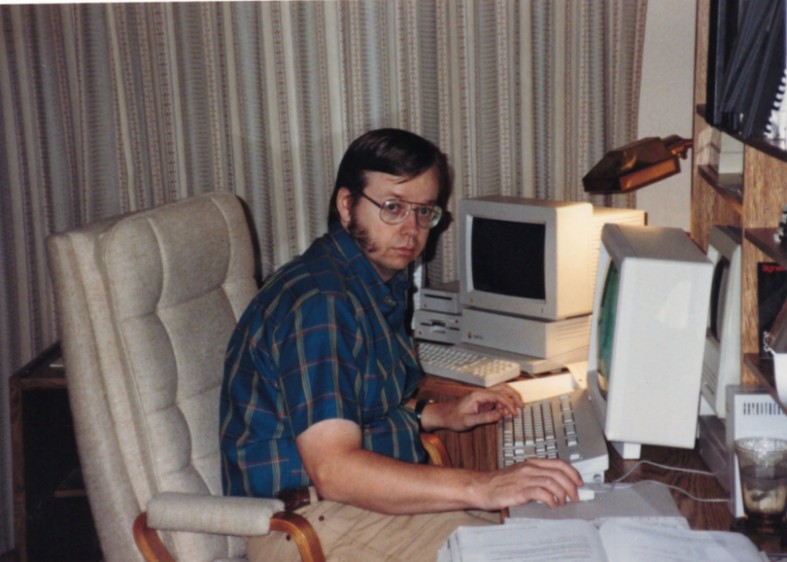
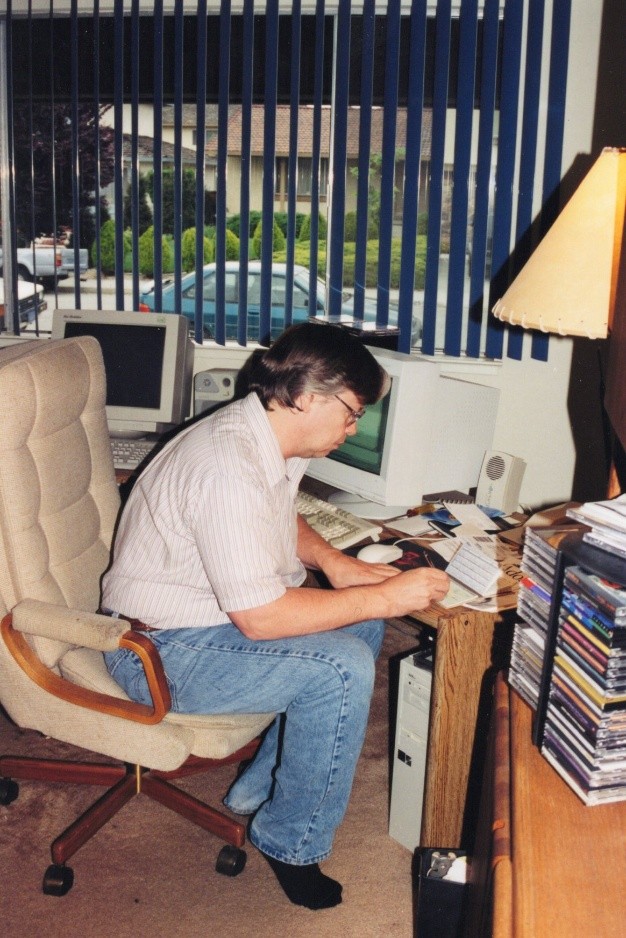
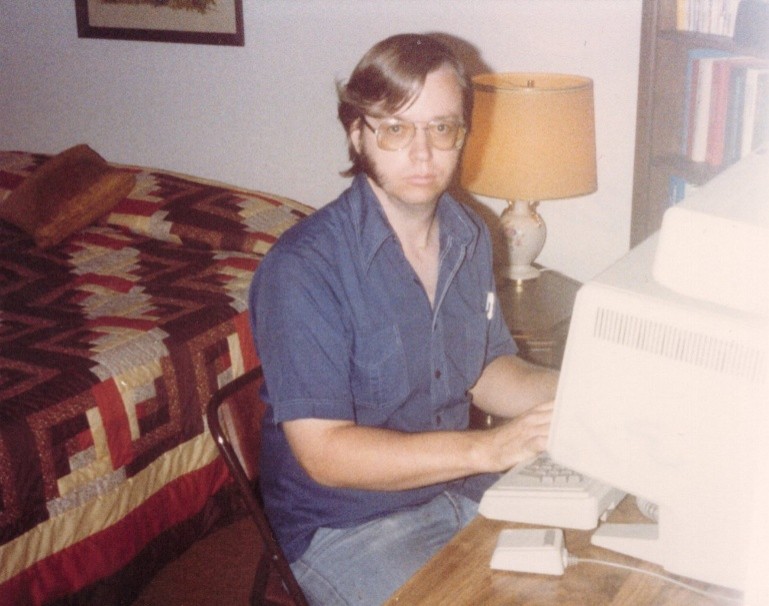
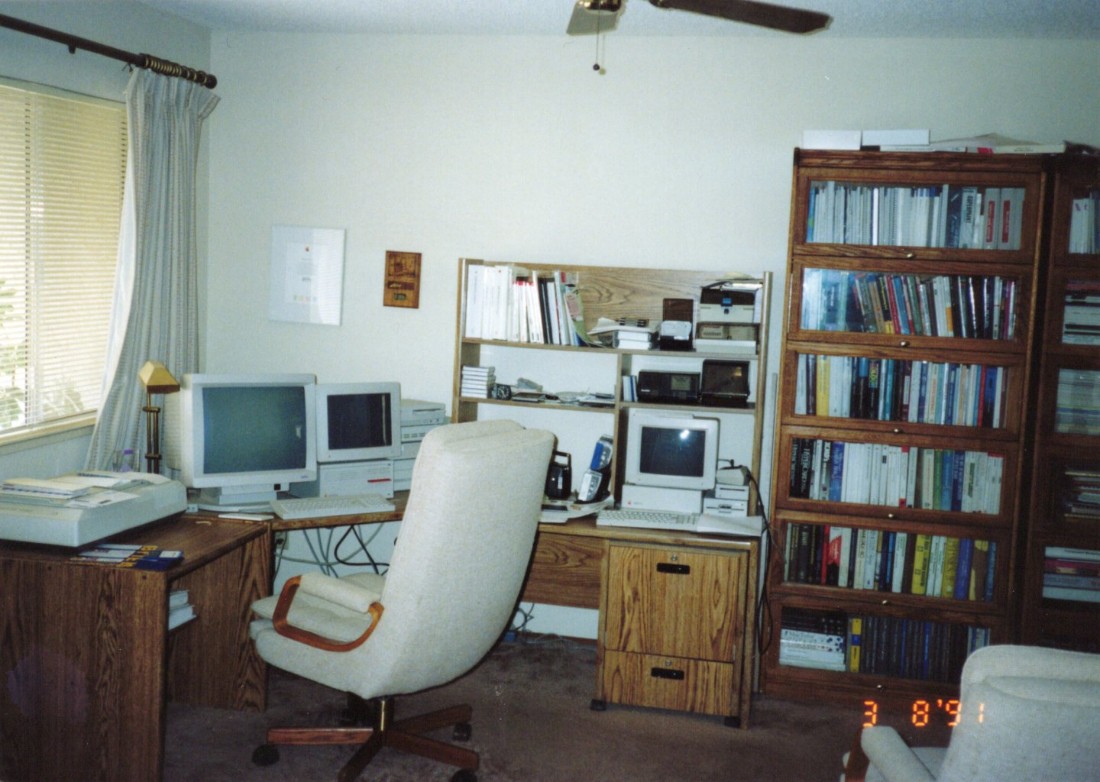
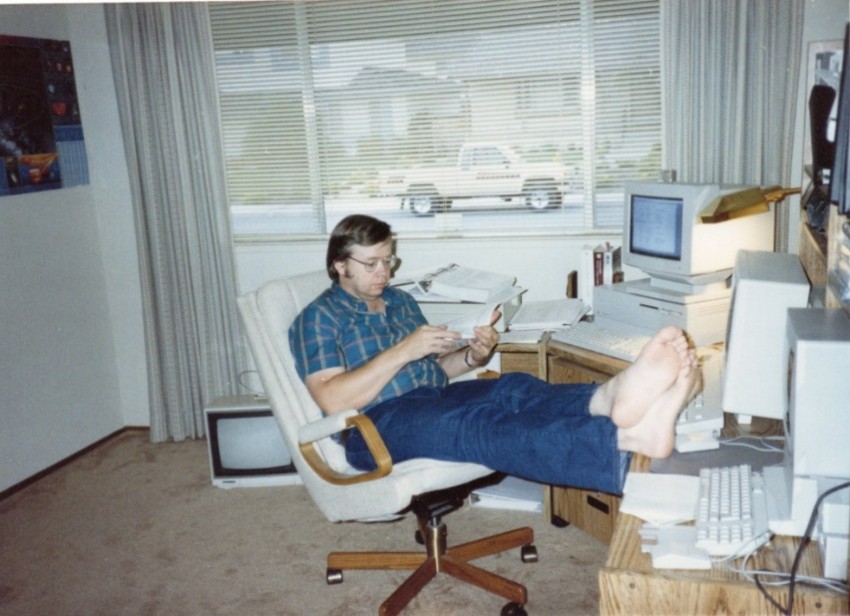
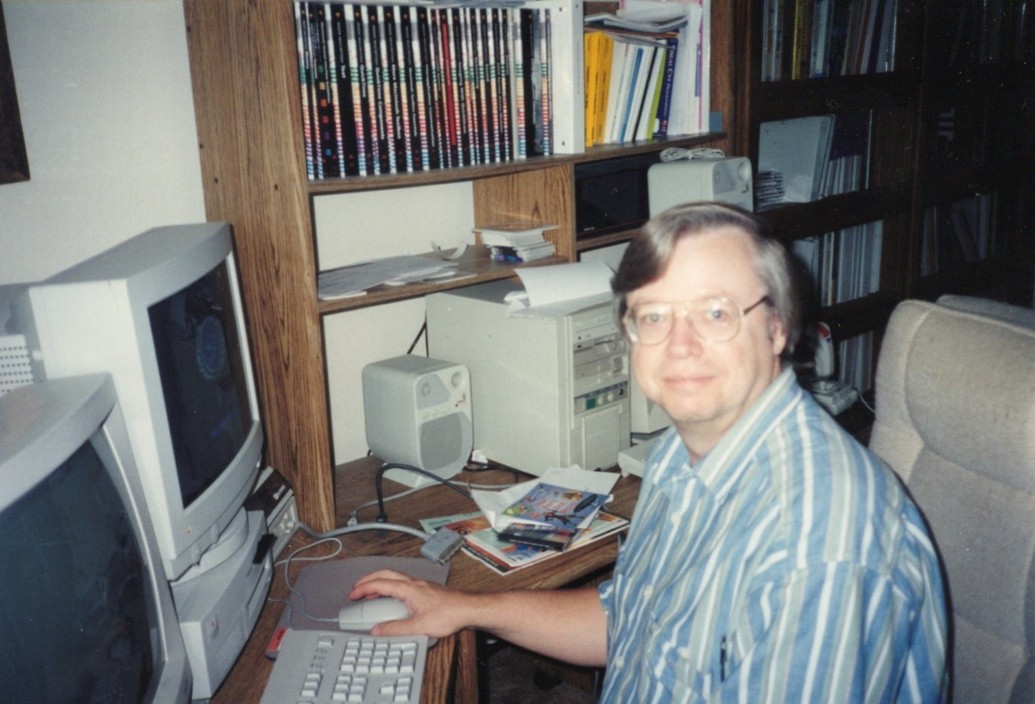
Me working on a computer. It is on the desk behind the TV monitor and binder.
My reel-to-reel stereo system from Army days is in the picture behind me.
1981
Home Learning, 1981
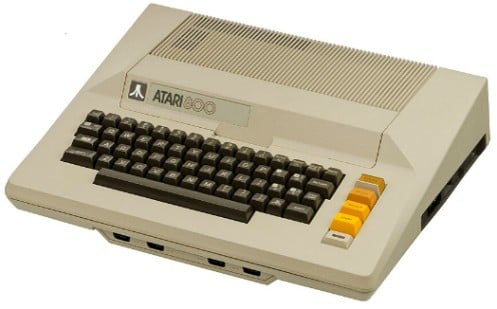
Around this time, I bought a home computer to program on and experiment with. I chose the Atari 800 system; the Apple II did not have the quality graphics that the Atari had. I already had an Atari 2600 game console with lots of games to play on the TV. My expectations were that the computer would also have good graphics that I could program. It did have good graphics but was not that easy to program, tools were lacking to help a new programmer.
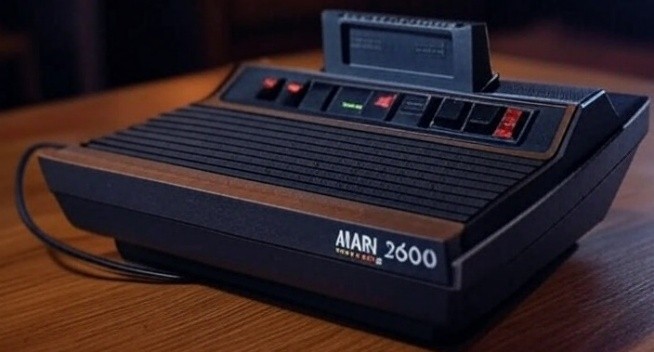
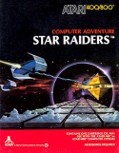
Atari 2600 cartridge game system. The top game to play on the Atari 800 was Star Raiders
Atari 800 home computer.
Other games at the time were the Zork series, multi-disk adventures, and lots more. My son had his favorite games too and liked to be on the computer.
I bought Basic, a simple programming language, so I could experiment with graphics and write my own programs.
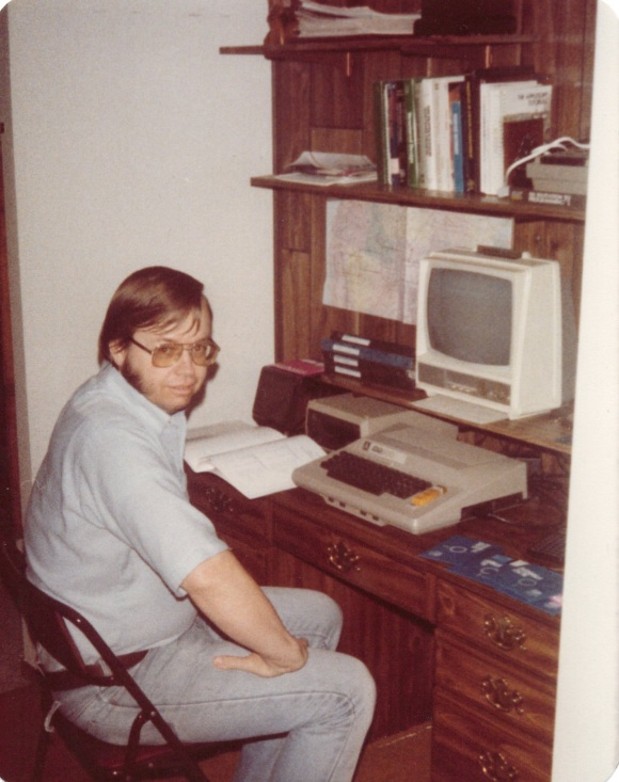
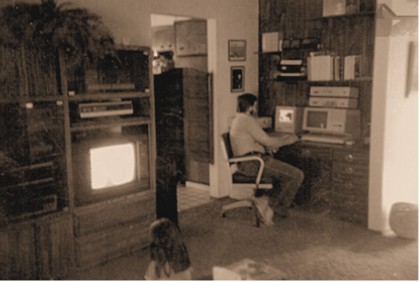
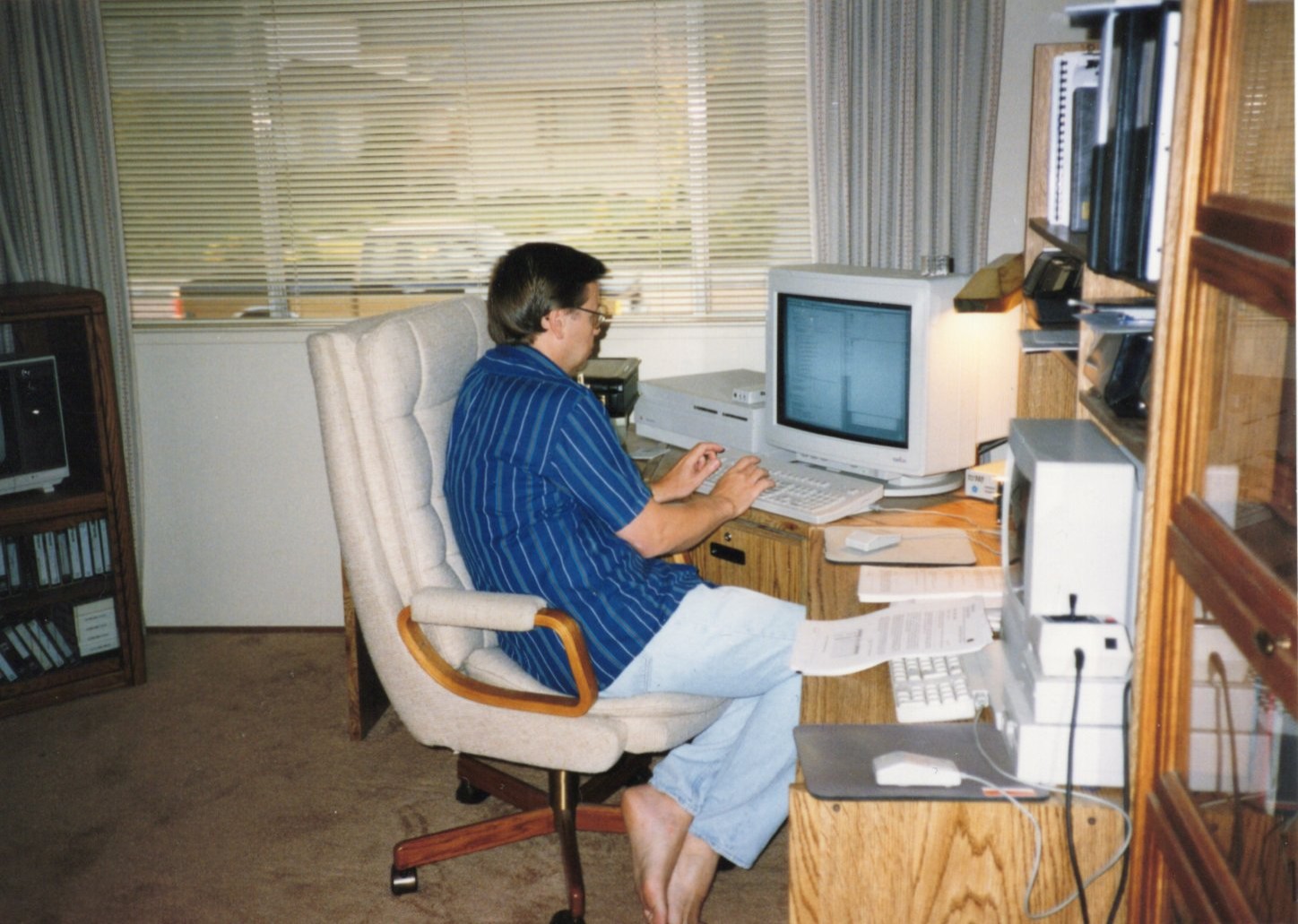
At my desk in my makeshift den, programming on the Atari 800 computer.
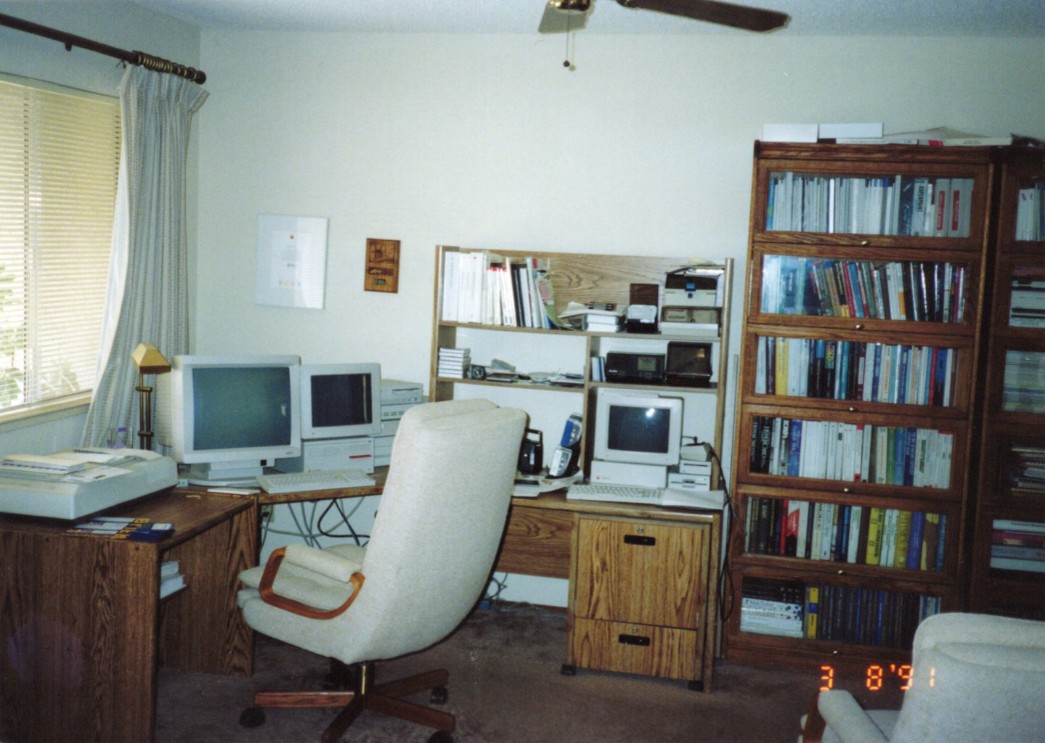
I cleaned out the hallway closet, took off the doors, and put in a small desk for the computer. This was my ‘computer den’.
Back in 1982, HealthKit released the HERO 1 educational robot. HERO 1 had a Motorola 6808 CPU and 4k of RAM on board. It came equipped with motion, light, sound and sonar ranging sensors. You could add an optional arm attachment and max out his capabilities.
I bought the HealthKit Hero-1 robot not long after it came out. Lots of money at the time, but it had great promise. Building it was not hard, and very interesting.
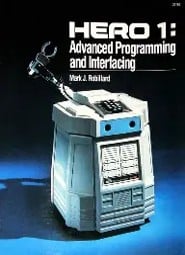
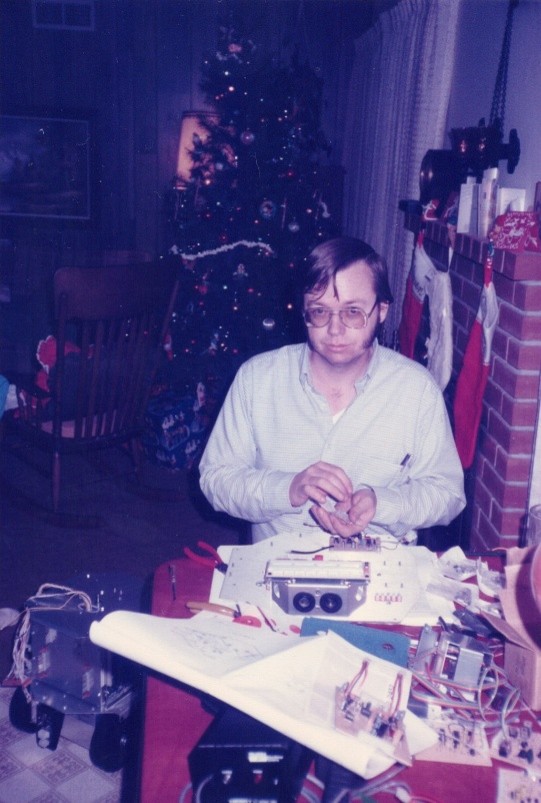
Photo: 1984 George building the Hero Robot
I bought the optional arm kit and built it also. It could be controlled by software. Moving, extending, and pinching.
I had fun building the robot and then programming on it.
There were multiple proximity sensors so it could roam around and not hit anything, most of the time.
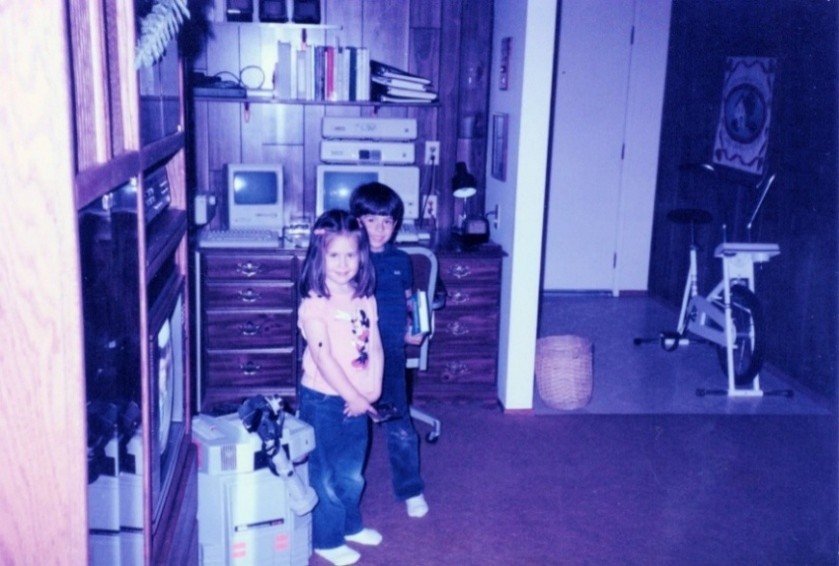
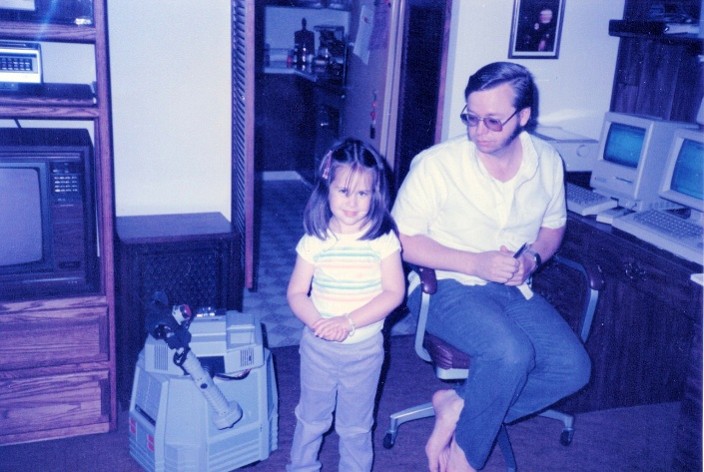
Photo: My kids, Steve and Cindy, next to my ‘Den’ and my Hero1 Robot.
Photo: 1987 George, Cindy 4yrs and Hero robot
Steve is standing by my side. Always good with computers.
1982-1988
Apple Computer, Inc., 1982
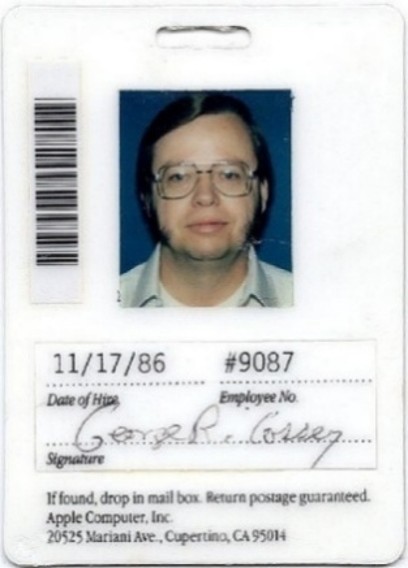
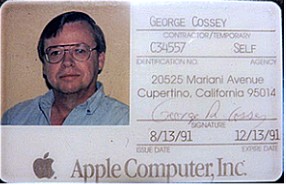
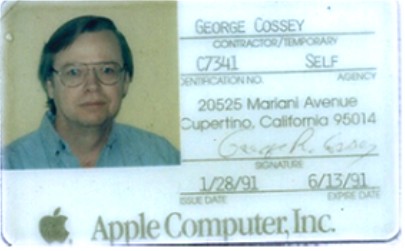
Photo: Apple Computer employee badge.
Lisa
On my first day at Apple in the Lisa diagnostics group, they took me to a lab and showed me a top-secret Lisa system. They had not shown me the system during the job interview. I got to play with the UI for a while. They were surprised that I quickly picked up the desktop metaphor and was using double-click to open icons, most people took longer. It seemed straightforward to control and reminded me of computer games I had played, using on-screen objects to manipulate the environment.
I made friends there, like Dave Calvert and Paul Van Keuren, that have lasted a lifetime. We worked together at multiple companies after Apple.
I learned Apple’s special version of Pascal, with Apple specific object programming additions. It was very close to the Algol programming language I had used on the chip testers.
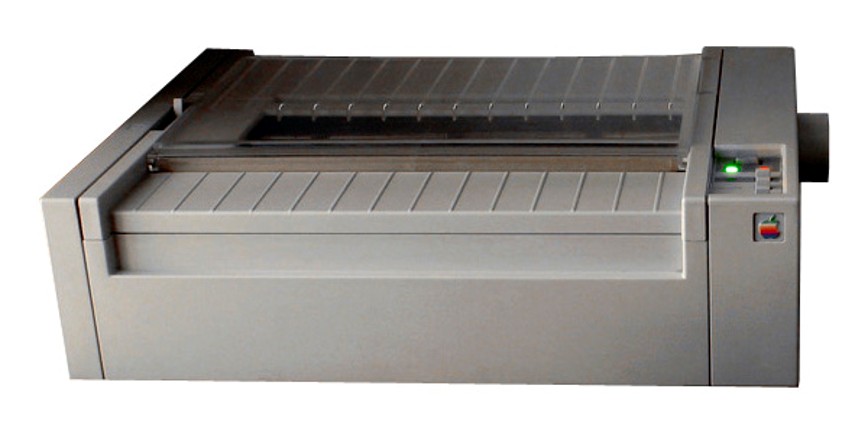
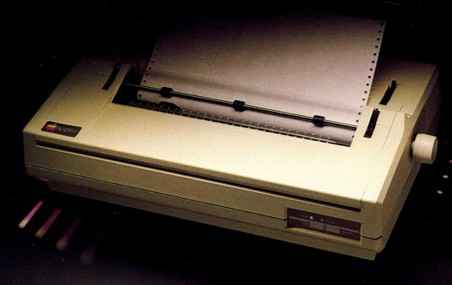
Then I developed self-diagnostics for the new Lisa computer, a plugin sound card, and attached daisywheel and dot matrix printers.
Apple’s Dot matrix printer.
Daisy Wheel printer for high-end business users.
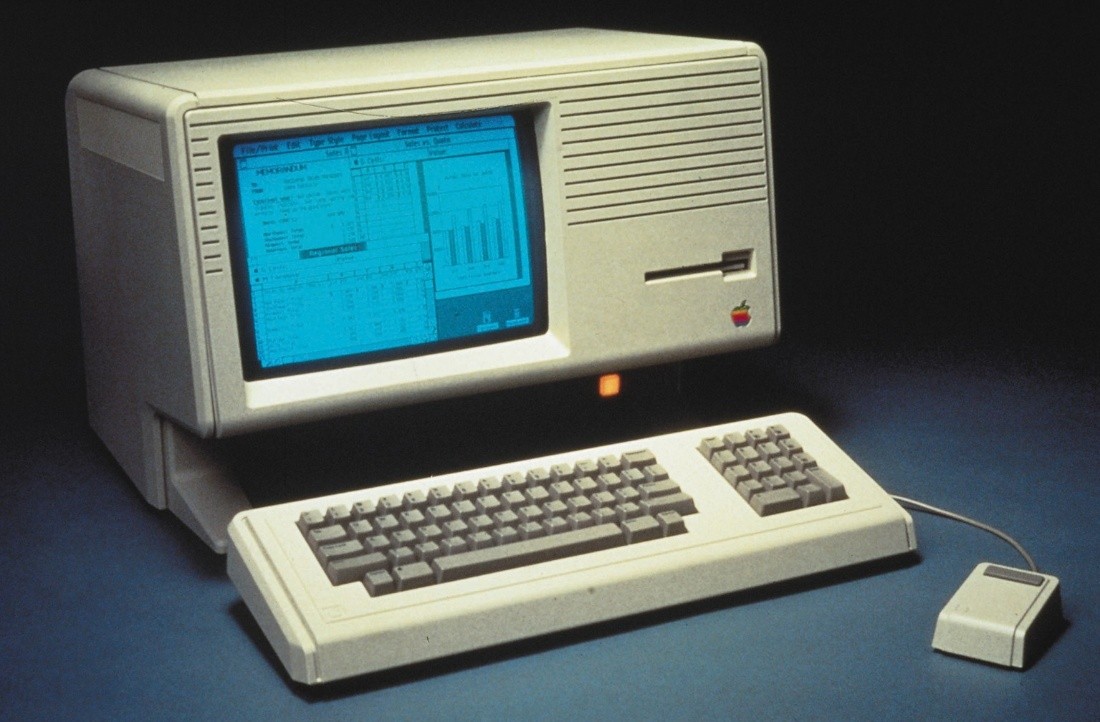
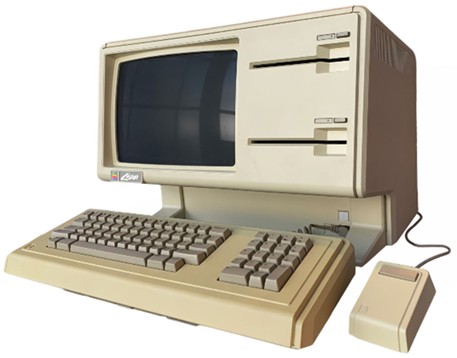
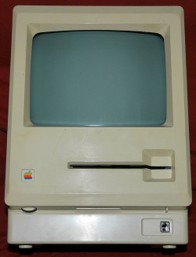
Lisa computer system, with two 5 ¼ floppy disks (called Twiggy). The drives were later changed to be the Sony 3 ½ in floppy drives.
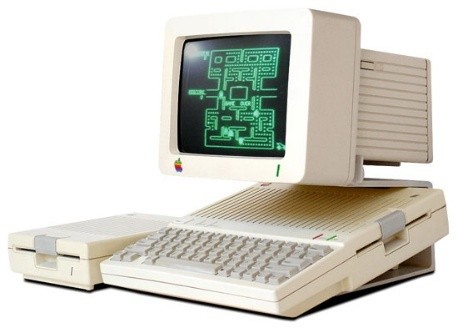
Apple IIc launch party
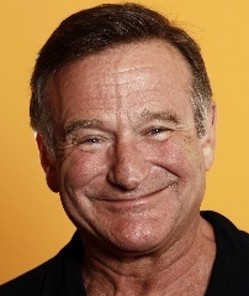
When the Apple IIc laptop was launched, Steve Jobs hired comedian Robin Williams to come down from San Francisco for the launch party. A big tent with a stage was setup, and catered food was served.
Robin Williams came in a huge limousine. Robin was a great entertainer, as always, and gave us a funny show. The only questionable spot was when he commented on the ‘chicklets’ keyboard, tossed the Apple IIc computer in the air and some of the keys came off.
When he left, the limousine was full of Apple IIc boxes, Macintoshes, and printers as payment. All of these were hard to get at this time and was probably the reason Robin agreed to come.
Lisa to Macintosh
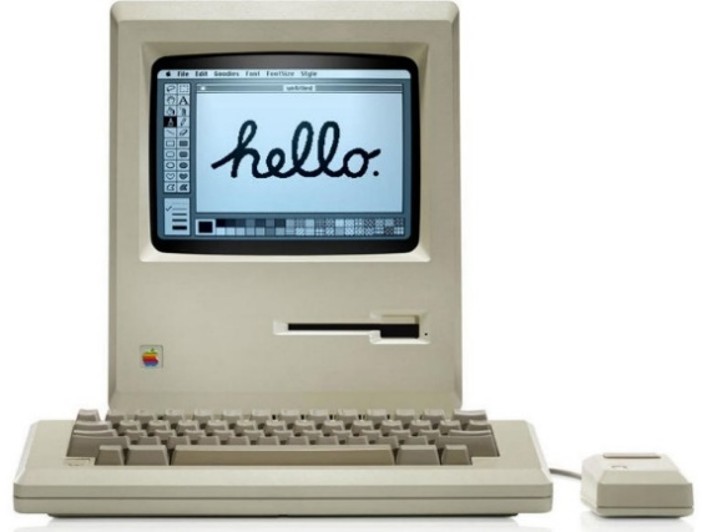
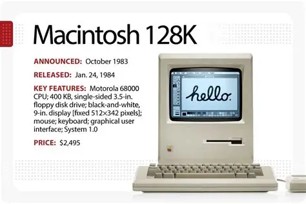
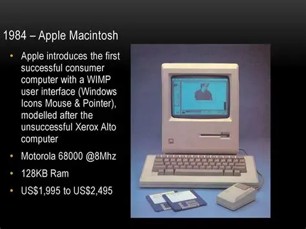
I was working in the Lisa group on computer diagnostics when Steve Jobs started forming the Macintosh group, and you could tell from internal discussions that the Lisa was not being very successful. It was a high-end business system of questionable success, expected to sell in low to medium quantities. I realized, along with lots of others, that the Macintosh was the place to be and showed lots of promise. People in my diagnostic group and in the main Lisa firmware/software group went over to the Mac team as they were ramping up. So, after a short time, I went over there and worked with them on the diagnostics for the Macintosh and its peripherals, with me especially focused on the 3½ in Sony floppy disk drive that was still in development.
Photo: My work space at home. A printer, Macintosh, and Lisa with 2 5Mb hard disks on top.
I moved to test engineering for the Macintosh with Sam Lyall as my manager. Sam was a very sharp and technical manager. He was the lead diagnostic manager in getting the Apple Fremont Robotic factory going. It started off with simple robots and got more complex over time. It was one of the first factories to use robots on the factory floor that I knew about, delivering parts to each of the human-operated build stations as needed by following a guide wire embedded in the concrete floor.
That factory was designed to store almost no parts needed for manufacturing. It was called ‘Just-In-Time’ manufacturing. Trucks would arrive with parts just as they were needed on the factory floor. Some of the suppliers could not get the parts there on exact dates so they would deliver them early and park the trucks outside of the factory until they were needed. If they were late then they could stop production, so their contract had a heavy penalty for being late.
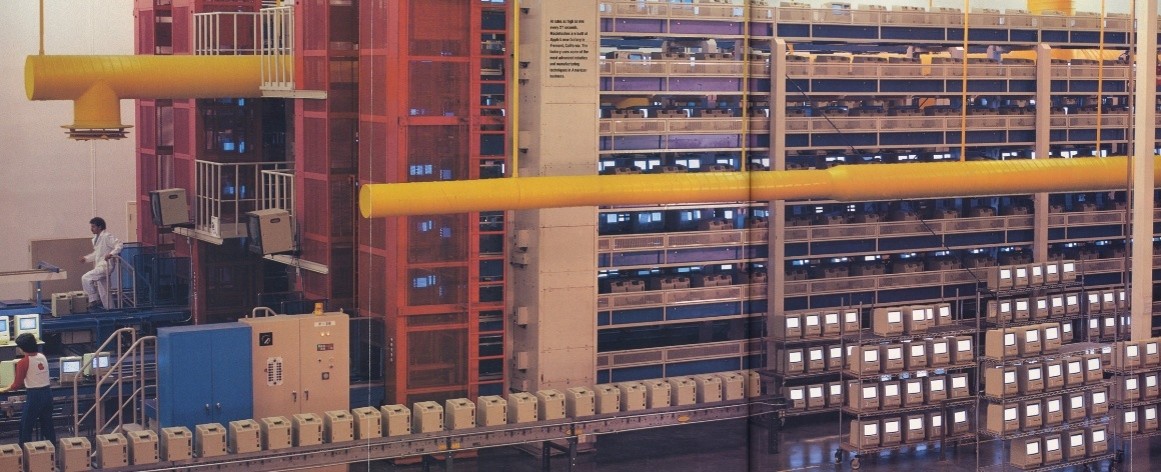
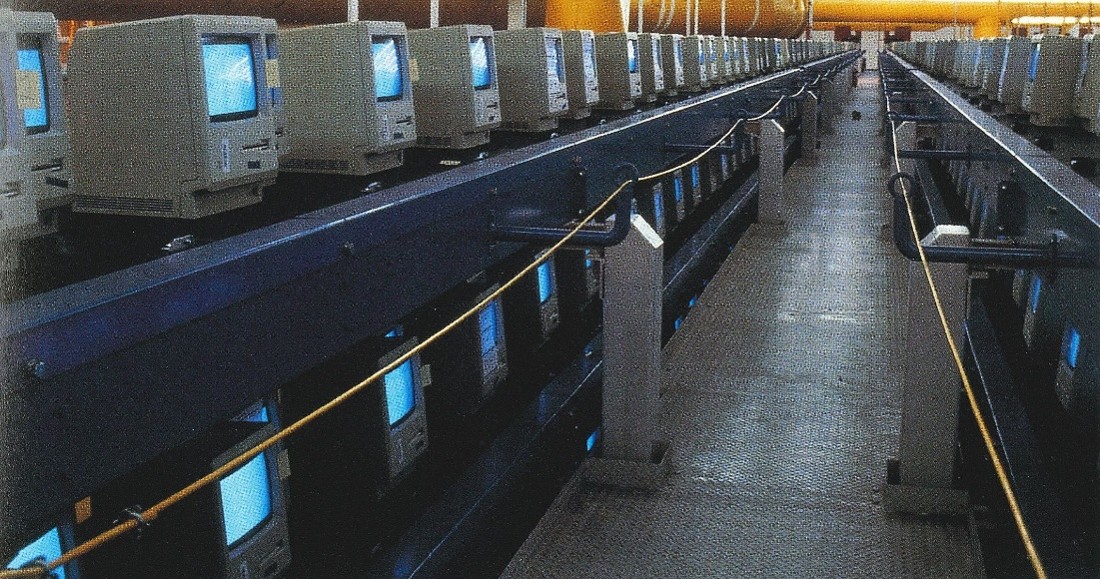
There were huge conveyors that held the Macs during the ‘burn-in’ time. The Macs would ride around the conveyor while running tests and rebooting as each test cycle was complete. The main diagnostic programmer at the factory, Dave Holzer, was writing the burn-in software. Of course, the goal was to reduce the burn-in time as the number of system faults steadily decreased.
Dave was nice enough to give me a description of burn-in diagnostics he did at the Apple Fremont Factory:
Dave Holzer
The Fremont factory burn-in system was a palletized elevator/conveyor that held 4000 Mac computers. The moving conveyors were powered by power strips under each pallet. Power cycling was achieved by using a system of solid-state relays. It was managed by a Macintosh application which I liked to call the first Mac based industrial application.
The system test software running on each Mac under test ran a variety of system and component level tests, including the floppy disk and later hard drive based Macs. The tests had to log results along the way, a challenge since power cycles could come randomly. At the end of the burn-in period the Mac external connectors were verified as operational using a home-grown loopback fixture. The test results were also pulled off the system and pass/fail status communicated to the operator. The loopback test was notoriously unreliable as it required the factory workers to pay very close attention to connecting the fixture. I believe it was eventually abandoned due to the high number of false failures.
Another example of using the Mac for factory control was the laser printer board burn-in system. A Mac was connected via serial line to a custom designed control board. This board allowed the Mac to select one of 64 boards under test, download the test software to it, and control the test execution. It would periodically check for test results on all boards and report the final results to the factory data collection system.
The Loma Prieta earthquake was in October 1989. I was on the factory floor at the time, standing at one end of the 4 large burn-in towers that were 4 conveyors side by side, each with 4 conveyor lines stacked, 4 stories high. As the earthquake rumbled through the building I was frozen in place, watching the floor and these huge burn-in towers ripple towards me. It really looked like the floor lifted them several inches up in as a wave rolled through. I thought it was pretty amazing that nothing fell, and the concrete floor held together.
One important visitor was Steve Job’s father. I heard Steve brought him to the factory late one night to show him the automation.
The Macintosh group consisted of several very tight teams, very different from the way I remember the Lisa had been organized. Mac had isolated the different teams from each other a lot more than Lisa had. There was the core team working on the ROM which was kept separate from the guys (Steve Capps and Bruce Horn) doing the Finder and us over in diagnostics and drivers.
There was not a lot of integration among the staff. They were mostly on their own, small tight teams who were very focused. Management was smart enough to control what the different teams were doing, and when it was necessary they had them work together.
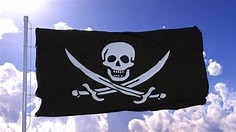
The Macintosh building had a Pirate flag flying over it, one of Steve Jobs’ methods to make them feel special. That set it apart from the other Apple buildings and projects. We all thought the people working in that building had the special protection of Steve Jobs and were probably having the most fun working on something new. Of course, I thought joining the “Pirates” would be fun.
When I transferred to Macintosh from Lisa then my stay in that building was short, because our manufacturing and diagnostic group moved to the new robotic factory that was built in Fremont a few miles away.
I went to work at the Apple Fremont factory and was doing the software diagnostics for assorted flavors of hardware. This also meant I had to take quite a few trips to Japan, because we were working with Sony and trying to get the 3.5in internal floppy drive to work in the Macintosh.
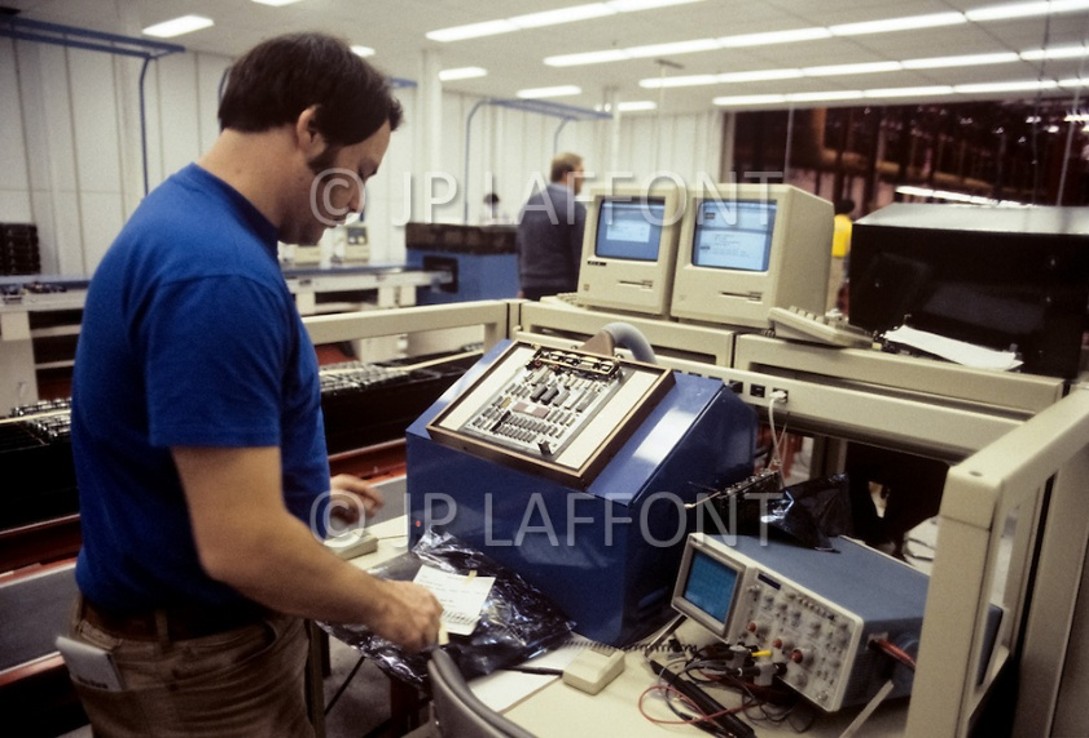
Working at the Apple Fremont factory I was working in a few different areas. I wrote the software for the Bed-Of-Nails custom test station that tested finished mother boards. Dennis Grimm designed and built the tester, as a friend of mine he made the point that every Mac produced at the time ran my code first.
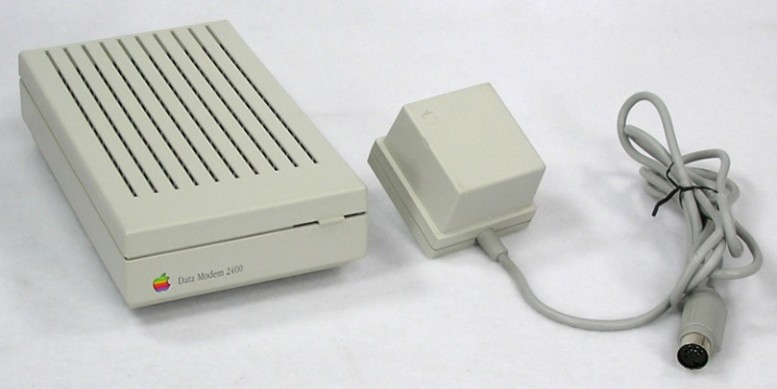
I was writing test programs for peripherals like the Sony floppy disk, 5Mb/10Mb external hard disk, Tape backup, Daisy wheel and Dot Matrix printers, Fax Modem, and others.
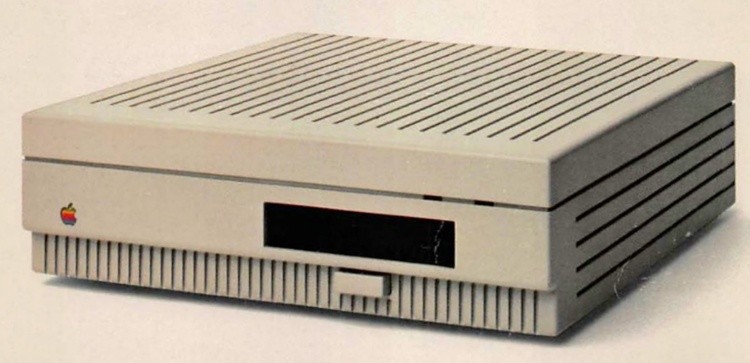
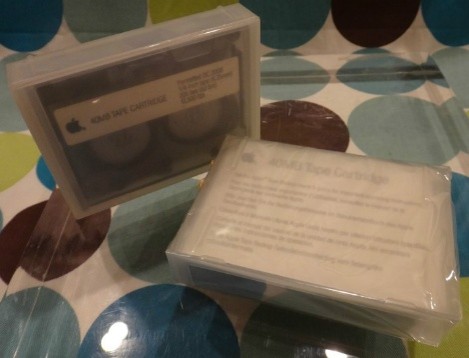
Apple tape backup
Apple 40 MB DC2000 tape cartridges that the drive used.
Apple fax modem
I wrote floppy disk duplication programs for Apple’s use and disk duplication programs for 3rd parties to use for their own programs. With Apple’s approval, I worked with an outside disk duplicator so that more Macintosh programs could be produced. This was a small outfit and the guy doing it put a mobile trailer behind the factory, mostly to have access to me since I worked inside the factory.
Photo: I still had a Lisa to use for a while, and I taught myself the ‘C’ programming language as Apple moved from their special version of Pascal to standard C.
Sample photo: Bed-of-nails tester for Macintosh motherboards.
Macintosh systems were connected to a wired network for logging pass/fail information.
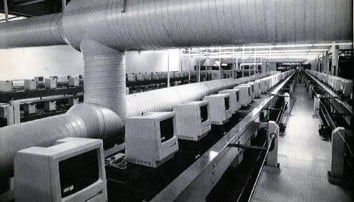
Burn-in conveyer line for Macintosh computers. There was room for about 4000 Macs at any one time, but we normally ran a lot less than that.
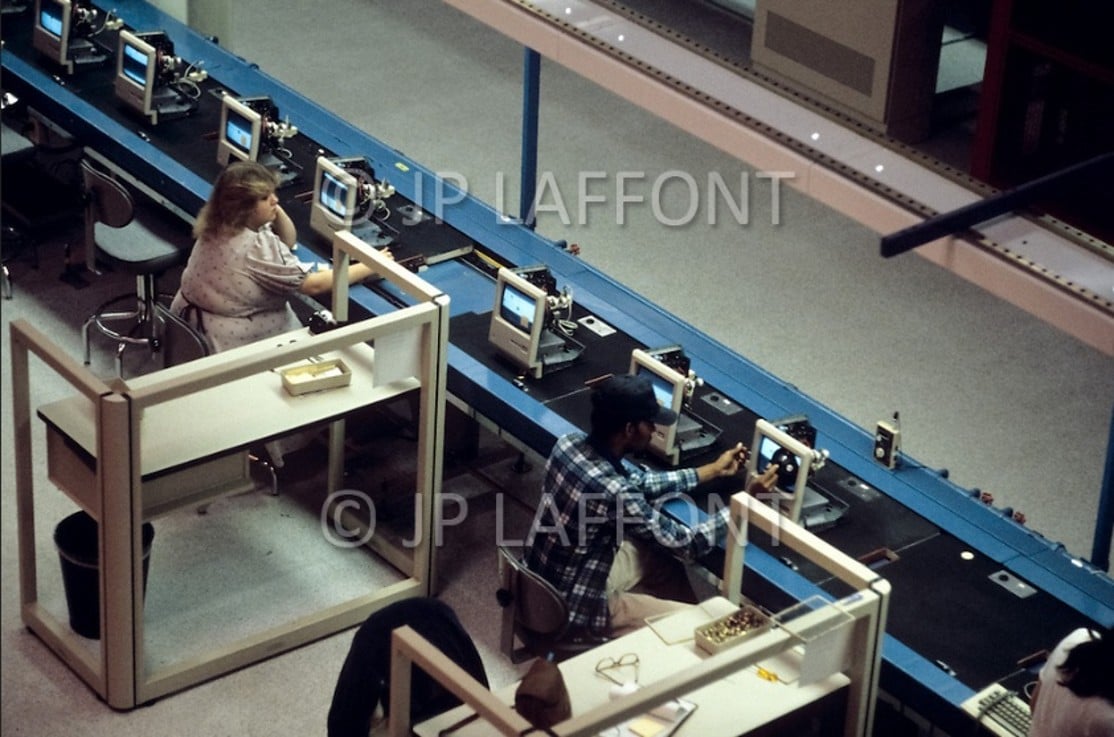
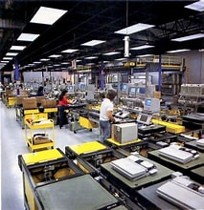
Macintosh production line. Operators at each station, checking the monitor in this case.
Macintoshes are being tested for hours, this testing was named ‘burn in’.
With easy access to Macintosh computers, I could be a programmer at home too.
When I was working on a tight deadline, I would write code at home and then take that in the next day, to run on the systems inside Apple.
Below: Conveyor system for Macintosh burn-in. Racks of more Macintoshes on factory floor doing special tests.
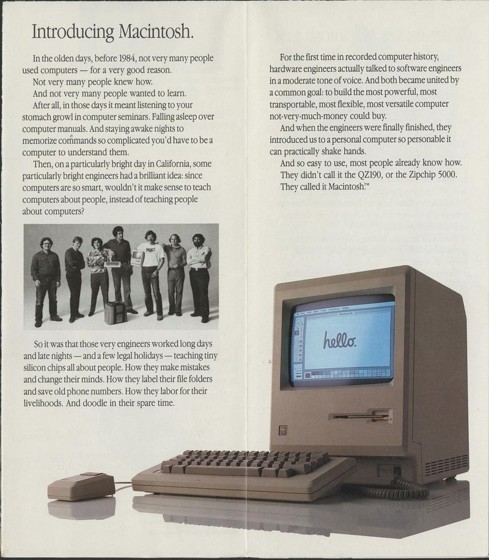
Announcement for the new Macintosh.
This announcement featured key designers and programmers, making them very well known in the Apple world.
I was working with Sony to get the 3.5in floppy disk drive as a standard in the Macintosh Computer. This was an important mission for Apple.
I wrote software to control floppy disk mass duplication using a robotic system developed by Sony exclusively for Apple.
The factory's automation extended to disk-related processes, including robotic handling and duplication of floppy disks—mass-copying system software (such as the Macintosh Guided Tour and early applications) onto the disks for packaging with each computer.
This involved robotic systems for efficient, high-volume replication to meet production demands, aligning with the overall automated assembly line where workers and machines collaborated on tasks like inserting components and testing.
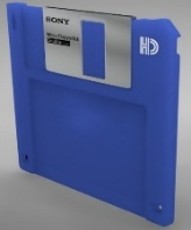
I worked closely with the Sony engineers in Japan to make their floppy disk a standard feature of the Macintosh. The disk drive had an auto-eject feature that other companies using the new drive did not have access to. Sony was working with HP, Hewlett Packard, and I saw the HP drives being built at Sony’s factory without the auto-eject. I think this feature was exclusive to Apple for an agreed upon amount of time. The mechanics of the drive was a work of art, reminding me of a finely built Swiss watch. The mechanical designers at Sony were top notch.
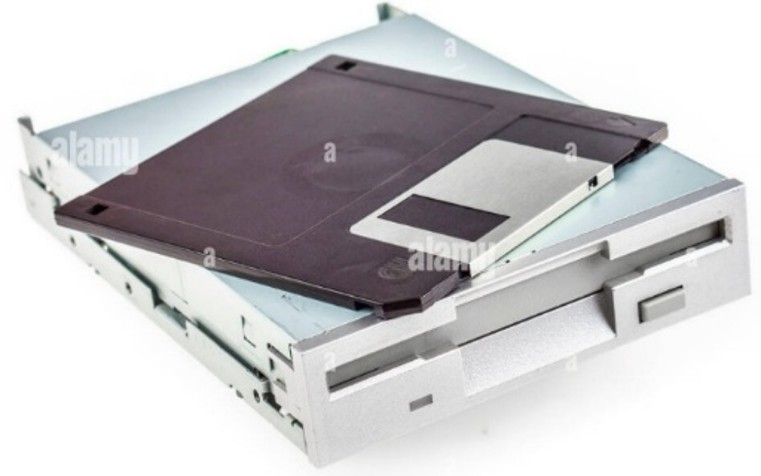
The drive shown has an eject button.
When I visited Sony in Japan I would walk around town in my spare time. I went to the palace gardens; anyone was allowed to walk around there. Walking through town I saw that the restaurants would display plastic versions of their dishes.
I spent a lot of time browsing for electronics in the area that was well known for electronics stores.
In 1984, Akihabara (often called "Electric Town" or "Akiba") was Tokyo's premier district for electronics shopping, having evolved from its post-World War II roots in radio parts to a bustling hub for home appliances, emerging personal computers, and electronic components during Japan's economic boom.
If you looked for an electronic device that you saw in the U.S., you would find 5 other versions of that device that they sold only in Japan. Of course, the instructions would only be in Japanese.
I found toys for my son Steve; one was like a Transformer way before they were popular. It was a large robot that could be transformed. The nice thing was he had a robot like that way before they sold them in the U.S.
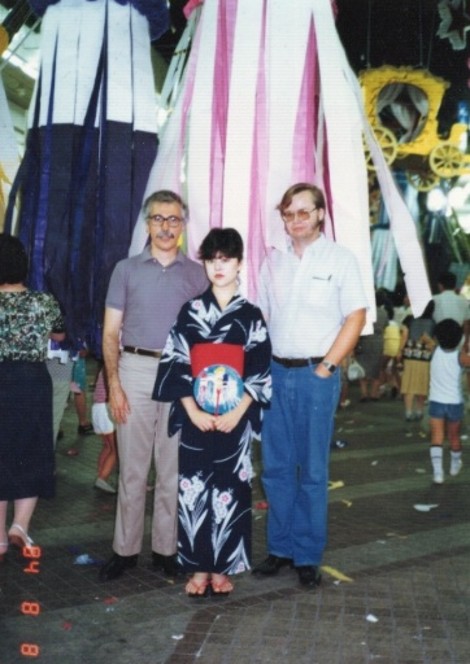
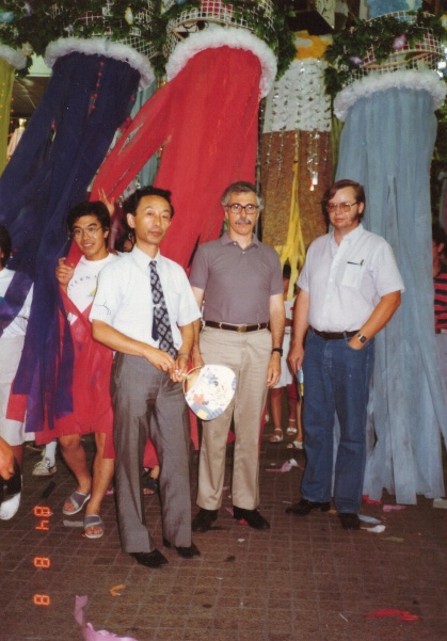
Picture from visit to northern Japan. I stopped at a festival they were having while traveling with another Apple engineer. A young lady was nice enough to pose in our picture.
Traveling to the Sony media factory in northern Japan, we stopped at an ongoing festival. The Japanese engineers traveling with us wanted to take time to see it, they were from Southern Japan and did not normally get to see it.
Back at the Apple Fremont factory I designed and coded a graphics kernel and mini-OS for an embedded system, which was a bed-of-nails board tester for 68000 Motherboards, the main CPU board for all Macintoshes.
I worked with Dennis Grimm who designed the hardware for the tester. This was a circuit board tester that tested Macintosh computer motherboards, the board would be probed from the bottom. My code took over the entire motherboard, as a ROM that overrode the onboard ROM, and then told the tester what to measure and expect as it did various tests. My code would setup different parts of the board to a known state so it could be probed.
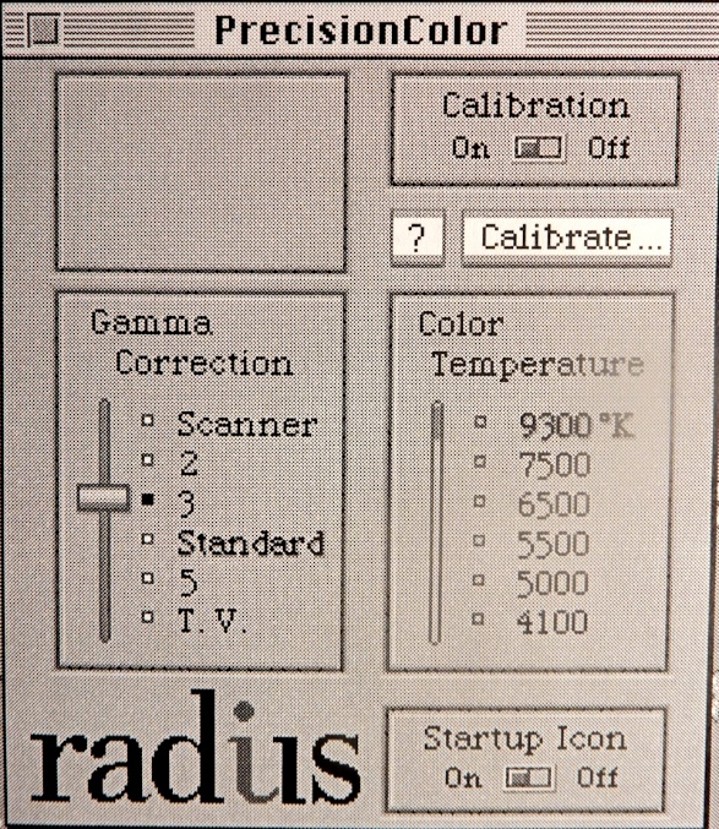
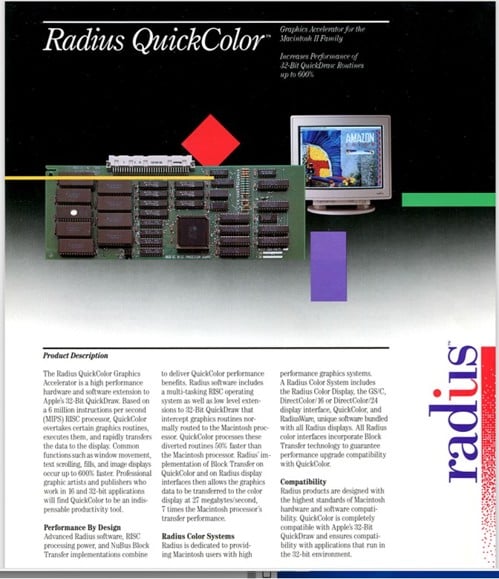
Maynard (Dennis) had a long career in the computer and electronics industry. It included working for Xerox Corporation, Diablo Systems, Apple Computer on the original Macintosh "100 team," NeXT Computers, Radius, Silicon Vision, and eventually starting his own business, Grace Video.
Dennis Grimm, my long-term friend.
At the Fremont factory I did drivers/diagnostics for floppy disk drives, SCSI drives, CDROMs, Fax modems, and tape backups.
The diagnostics for fax modems used a telephone noise test system that we bought. We simulated noisy phone lines to ensure the fax could connect and send the transmission OK.
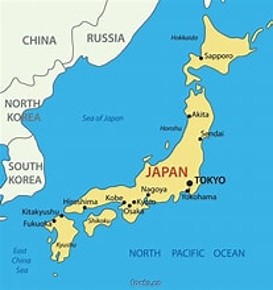
I made many trips to Japan to visit Sony’s floppy disk drive factory in Tokyo. One trip was with John Moon who was head of Apple peripherals at the time. On other trips I went to Sendai in the northern part of Japan, where they created the floppy disk media and designed the robotic platform for diskette duplication.
I developed floppy disk copy protection for Apple and 3rd party disk copiers. I worked with a 3rd party guy doing disk duplication for outside companies. I wrote software to control duplication machines and came up with a copy protection method that some of his customers used.
Another thing that happened right before the Macintosh launch…
When first shipping, users commonly booted from the floppy drive. The Apple Macintosh ROM issued some commands to the Sony floppy at bootup when a floppy had been inserted before power came on. These commands caused the Sony floppy to sometimes move the read head incorrectly and then it would fail to boot from the floppy.
Since this was found only a couple months before launch,
Apple did not want to change the Mac ROM at such a late date, too much chance of breaking other things. Apple also had a large number of ROMs already programmed and ready for production.
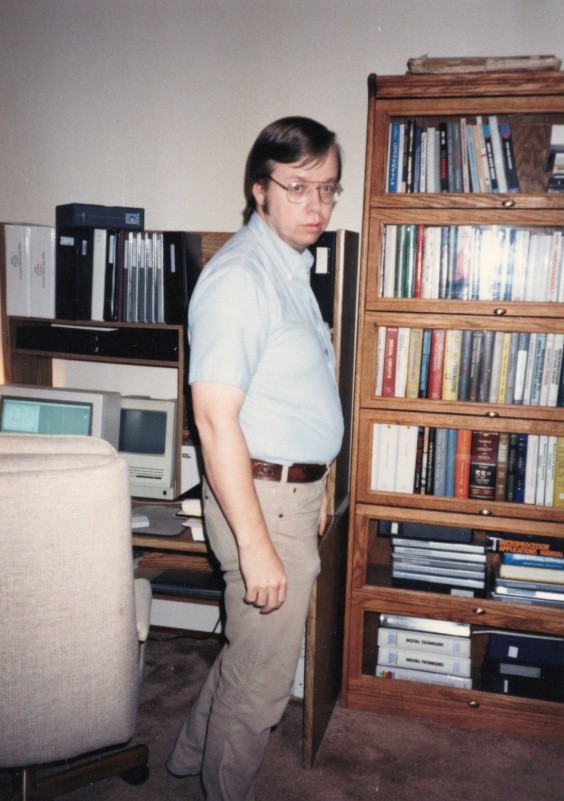
I came up with a way to duplicate the problem sequence of commands and added it to the drive acceptance test. I gave this to Sony so they could work on a fix from their end.
Sony then changed the floppy drive firmware to handle the problem commands and used my test to verify that they had fixed it. I called this test the ‘slipped cog’ test, named after what I thought would happen in a fine Swiss watch if a cog jumped a tooth and got out of sync with the other cogs in the watch.
Sony put a lot of effort into making the change at the last minute before launch and saved Apple from having to change the ROM and restart a large amount of testing.
John Moon
John Moon held the title of Vice President of the Apple Computer Products division, which aligned with peripherals like disk drives and imaging hardware.
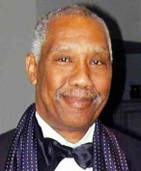
On a couple of my trips to Sony in Japan, working on the new 3.5in internal floppy disk drive for the Macintosh, I went with John Moon who was a high-level manager. John oversaw a large portion of the peripherals for the Macintosh at that time; he would always joke that his name was ‘Juan Luna’ in Spanish. What made that standout even more was the John was a tall black man.
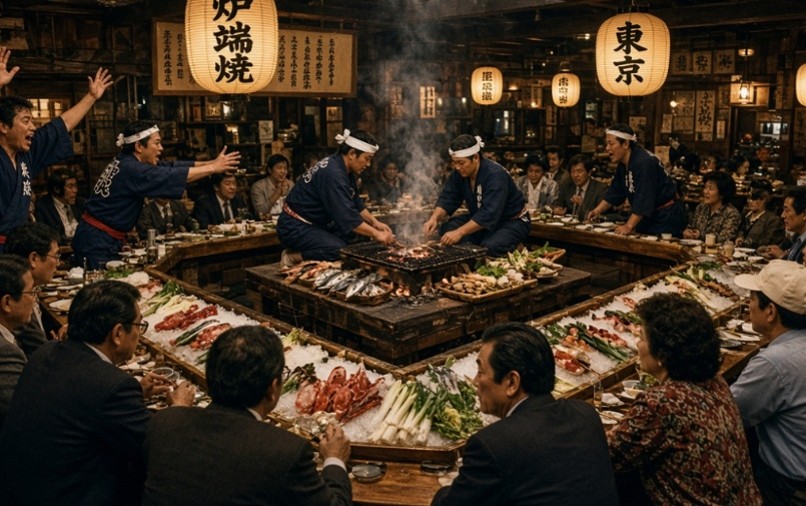
John and I traveled first to Tokyo for floppy drive manufacturing and then to Sendai, in northern Japan, where they made the media. John would host any engineers traveling with him to a night out at his favorite restaurant. There were cooks up on a stage and we would order what we wanted. The waiter would yell out at a cook, and he would quickly make that dish on the stage. Then it was brought down to our table. These were usually stir-fry dishes like asparagus, shrimp, noodles, and other vegetables. It was a fun time at this noisy restaurant.
Sony was working closely with Apple on this project. Apple wanted the newest technology, and Sony knew that if they could get their floppy drive as standard in every Macintosh then it would be a major boost to market acceptance. Sony would then be able to sell the drives to Apple and to other computer makers, sell an add-on external drive, and sell the media for the floppy drives.
When we visited the Sony floppy drive manufacturing plant in Tokyo it was just John and me on this trip. My job for Apple was doing acceptance and diagnostics for the floppy drive.
When we were shown the manufacturing floor then I was interested in the testing and specifications used as they built it. Sony manufacturing tolerances were slightly tighter than our acceptance levels. I was asking questions about every step of the process, they ended up stopping production and had to call drive engineers to answer some of the questions. John Moon joked later that this was the only time he saw all manufacturing come to a complete halt. He told me that it was nice to be with an engineer that knew what he was talking about. I guess some others were not as technical as John would hope to be with.
Sony would take the visiting Apple employees to fancy dinners as a good-will gesture. The Sony people would have a sushi feast put on for us. Since I do not like eating raw fish, I would have to eat it with a smile on my face. They were very proud of how fresh the fish was.
Picture: Sony manager, Apple engineer, and me.
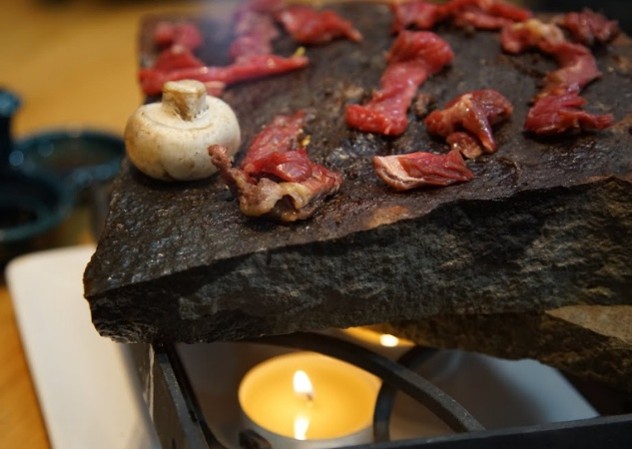
Another restaurant that Sony managers took me to was one where the cooks placed big flat rocks in an oven to heat up all day. When we ordered our steak that night, the cook brought out the large rock and cooked the steak on it in front of us. Just a gimmick, but interesting and got a lot of repeat customers.
I was building my skills - by working on low-level drivers and graphics as well as all kinds of tools for manipulating and playing video. I designed a graphics kernel and mini-OS for an embedded system at Apple as well as working on drivers/diagnostics for floppy disk drives, SCSI drives, CDROMs, and tape backups.
The Macintosh 100
These were the first 100 people on the Mac team. I remembered a couple of notable things about those people: They were all asked to sign the inside of the Macintosh plastic case. Macs were made with their signatures on the plastic inside of the case for a period of time. They were also all given a free Macintosh. I saw a truck being unloaded and the Macs were then given to those 100 people. I think each one had a little plaque with the employee’s name on it. I just missed out, being around Macintosh employee number 126 or so.
Jonathan, a Color Macintosh prototype
After the Lisa computer was sidelined for the Macintosh, Jon Fitch was looking for what to do next. ‘What’ was a ‘next generation Apple computer’ but not a standard Macintosh closed box with just ‘slots’ added. Jon Fitch was creating an expandable and modular computer.
I knew Jon Fitch from my diagnostic days working on the Lisa when I first joined Apple. He was later the architect of the Jonathan computer. We knew each other for a couple of years before he asked me to join his new project. He had been one of the main board designers on Lisa and had a very good reputation.
A lot of the people working on the Mac wanted to keep it unchanged. Just go onto the next minor iteration of the Mac, because they saw it as ‘growing’ slowly, incrementally and safely. They didn't really want to go do something innovative that might never see the light of day, so they wanted to play it safe.
There was a competing group with Jonathan working on the ‘safe’ design for a new Macintosh that had slots for addon boards, our competition. Up until now Steve Jobs had prevented slots and expansion from being added to the Macintosh. While he was away at Next Computer there sprang up competing projects for different ways to expand the Mac.
I wanted to work with visionaries at Apple and later at other companies. From then on and for the rest of my career, I decided I didn’t just want to stay at a company and put in the years to get into management. Some folks did just that, but ‘where is the fun in that?’. I followed new technology and wanted to work on the newest thing – and I knew Jon Fitch did as well. He wanted to work with people 'who wanted to do something new’.
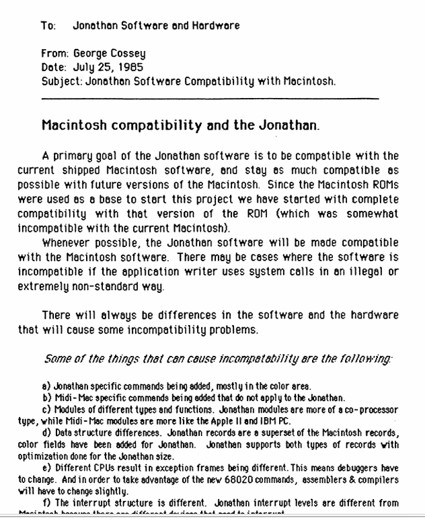
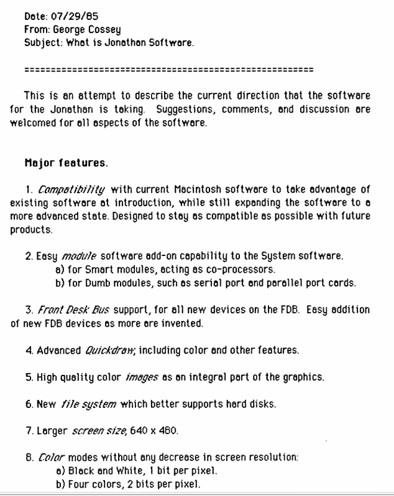
Jonathan was also the name of the computer that Jon Fitch was designing. A primary goal, and obvious requirement, of the Jonathan software was to be compatible with the current shipped Macintosh software and to stay as compatible as possible with future versions of the Macintosh. If we did not do that then there would be zero chance of ever getting this project approved.
Other friends from Lisa and Mac projects joined, one was my friend Dave Calvert. Dave was an expert in low level code, drivers and firmware. Dave could also design circuit boards himself.
This is a document that I wrote looking at how the Jonathan Computer would fit in with the standard Macintosh.
While the system was designed for a M68030 CPU processor, we used the M68020 for development. The 030 and 020 were very close as far as system level programming, like interrupts, and pinout for our socketed motherboard. The 030 had some features that were not currently used by the Mac OS but that it could grow into, like a MMU for doing protected memory. It was much easier to get access to a 68020 system for development work, so we were starting with them.
Description of the Jonathan project:
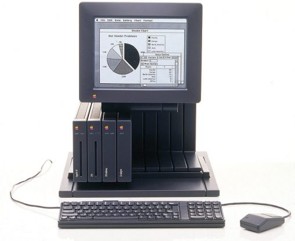
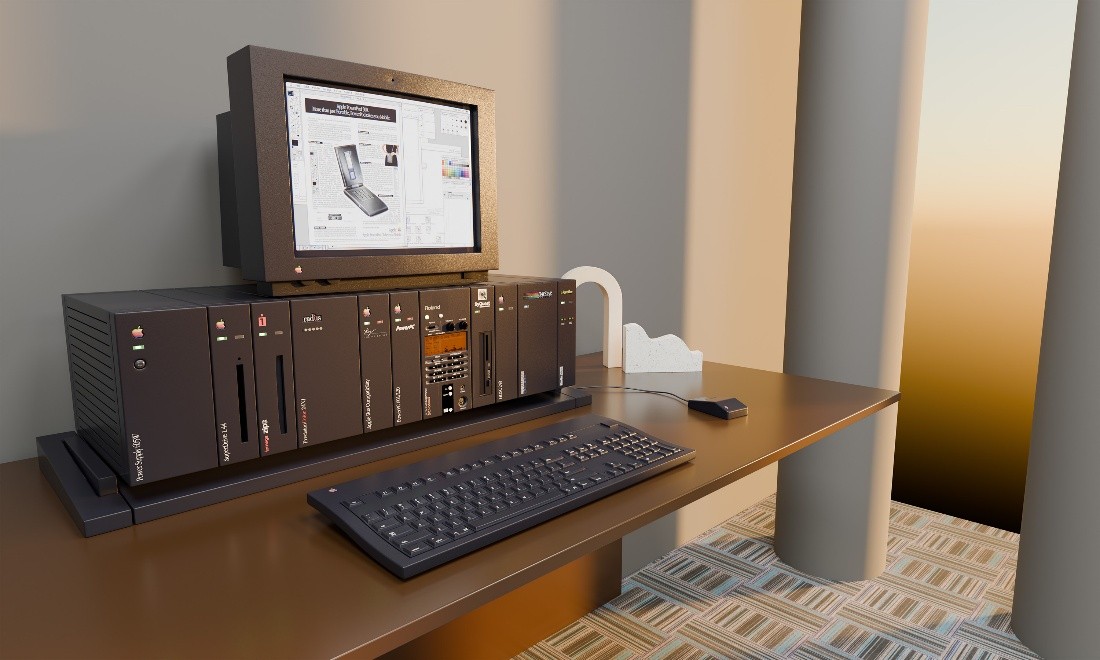
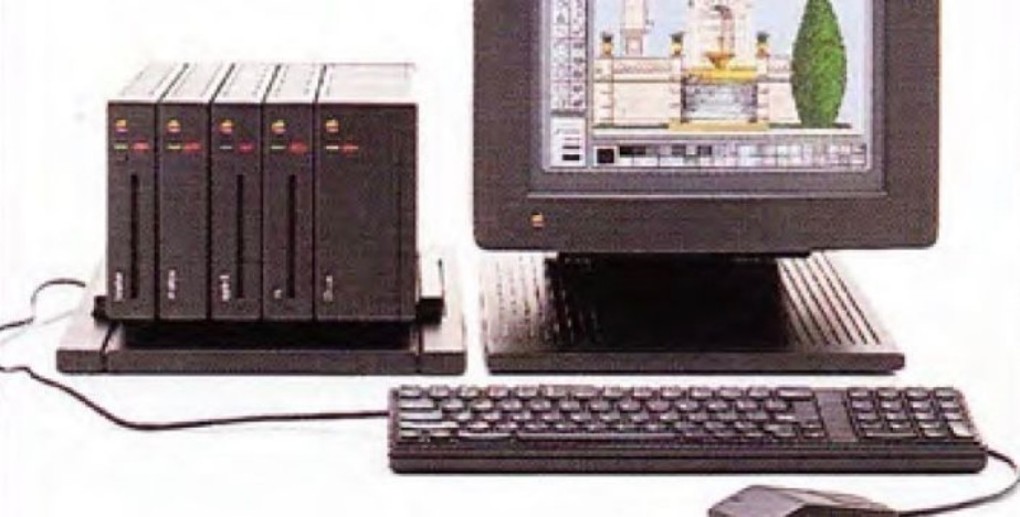
Ex-Lisa engineers Ronald Hochsprung and David Calvert joined Fitch's team working on an ingenious concept that allowed expansion well beyond a typical RAM upgrade. It was designed to ship as a consumer computer with a base-level I/O and pre-installed programs. It could be upgraded into a more advanced consumer machine or a completely business-centric device by adding plug-and-play modules. The book-sized and shaped modules clicked into a slender docking station, that looked like a bookshelf, sitting under a monitor. There were no cables.
Fitch planned for software modules that contained Apple OS's, as well as UNIX, and DOS, while the hardware options would include a DSP, Ethernet, extra RAM, and extra storage. Fitch believed that the machine's backbone design could become the metaphorical backbone of Apple's future sales. An ever-expandable computer that could cover multiple markets without Apple needing to make multiple devices.
A portion of a document I wrote describing the features of the Jonathan Computer.
One of the problems with the Jonathan computer’s concept was that it was very hardware centric, which meant the sales pitch was ‘Well here's the hardware, it can do this and this and this, lots of different things.’ This was a case of doing too much at the beginning. Better would have been to limit what was shown, but have a long-term roadmap that would add the other capabilities.
It was a solution that was so flexible it could be many things. It was a solution for everyone because a new module could be added to expand the features to what anyone would want. Marketing was told all it could expand to and thought that was the Jonathan configuration we expected to ship. A smarter Marketing person would have chosen a subset to start with, then grow it over the following years.
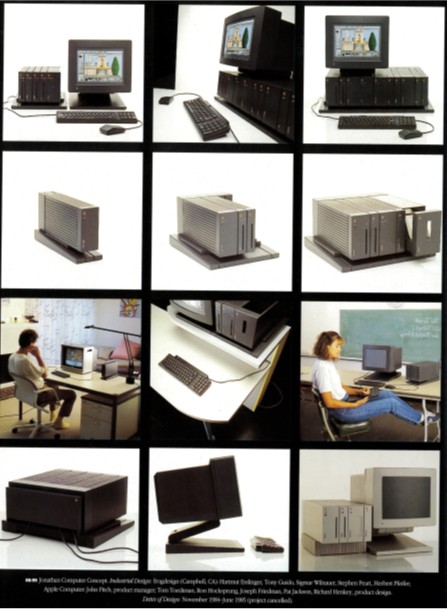
This demo shows modules possible. So many, it overwhelmed marketing types.
I think that how modular and elegant it looked was part of its downfall. The design company liked it so much that they got carried away making module mockups for it. They created a huge number of modules as concepts. But when it was shown inside Apple, people thought Jonathan required all those modules for a complete system. When in fact, only 1 or two modules would make a system.
Another big mistake was making module mockups for features that some marketing types were strongly against, like a DOS module. That got some in marketing immediately against this design.
The Jonathan computer, being so modular, was too much for the marketing types to get their heads around. If it was presented to them as only 2 different options, then they would know how to sell it. Being so flexible, and all the ideas presented to them as to future modules led to confusion and them not knowing what it was.
It needed a visionary marketing person to start it off minimally and to grow it with new modules over time. So many modules proposed at the start opened it up to questions and potential problems that would have been solved when the modules came out gradually over the years.
There was also an opportunity for Apple to make major sales of peripheral modules, like drives. The customer would want to get an Apple module that matches the color and style, and they would pay more for it. Third parties could license empty modules to put their own drives into. Apple always liked a ‘walled garden’ approach. This would keep Apple in more control.
Jonathan modular computer concept.
Jon Fitch, a couple of years later, would be the main designer at Power Computing doing expandable Macintosh clones; I worked there with him and Carl Hewitt. Those systems were designed for less modularity than Jonathan, for acceptance as a Mac clone but with ‘slots’. As most people are aware, the original Mac was a closed system with no slots. A newer high-power system needed to have slots for 3rd party boards.
Fitch had worked with Tom Toedtman, Ron Hochsprung, George Cossey, David Calvert, and Josef Friedman to create a color-capable device within the Apple II division, hidden away from Steve Jobs. As a result, it was able to get through prototyping and multiple engineering and design reviews and be ready for production. Jonathan was seen as having reached ‘safe harbor’ status.
Esslinger’s book “Keep It Simple” talked about the Jonathan project mechanical design:
"We designed Jonathan's modular architecture for numerous kinds of use, from casual computing to highly professional and even scientific applications. Apple also could have marketed the basic Mac-CPU module as a stand-alone multi-media machine that could be connected to a TV as a kind of a “super-smart" set-top box. Apple planned the system's price range to start at $500 and run as high as $3,000 for the high-end workstation configuration. Incorporating just two colors - white (actually, platinum grey) and black- the design was minimal and sleek, and we developed its components into an “alpha” series.
Adding color to QuickDraw.
I worked on Apple’s graphic library named QuickDraw for the Jonathan computer. QuickDraw was thought of as the ‘Crown Jewels’ of the core Macintosh code and was well protected inside of Apple. QuickDraw was written by Bill Atkinson who also wrote MacPaint and HyperCard. I converted some of QuickDraw, Apple’s graphic library, from B/W into Color for speed tests using two different color schemes.
Bill Atkinson(right) is next to Steve Jobs.
I did a lot of work deciding the design direction to take for adding color to the Macintosh. There was the existing method of a plane for each color bit (e.g. so for B&W it takes 1 bit and so 1 plane). This means that for 256 colors, 8 bits for each pixel, there would be 8 duplicated buffers with one for each bit of color, so we would have to draw the image multiple times in each color bit plane. You can see that when we were able to go to 24bit per pixel, having 24 images to draw on would be a major problem. Drawing a simple horizontal line would have to be drawn 24 times in each image plane.
The other method under consideration was what we called ‘chunky’ color, where each pixel’s color was a portion of a byte, a whole byte, or multiple bytes. This method drew the image just once but used a much larger graphics buffer than the ‘plane’ buffers used in the other solution.
I worked on QuickDraw to test both methods for drawing speed. Drawing planar I could see the image it was making on my B&W screen. For ‘chunky’ I drew into a buffer and then wrote a tool to decode it into planar so we could see it, this showed us if our drawing routine was working properly. We were looking at the major speed difference between the two methods and later decided upon chunky.
Bill Atkinson, in a genius move, designed each Quickdraw routine to be easily separated into 3 areas:
1. Parse input parameters.
2. Prepare for drawing, with pen, pen width, pattern, colors, etc.
3. Tight drawing loops that worked usually on a scan line basis.
If we were to use planar color, then that would impact the current routines the least. Basically, just do the same loops for each color plane. Doing chunky color was a bigger change that affected areas 2 and 3 quite a lot. Planar color was already in use in other companies, but the deepest color they were doing was just 8 bits of color. We wanted to go to 24bits per color, that would be a major issue drawing the same image 24 times. I did not know of chunky being used as of that time.
Jobs told me to ‘do whatever Bill says’.
It turned out that Bill was off doing other things more interesting to him and seldom came around. When he came around, I would talk with him and go to any graphics related meetings with him. My work was experimental and not yet on an approved project, so Bill had no interest in it.
Bill came up with something called ‘regions’. When you have overlapping windows on the screen you need a way to only draw what the user sees. Earlier drawing libraries would draw each window from the bottom up, thinking in 3D, in an offscreen buffer. Drawing a higher up window would sometimes draw right over a portion of a lower window. The result was then drawn to the screen. Bill’s ‘regions’ created a mask for each window, only the visible portion was active in the mask. So, the drawing routines skipped over any area that would not be visible. When a window was completely covered by another window, Bill’s regions would skip drawing the covered window. Older drawing routines would have drawn it and then drawn the other window on top of it. This was much faster to draw windows and resulted in fewer calls to the graphics library. The implementation of ‘regions’ was considered one of the ‘Crown Jewels’ of Apple’s technology and was a closely guarded secret. Anyone working on QuickDraw, after Bill stopped working on it, spent extra time to understand ‘regions’ since it was a unique idea and implementation.
When I was working on QuickDraw, both Bill and I were in a meeting that discussed different graphic features. During the meeting, Bill would poke me and then show me his new ‘seed fill’ routine he was coming up with. It was an innovative new approach to fill an irregular shape with a solid or pattern. Bill would often work on new ways to solve speed dependent problems.
Photo: George working at home.
That was about the time Steve Jobs was being forced out of the company. Steve was in a not-so-great large office, the building with the piano and the motorcycle in the front lobby meant to inspire the employees to think about ‘style’.
That was also at the time that Apple had fridges filled with smoothies that anyone could get for free. There was a line of about 6 glass door refrigerators full of delicious drinks. That lasted for a while, until people took advantage and the bill for it was just too high. It was great while it lasted.
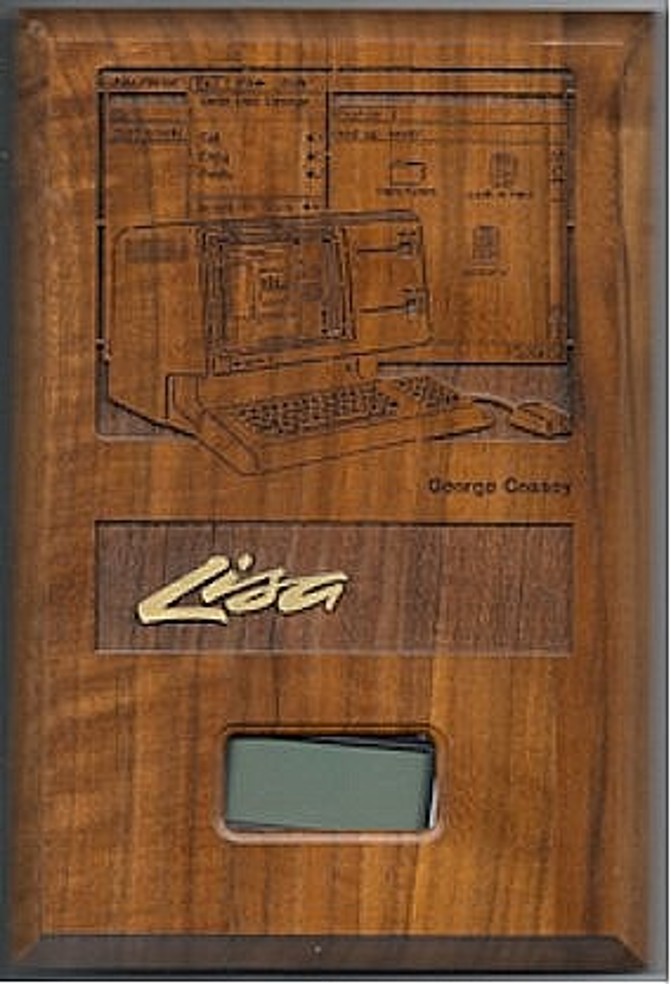
Plaque clock for launching Lisa. Given to all people working on Lisa.
.
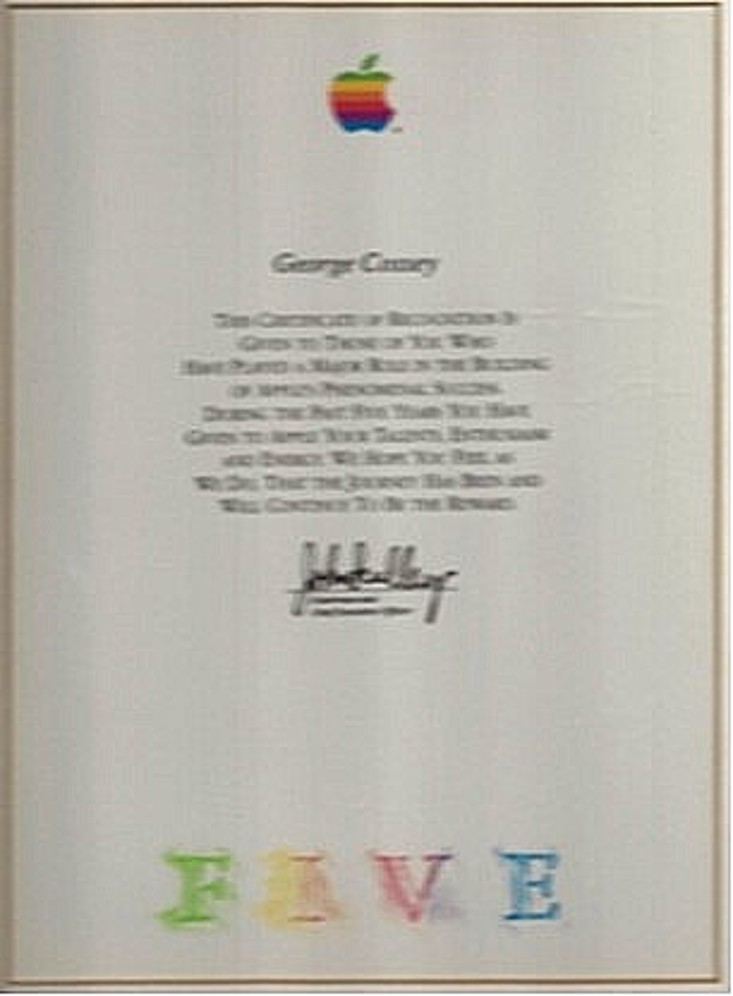
5-year award from Apple.
I worked full-time for 6 years, later contract.
Photo: Macintosh core group.
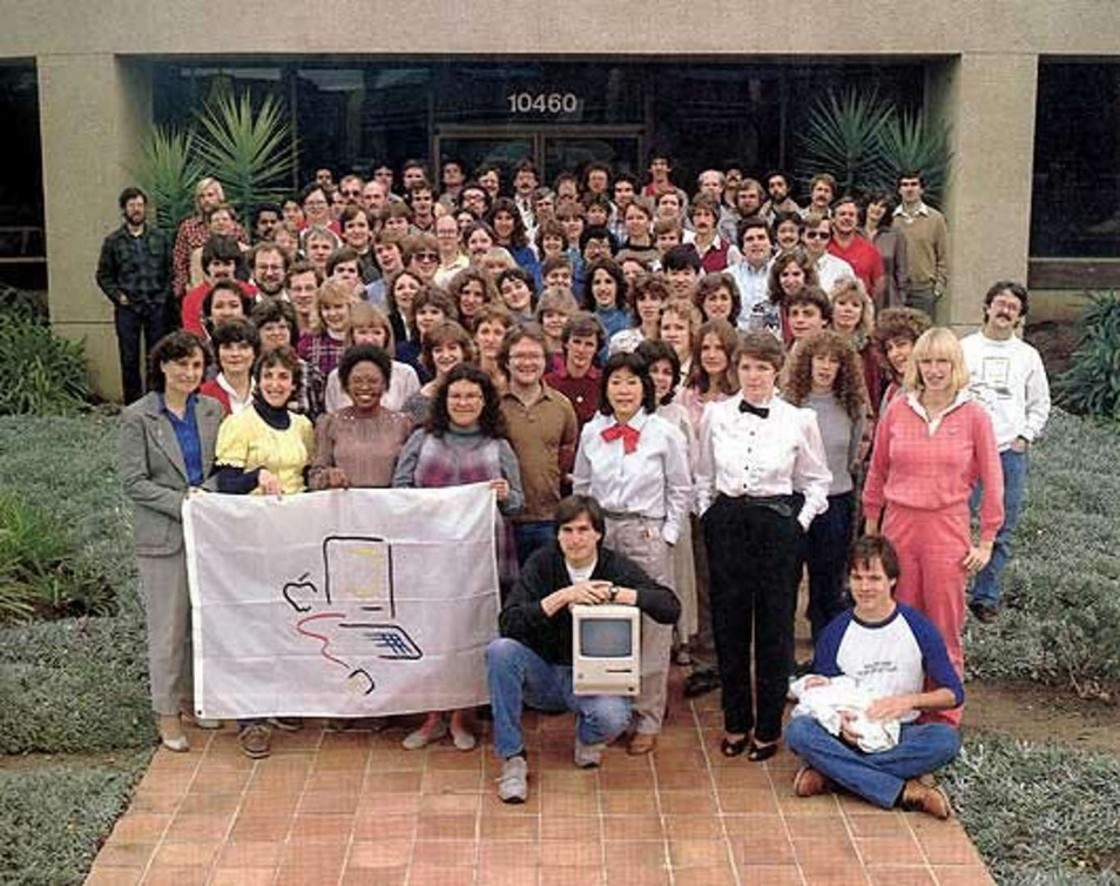
Steve Jobs is in front holding a Mac.
Larry Kenyon is holding his new baby, with his wife standing behind him.
I am on the right end about halfway back with dark sunglasses on. My prescription glasses would turn dark in the direct sunlight, so I have dark glasses on in many pictures taken around this time.
Notice how many women there are in the first few rows. Women made up most of the user interface and art groups at that time. Programmers were in the middle and back rows.
Since my friends that I was working with at the Fremont factory are not in this photo, I think this was taken on a day that I came to Cupertino for some reason. I was just lucky to be there that day.
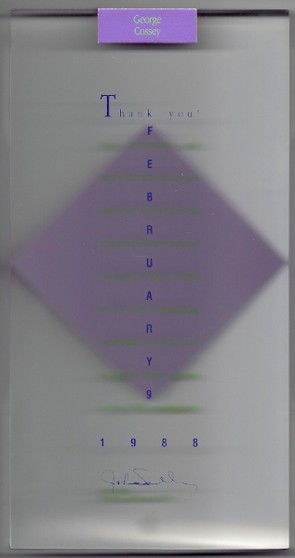
Award for helping with the AUX project, a version of Unix on the Macintosh.
My work was minimal for the AUX project and was mainly in the hard drive duplication, where each hard drive was shipped with AUX preloaded onto it. AUX, a variation of UNIX, was so large that it could not be installed using floppy disks. 5Mb and 10Mb hard drives were sold with the computer and could have AUX already installed on them.
I got asked if I ever got stock at Apple. As a matter of fact, I did. My experience working was that I got stock at a number of places, but the places shutdown in most cases. So, the stock was not worth anything. Over the years Apple Computer was in danger several times of going under. So, if that happened, any stock I had would be worth nothing. Because of that, what I did was to sell if off when I could, to at least get something.
Of course, if I had a crystal ball then I would have hung on to it for about 40 years and then I would be a millionaire. Another one of those ‘would of’, ‘could of’, ‘should of’ things.
A large portion of my work at different companies was done as a Contractor, in that case you do not get stock. Stock can be a reason to work at one company for many years, but usually the stock is only worth something if the company is very successful. When you get a stock option then it would be spread over 4 years, with you getting only ¼ of the stock option after completing work for another year. Leaving the company earlier means you would give up the outstanding portion of the stock option. People get lucky and others lose it all, another big gamble. I felt that moving to the latest new thing was more important to me. So, usually I did not get any stock, especially while working as a contractor. Stock I got at startup companies was worthless when the startup ran out of funding and closed its doors, this happened many times.
After the Jonathan computer project was shut down, I decided to look outside of Apple and see what was happening. I had been at Apple for about 6 years, and I was hearing about a number of startups forming to work on new technologies. Some of these companies were started by former Apple employees, like Burrell Smith.
1987-1994
IT Makers, my own part-time business, 1987
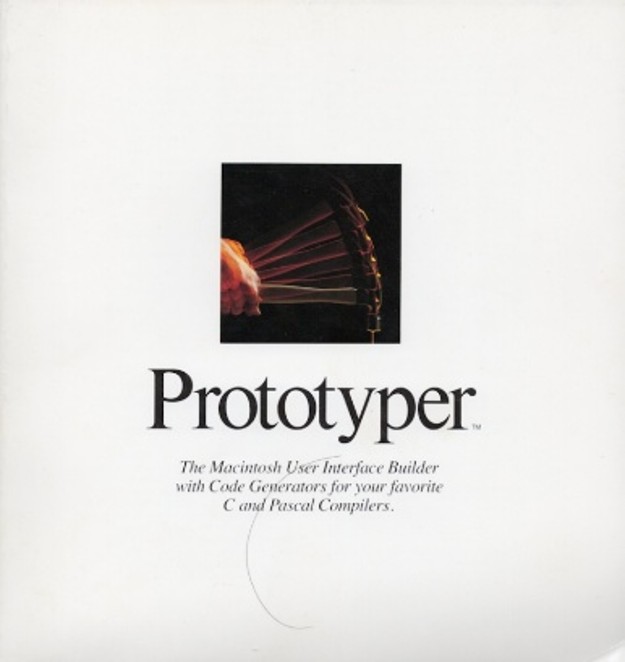
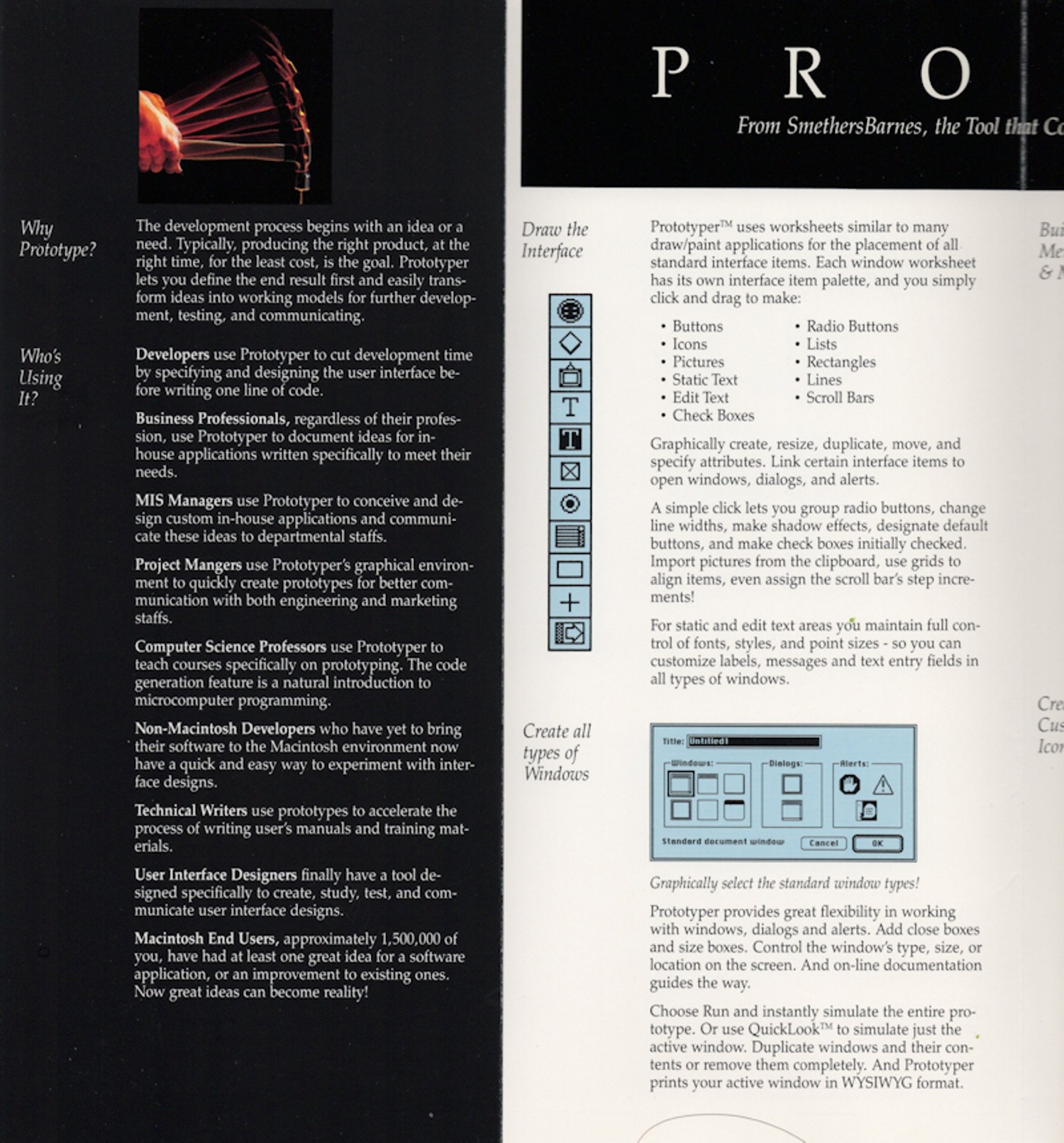
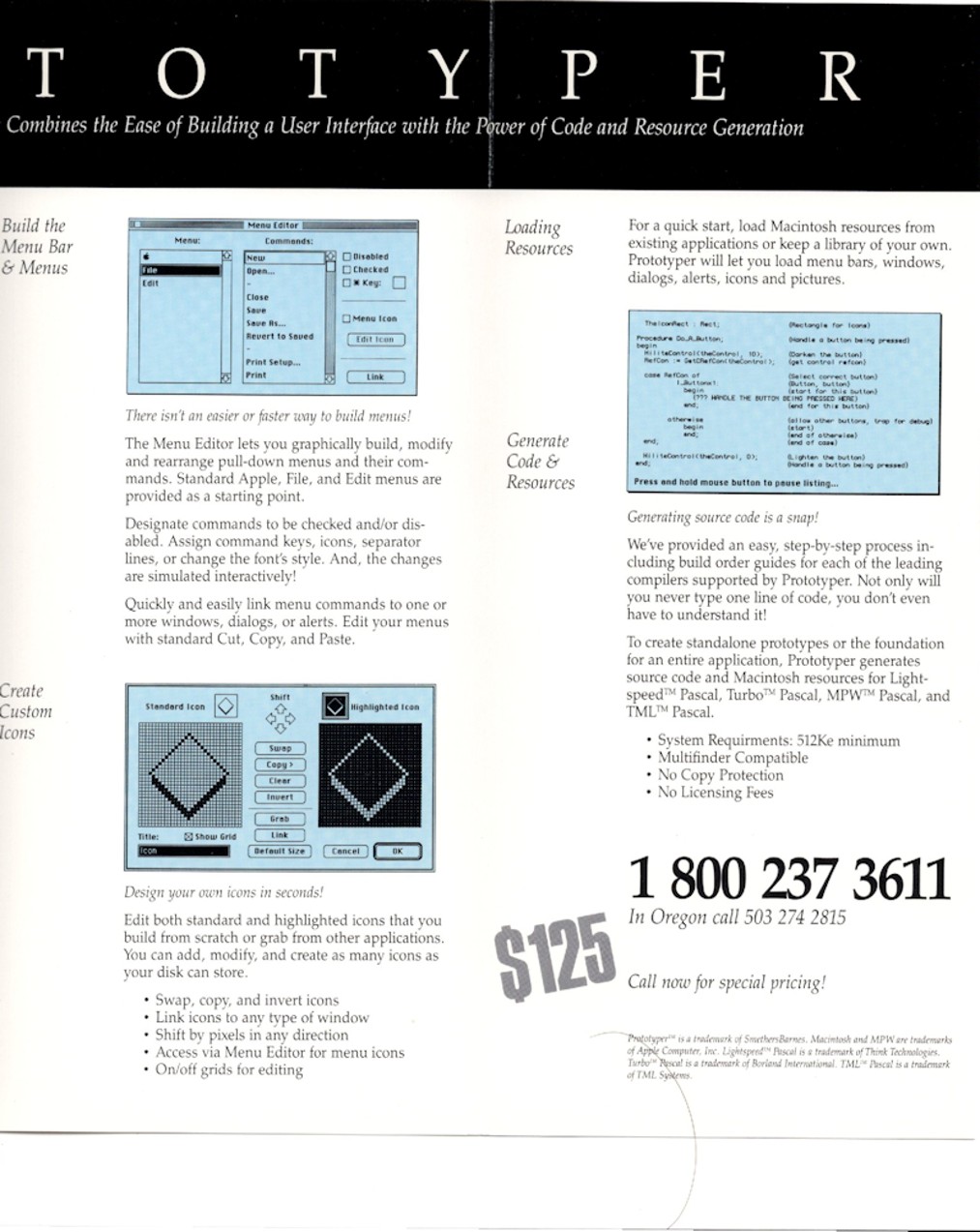
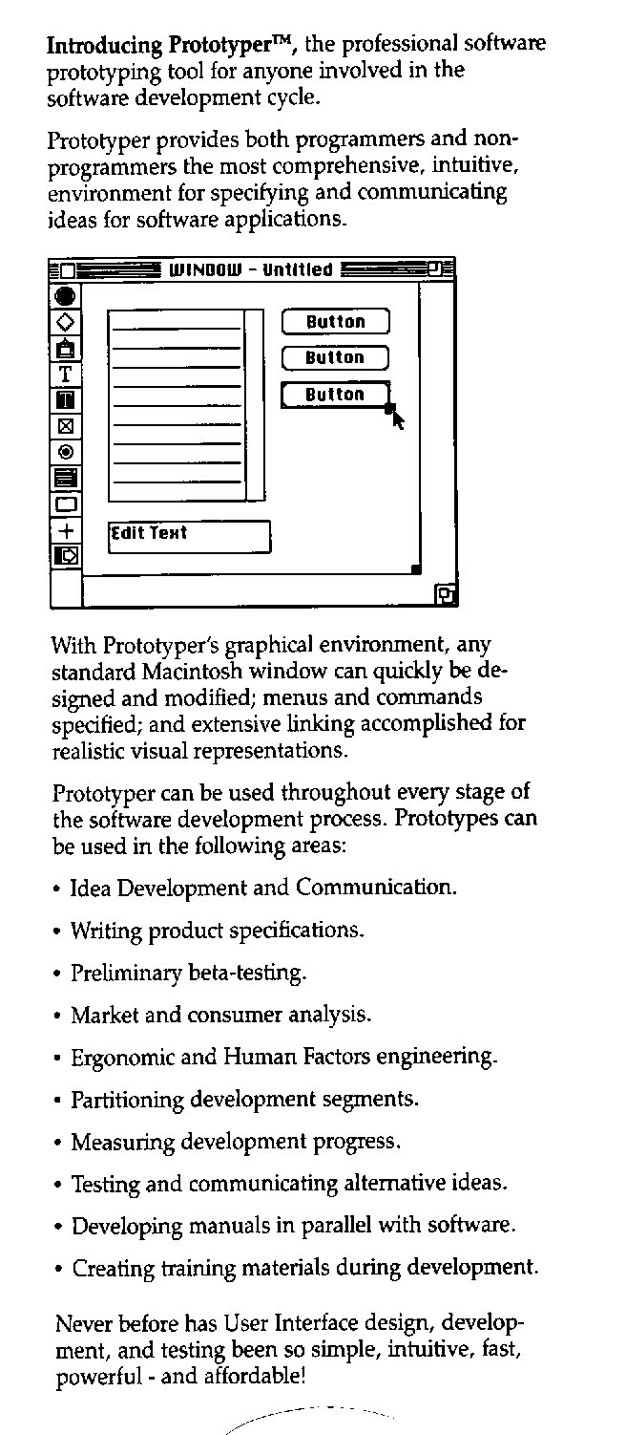
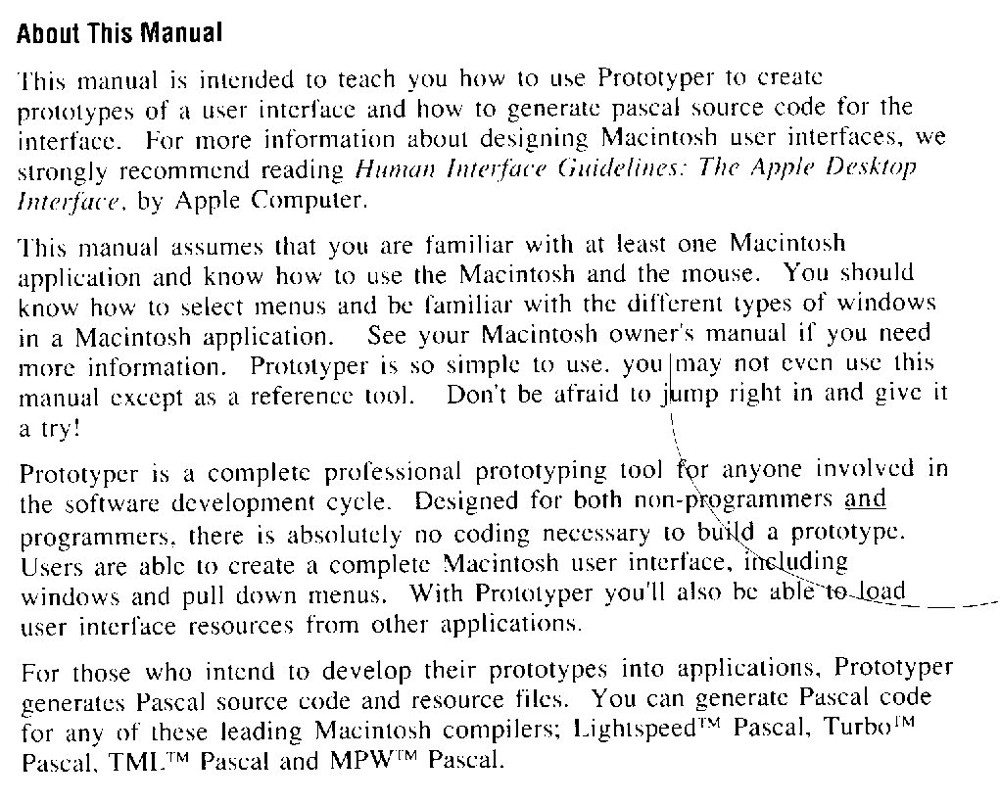
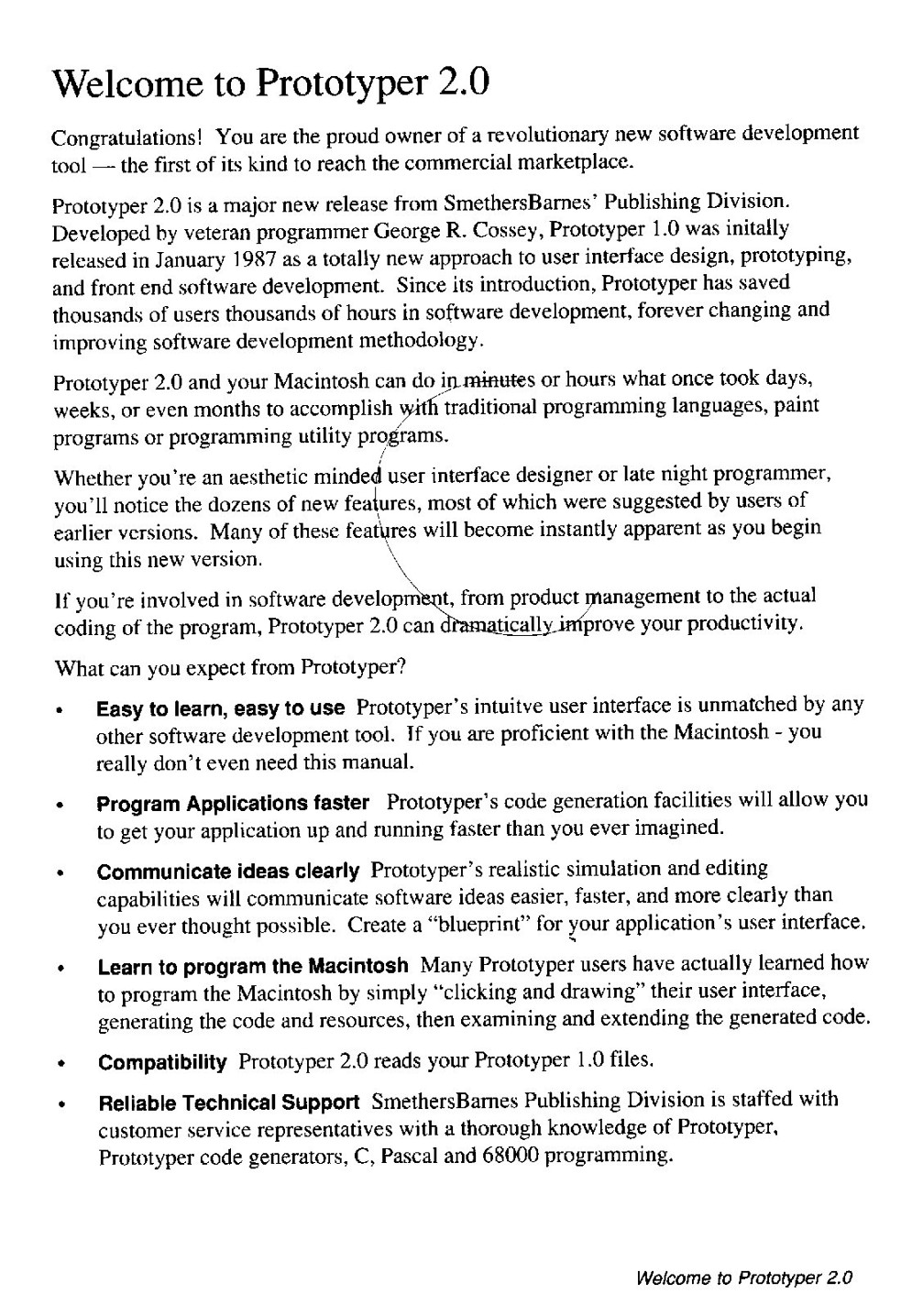
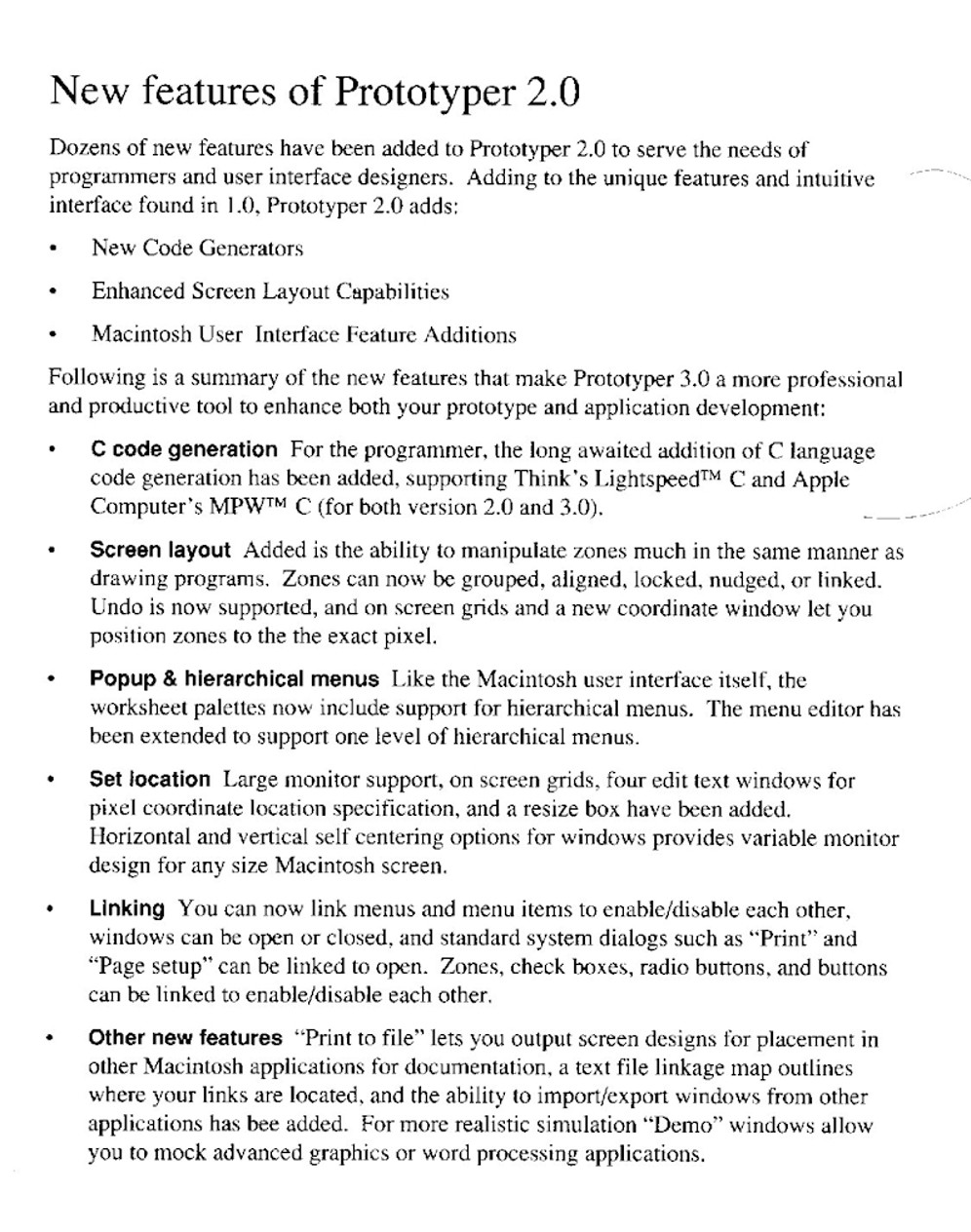
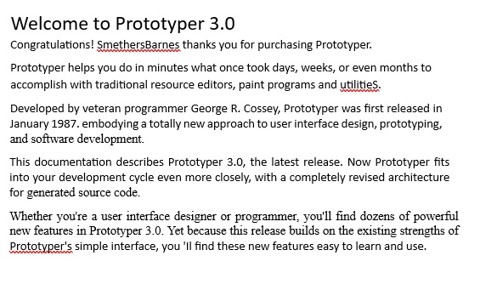
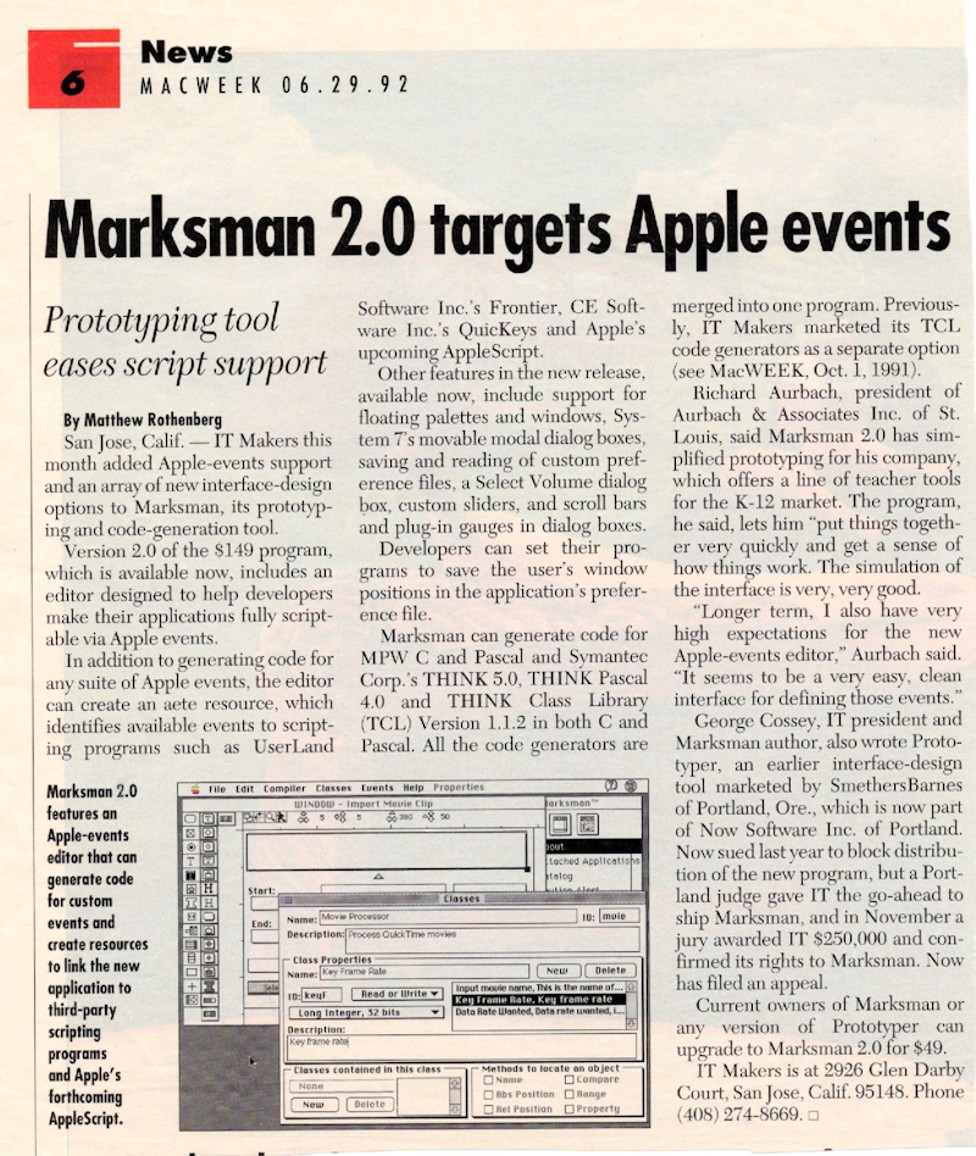
I taught myself C and C++ and then other programming frameworks. Designed, developed, and sold my own programs for the Macintosh. Prototyper, later called Marksman, is a programmer’s tool for designing user interfaces and generating source code for C, C++, and Pascal.
Photo: Worked at home in my spare time.
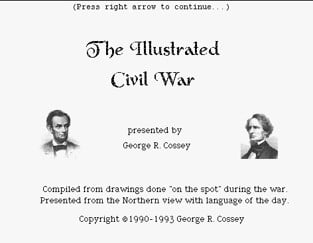
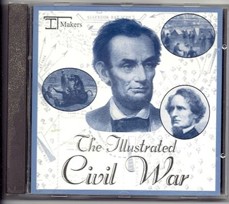
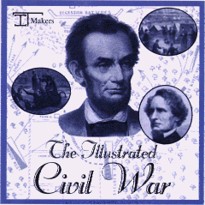
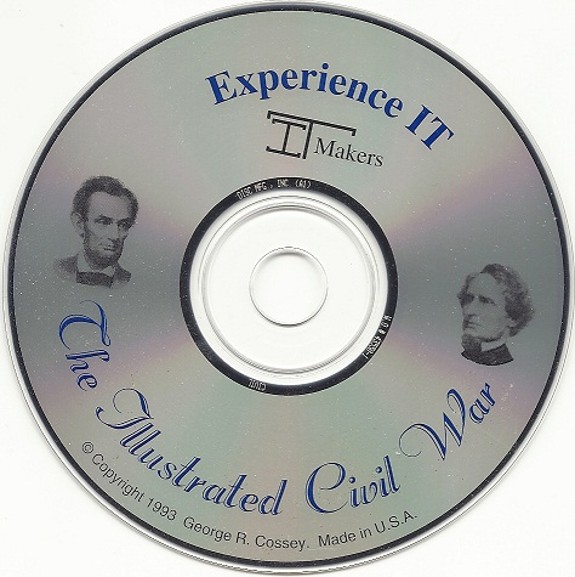
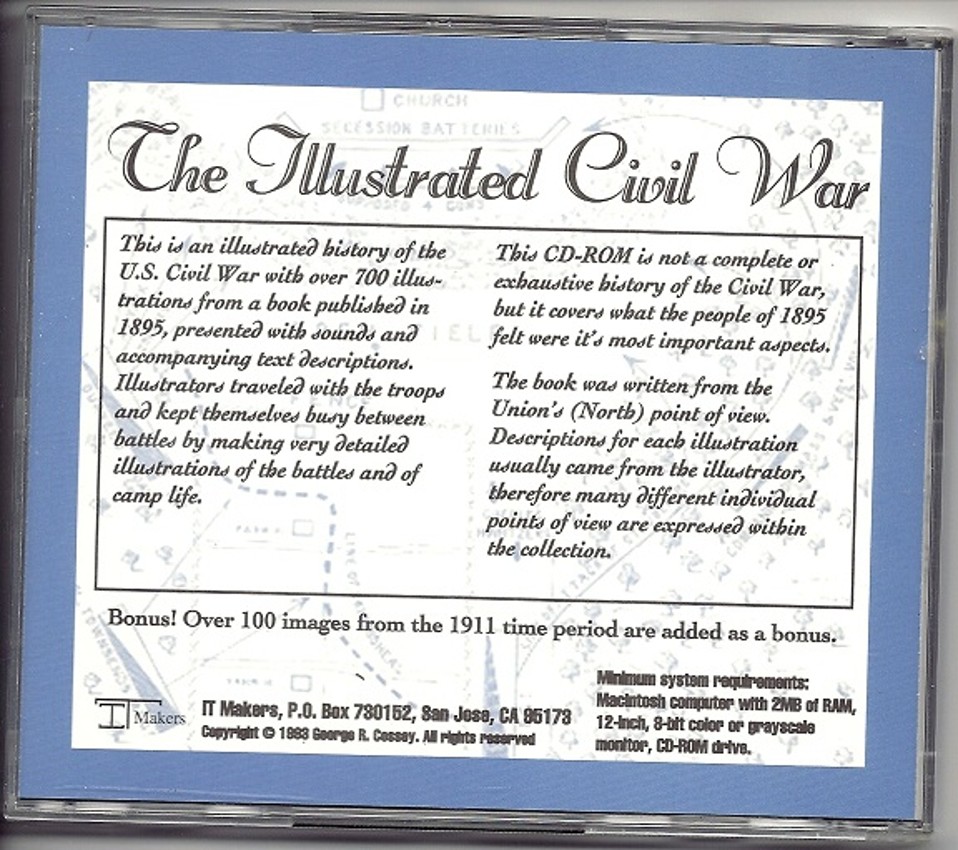
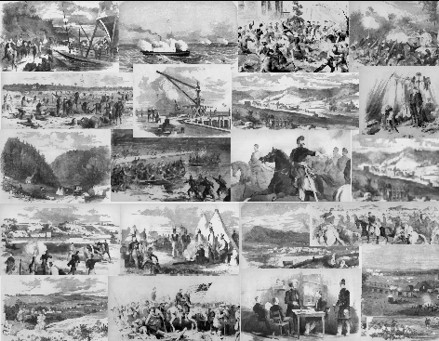
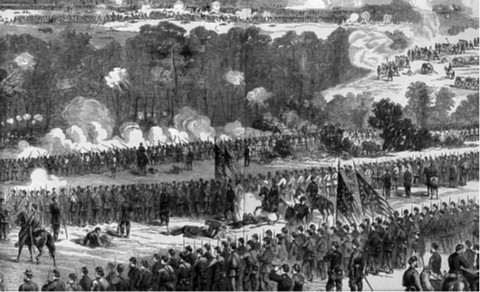
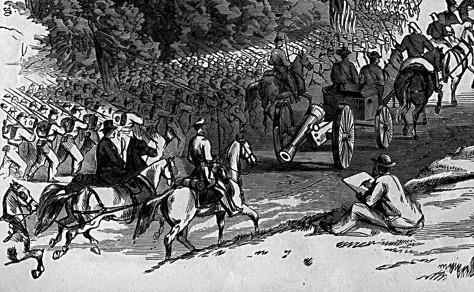
Designed, developed, and sold a Multimedia CDROM title for the Macintosh, titled “The Illustrated Civil War”. This has over 700 large grayscale images I scanned from a very old book.
Civil War CDROM
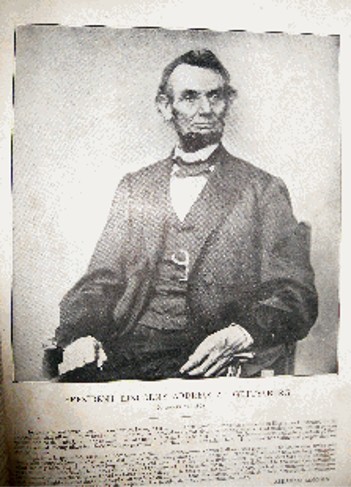
My grandmother had a very old pictorial book of the Civil War, published in the late 1800s. This book had some amazing illustrations and drawings of people and battles during the war. Artists would go into the field and draw battles and soldiers; this was before widespread use of photographs.
I felt this book was unique; it was very old with the book binding falling apart. After searching I could not find any more copies of this book. I wanted to save it, before it fell apart even more.
I bought a good scanner and started scanning all the grayscale illustrations. Then I decided to create a CDROM with all the images on it and see if I could also sell it to get more copies of the images out. My end goal was to preserve these images and make them available to more people.
The copyright on the images had long expired so I was free to use them as I saw fit.
CDROM that I created from images in the book. I wrote a program to display them.
I made a flyer to sell the CDROM but had no real way to get the word out. I ended up only selling a small number of CDs while doing very few advertisements. Since my goal was to preserve the images, I felt that my goal was achieved.
I saw someone on eBay had taken a copy of that same book, removed individual pages and was selling the pages individually as a picture to be hung on a wall.
The drawings were so detailed that they could be put in a frame and hung on the wall. It appeared he was selling the 9in x 14in images.
Photo: Working at home.
Before the wide use of photography, newspapers would send artists out with the troops. The artist would sketch what was happening and later add in shading and details to the drawings.
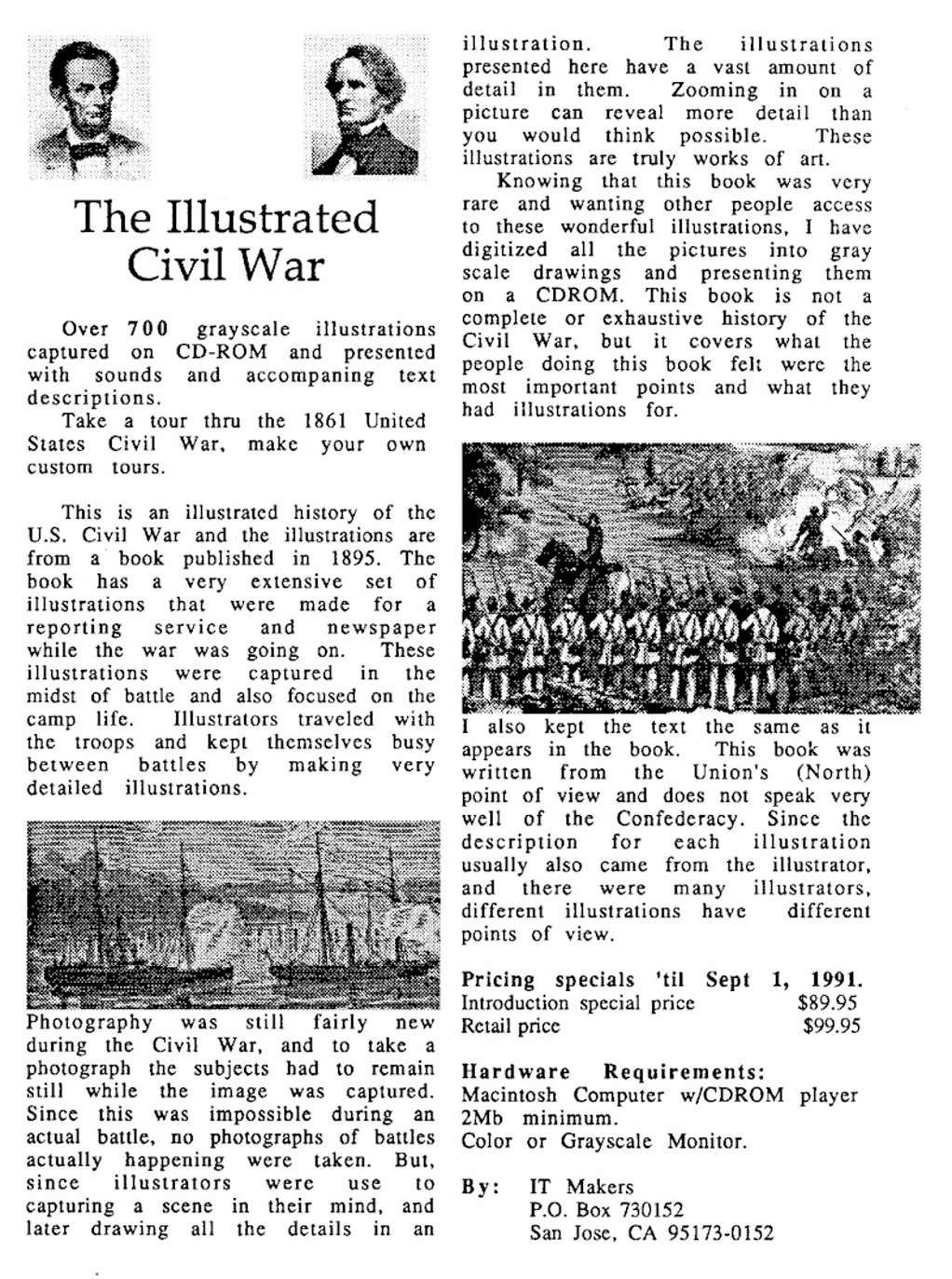
My flyer describing the Civil War CDROM
Looking back, I probably should have charged $19.99 instead of $89.95, but I doubt I would have sold many more CDs. At the time I thought the higher price reflected the value of the images.
From my CDROM, a description of the process:
Years ago, I was given a very old book by my grandmother. The book was very large and falling apart at the binding. The pages were very old with some decaying and crumbling in my hands.
The book was originally published in 1895 and was an illustrated history of the United States Civil War. The book has a very extensive set of illustrations that were made for a reporting service and newspaper while the war was going on. I had seen photographs of the Civil War and almost all of them were of the battles after the battle was over, so mostly just dead bodies laying around. This book was much different; these illustrations were captured in the midst of battle with some also focusing on camp life. Illustrators traveled with the troops and kept themselves busy between battles by making very detailed illustrations.
Photography was still new during the Civil War, and to take a photograph the subjects had to remain still while the image was captured. Since this was impossible during an actual battle, no photographs of battles actually happening were taken.
But, since illustrators were used to capturing a scene in their mind, and later drawing all the details in an illustration. The illustrations presented here have a vast amount of detail in them. Zooming in on a picture can reveal more detail than you would think possible. These illustrations are truly works of art.
Knowing that this book was very rare and wanting other people access to these wonderful illustrations, I was given the idea of digitizing all the pictures into gray scale drawings and presenting them on a CD ROM. This book is not a complete and exhaustive history of the Civil War, but it covers what the people doing this book felt were the most important points and what they had illustrations for.
I also kept the text the same as it appears in the book. This text is of the period and may not seem grammatically correct to us. This book was also written from the Union's (North) point of view and does not speak very well of the Confederacy. Since the description for each illustration usually also came from the illustrator, and there were many illustrators, different illustrations have a slightly different point of view.
I searched and found out that the illustrations and text in the book were in the public domain. So I gathered it all together, digitizing pictures and OCRing some of the text, and wrote a program for presenting the information.
Prototyper
My office in the front room of our house.
I created many quickly written utilities for use while working at Apple. As I wrote these, I would quite often use the core of one program to be the starting point for another program. There was not any programming framework at that time, and we wrote at the API level. The main event loop was created, then we designed and coded each dialog and alert that was needed. Then made the main window and populated it with appropriate controls. Next wrote handlers for each control. Designed a file format for data that the program needed and then wrote the read and write routines for those files.
I saw that all the standard code could be automatically generated.
To help me make these programs quickly I started writing a programmer’s design tool that would allow anyone to put up windows, dialogs, alerts, and then the tool would generate the source code for the main event loop and the needed event handlers. I would work on this program at home each night after I finished that day’s work at the factory.
I built this program up into a very useful tool for my own use. As I thought about getting this program out for others to use there were a few issues to address.
The program had a palette of user interface controls, for what control to drag and drop, as you designed a dialog or alert. This had what was called ‘engineering art’. That means icons done by a non-artist. I knew what the icons meant but not everyone else would. A good artist adds enormous value to making an end product.
As the program grew and had more features there would be a need for a manual for others to refer to.
I would much rather work on the code adding in more features than work on a manual keeping it up to date.
It so happened that at this same time a company, SmethersBarnes, was working on a much larger program that had some of these features. They were late in shipping what they had preannounced the year before. We got together and my program would use the name they copyrighted, ‘Prototyper’. They would ship my program, and their other program would come out later as a very high-end tool. This got them off-the-hook for announcing and never delivering.
They had a good artist, solving my ‘engineering art’ problem. They would write the manual and keep it up to date, another problem solved. They would do advertising, sales, and support. I was left to design and code, just what I was looking for.
My program supported Pascal first, Apple’s primary language. Later I added C and C++ along with several programming frameworks. To make the program more flexible for experimenters, I made my source code generator work from templates. Anyone could edit the templates to change what source code was generated.
Review:
Prototyper was a pioneering software development tool released in 1987 by SmethersBarnes, a company based in Portland, Oregon. It was designed specifically for the Apple Macintosh platform, enabling developers to rapidly prototype graphical user interfaces (GUIs) without writing code initially. This made it one of the early rapid application development (RAD) tools, targeting programmers who wanted to simulate and test interface designs before full implementation.
Key Features and Functionality
- Interface Building: Users could visually design windows, dialogs, alerts, menus, buttons, text fields, scroll bars, and other controls using a palette of tools, similar to resource editors like ResEdit. Layouts were created by dragging and placing elements.
- Simulation Mode: A standout feature was the ability to link controls and menu items to simulate application behavior, such as opening/closing windows or mimicking standard dialogs (e.g., Page Setup, Print, file open/save). Demo windows could display text files or pasted pictures for mockups, though these weren't included in generated code.
- Code Generation: Once prototyped, the tool output source code in Pascal or C, which developers could then modify and compile using environments like THINK Pascal or MPW (Macintosh Programmer's Workshop). It supported hierarchical menus (one level deep) and included default menu bars (Apple, File, Edit).
I worked with SmethersBarnes for several years before I eventually took full control of my program. I was happy that I was able to make a tool to help others program on the Macintosh.
The BitSlinger logo I had created by a professional art company.
I came up with the name BitSlinger and still use it today. Of course it is slang for ‘programmer’.
I got a professional Logo company to come up with the design, shown above.
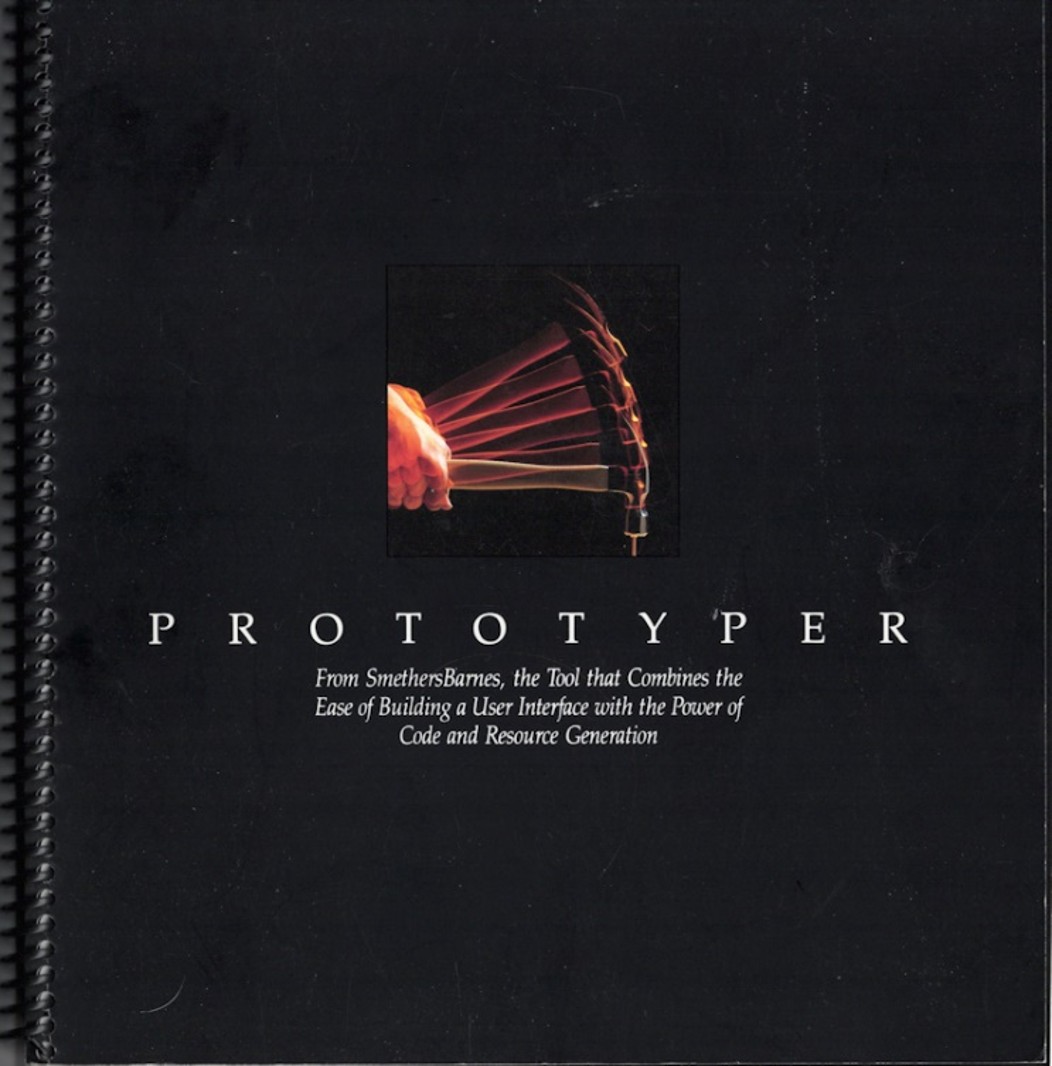
Prototyper v1.0 manual, published 1987 through SmethersBarnes.
This was the first published version of my programming tool. Spiral bound manual was very professional looking, better than I would have done on my own. I thought the picture of the hammer and nail was a nice touch that SmethersBarnes added.
Using the Prototyper name helped to define it as a design tool.
Flyer describing Prototyper.
This flyer was created by SmethersBarnes in 1987 and was distributed at the MacWorld conference for that year. This is the left half of the flyer; the right half is on the next page.
Without a marketing company, I would never have made such a professional flyer. They rented a booth at MacWorld and sold the program there.
Second page of the flyer describing Prototyper v1.0 in 1987.
The second half of the flyer that was produced to sell my program. It got lots of interest at the first MacWorld. There had never been anything like it for the Macintosh.
I remember seeing a guy buying the program and he walked away like he had a pot of gold. This type of tool was badly needed for programmers to get up to speed programming the Macintosh.
From Prototyper v1.0 manual, regular marketing information saying it does everything.
From Prototyper v1.0 manual, 1987.
This is a page from the original Prototyper, v1.0, manual. It gives a feel for what the program does.
Prototyper v2.0 manual, 1989.
I added support for the C language. The first version focused on Apple’s Pascal language.
Excerpt from the Prototyper v2.0 manual, 1989.
From the Prototyper v2.0 manual, 1989.
Excerpt from the Prototyper v2.0 manual, 1989.
From the Prototyper v2.0 manual, 1989.
This shows the number of new features added since v1.0 of Prototyper. All these features were added in my spare time at home, while working fulltime at another job.
Prototyper v3.0 manual, 1990.
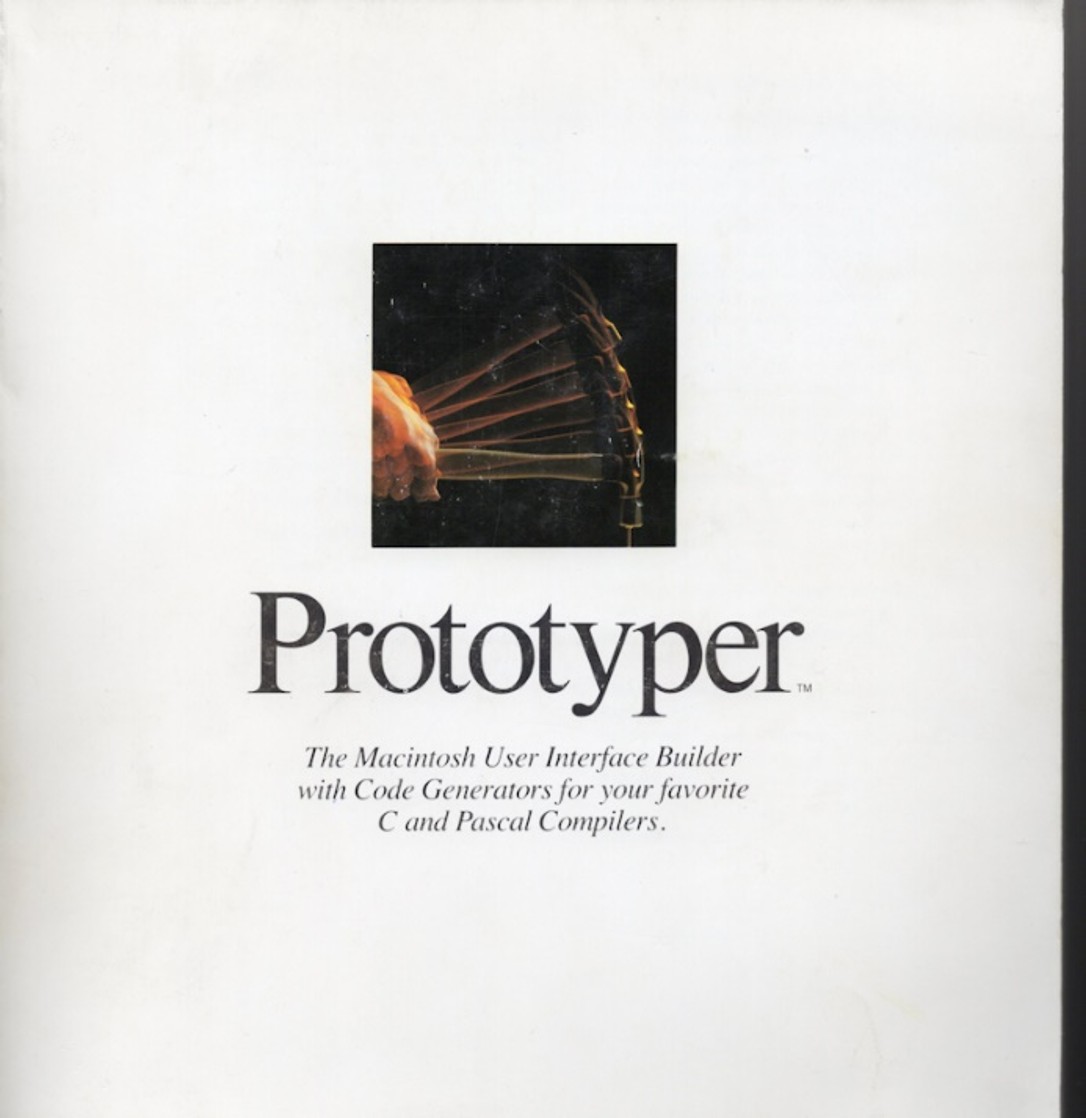
Excerpt from the Prototyper v3.0 manual, 1990.
From the Prototyper v3.0 manual, 1990.
George’s new Nissan 300ZX from royalties of Prototyper
From the Prototyper v3.0 manual, 1990.
This shows the number of new features added since v2.0 of Prototyper. All these features were added in my spare time at home, while working fulltime at another job.
Marksman
After I took Prototyper back from SmethersBarnes, I lost access to the copyrighted name, the user list, and the professionally printed manual.
I tried to sell it again but had no way to contact previous buyers, so had little success.
Also, my manual was minimal since I preferred coding and enhancing the program.
From the Marksman manual. I added a major change to use templates for generated code. The end user could then modify the templates and thus the code being generated.
Simple manuals for Marksman.
Review of Marksman release.
One of the few reviews I got in a major Macintosh newspaper.
1988 - 1990
Radius, Inc., 1988
Radius Inc., founded in 1986 by former Apple engineers including Burrell Smith, was a key player in the Macintosh ecosystem during the late 1980s, specializing in peripherals like accelerators, graphics cards, and monitors.
By 1988, the company was actively producing and selling innovative external monitors designed to enhance Macintosh productivity, particularly for desktop publishing and multi-monitor setups. These included grayscale and color displays that addressed limitations in Apple's built-in screens, such as enabling full-page views or dual-page spreads.
Burrell Smith
I moved to a small Apple related startup, Radius, to keep working on Macintosh projects. Radius was formed by and for Burrell Smith, the hardware designer of the first Macintosh board. His reputation for doing that board attracted investors for his startup.
Video desktop playback and capture on Macintosh, as well as new monitors for the Mac were the major goals of this company.
Radius founder, Burrell Smith, was the designer of the original Mac PC board. He was praised by Steve Jobs publicly several times as Burrell optimized more and more on that board. Steve was always happiest when Burrell was able to reduce the parts count on the board with optimizations. Jobs knew each resistor taken off multiplied by huge Macintosh volume would save lots of money.
Burrell’s reputation founded the startup Radius, and he was on the hook to come up with new monitor designs, and video boards. This put Burrell under a great deal of pressure which impacted his health later on.
Burrell Smith had done the Pivot monitor when I joined Radius. This was a monitor that could be quickly rotated between Landscape and Portrait views. The monitor had a sensor that told it if it was positioned normally (Landscape mode) or if it was rotated (portrait more) The desktop would quickly readjust as it was rotated.
Burrell was busy inventing other monitor and video card improvements, living in the Macintosh world. I worked on playback of video, from a TV signal in this case, on the desktop. We also made a video capture card and came out with a monitor calibration product.
My friend Dave Calvert was working with me. We had previously worked on various projects at Apple.
While there:
· I designed and wrote software to play video on the Macintosh desktop, called Radius TV.
· I designed and wrote the firmware and drivers for the Video capture card.
· For fun I came up with the idea and developed a special effects graphics editing program that operated on captured video images. Called Radius Theatrics later on.
· To support print publishing using Radius monitors, I wrote a monitor measurement and calibration application. PrecisionColor features, color temp and gamma correction. This needed a (Apple Desktop Bus) ADB driver for controlling an external screen measurement device. This device was a puck that used suction to attach to the screen.
· I coded the first QuickDraw graphics acceleration board for the Macintosh. This was an embedded system using the Acorn CPU on a NuBus card for speeding up drawing graphics. I worked with contractor Andy Hertzfeld on this project, he came to help and was only there a short time. He had a reputation for being a top programmer that worked on the Macintosh ROM when it first came out.
Radius TV
Radius TV desk accessory that I designed and wrote.
This top window shows the live video coming in.
I had a good artist to supply the graphics for buttons, sliders, and window frame dividers.
Mute and Volume control. Switches on the left both would drop down controls. Controls being up would make for a simpler video player.
The TV tuner allowed tuning to a specific TV channel. Four preset buttons on the left.
Basic video controls.
Input selection that corresponds to what was connected to our video board.
The two bottom windows would show a periodic video capture done by polling two other video sources. With only one input, I added this to ‘scan’ other channels.
The topmost video would pause while this can was happening.
This handled multiple video sources and allowed for ‘watching TV’ on the desktop as you were doing other things.
I designed and wrote this program and was the only programmer on it until I left Radius. I had an artist provide me with screen colors, textures and widgets. The features and layout I ‘grew’ as I found out what the video capture card would do. This was a fun time that I was inventing, designing, experimenting, and programming.
A review of RadiusTV:
RadiusTV was a video hardware and software system developed by Radius Inc. for Macintosh computers, released in 1990. It consisted of a NuBus-based video capture card installed inside the Mac, an external tuner box for connecting video sources (such as cable TV, VCRs, or camcorders), and accompanying software to enable full-motion video playback, TV tuning, and basic video capture directly on the Macintosh desktop. Key Features of RadiusTV
- Video Playback and Display: The system supported 30 frames-per-second NTSC video (or 25 fps PAL in some versions) at up to 16-bit color depth, overlaying live video onto the Mac's screen without requiring dedicated monitors. It could display video in a resizable window or full-screen mode, integrating with the Macintosh interface.
- TV Tuning and Input: Users could tune into broadcast TV channels, capture closed-captioned text from video signals (saving it as editable text files for transcripts), and input from external devices like laserdisc players or cameras.
- Software Components: The RadiusTV software included a desktop application for controlling video playback, drivers for the hardware, and utilities for tasks like on-the-fly video adjustments. It was described as an "all-in-software" method for handling video processing, meaning much of the functionality (e.g., no hardware compression) was managed via software on the host Mac. It was compatible with Macintosh models like the Mac II series and required System 6 or later.
- Limitations: Video capture was basic and did not include real-time compression; storage required significant disk space. It was positioned as a tool for multimedia, presentations, and early video production on Macs.
RadiusTV was part of Radius Inc.'s expansion into video products during the early 1990s. It retailed for around $1,995 at launch and was praised in contemporary reviews for bringing affordable full-motion video to the Macintosh platform, though it faced competition from emerging digital video technologies.
Another review of RadiusTV:
RadiusTV, Radius
Radius was one of the last Mac display vendors to offer a video display and capture board. However, being the last entrant into this market didn't hurt, because Radius TV does it best. An analog box conditions the video signal before digitizing it at a rate of 30 frames per second and placing the image in a re sizable window on a Mac's screen. But RadiusTV not only digitizes the video signal, it also digitizes the audio component, piping the sound out of the Mac's speaker. Finally, Radius TV can grab any close-captioned text present in the video signal and save it to a file for an immediate electronic transcript of a TV broadcast. The synergy of all these features makes RadiusTV a crucial engine in any multimedia work.
RadiusTV is a system for integrating television with the Macintosh. Like computer-based video display systems for the PC such as TVM's AVA Pro or Fast Electronic GmbH's Screen Machine for PC or Mac, RadiusTV converts raw television signals into sounds and moving images on your computer's screen. Connect a television antenna, CATV cable, VCR, camcorder, video camera or lasers player to RadiusTV, and you can have television in a window on the Macintosh screen, accompanied by a soundtrack on the Mac's speaker. Radius TV differs from its competitors in a few significant ways. The one that first piqued our curiosity was RadiusTV's ability to decode closed caption broadcasts and capture the closed caption transcript to a file.
Radius Theatre
Since we had a method of capturing images from different video devices, I found a book with examples of still image special effects that looked interesting and fun. I felt that this would help attract interest in our video capture board and be fun to design and program. I got Susan Kare, the artist that did a lot of Apple’s Macintosh icons, to create icons for my new palette of special effects. I then wrote a program that captured an image and allowed you to do special effects on the image. I located a book describing different effects and then came up with methods to do those effects and more. Radius was a place where top engineers could come up with their own ideas and then work on them. I called this program Radius Theatre, Radius later renamed to Theatrics, and it was quite successful with our customers.
Radius Theatre capture and special effects application.
The bottom controls were for selecting the TV channel to capture from. This portion was kept similar to RadiusTV since it used the same video board as input.
Special effects are in the icon palette on the left side. These effects were the most fun doing. Fisheye lens, embossing, edge-tracing, map-to-a-cube, and a lot more.
This book I found had some examples of special effects that could be done.
The book is long out of print now.
Review:
The included image~processing application, Theatrics, is a gimmicky (and fun special effects toolbox, that can perform many of the same sort of image extrapolations as can Photoshop or Aldus Gallery Effects, including color palette optimization (useful for 8-bit displays), sharpening/softening, edge-tracing, solarization, posterize, tile, mosaic, and emboss effects, plus a dozen others. Several more radical image distortions are available, too, including ones that produce fisheye and caricature effects, rain smears and more.
There's even one that wraps the image around the faces of a cube. There are also options to align the elds" of the video hne, which helps to compensate for the misalignment that may occur due to the interlaced nature of a standard NTSC video. The actual TV display may be viewed and controlled from Theatrics or by a simpler desk accessory that allows you to set the various display options, including size, position, and of course, the channel and volume.
Unshipped experimental program for Stop-motion.
Another program that I wrote, but was never shipped, was a Stop-Motion capture and playback application. It would capture single frames based on a user entered time interval, usually a couple of seconds. The program would then ‘play’ back the images as fast as the CPU could manage, uncompressed video so it was slow. It was very interesting to see the captured stop-motion video playing at high speed.
I would position the camera in the office hallway and set it to start recording. Seeing people appear and go flying down the hallway attracted people’s interest, but not enough to want to turn it into a product application.
Precision Color
At Radius I also worked on monitor color calibration, called Precision Color. At that time an artist could not see on the monitor the same colors as they would be on a printed page. A high-end monitor capable of doing that was out of the reach of most artists.
We could adjust Gamma, to get closer to different print devices. Also, we had a Color Temperature adjustment. We supplied a Puck, suction cup measurement, that would attach to the monitor screen to get measurements of the colors the monitor was presenting so we could automatically adjust to desired colors.
Monitor color calibration utility.
Gamma correction and Color Temperature got us very close to showing the same colors on the monitor as were printed out. Using the ‘puck’, suction cup, attached to the monitor we could get good measurements.
Artists would normally have to buy very expensive monitors. These special monitors could be adjusted to closely match a printed page.
PrecisionColor worked with Radius monitors to provide an inexpensive solution to a much wider range of artists at a significantly lower cost.
Review:
The Radius PrecisionColor Calibrator was a hardware device released by Radius Inc. around 1990, designed specifically for Macintosh systems to ensure accurate color reproduction on monitors. It was part of the company's broader lineup of Macintosh peripherals, which included graphics accelerators, video capture cards, and other color-related tools aimed at professional users in desktop publishing and pre-press environments.
The PrecisionColor Calibrator functioned as an early colorimeter. It used a suction-cup mechanism attached to the monitor screen, combined with accompanying software, to measure and adjust colors. This allowed users to gauge monitor output precisely, helping to match on-screen colors to printed results without needing to create traditional color keys (a common step in newspaper and publishing workflows at the time).
Notably, it operated in grayscale mode only, focusing on luminance and basic color balance rather than full-color profiling.
The device integrated with Apple's emerging color management systems, such as ColorSync, where it was supported alongside calibrators from other vendors like SuperMac and Raster Ops. This enabled the creation of accurate device profiles for monitors, improving consistency in color workflows.
It connected via the Apple Desktop Bus (ADB) interface, making it compatible with Macintosh hardware of the era.
QuickColor
Seeing how the Macintosh was struggling to quickly draw color on large monitors like Radius was making, especially fills for window backgrounds, we investigated speedups for QuickDraw color. Our hardware engineers designed a plugin card with an Acorn processor on it. I got it up on the Macintosh and set it up to accept drawing commands for doing fast color fills. I wrote the board ROM that allowed the Mac to find it and talk to it. I wrote the communications for both the Acorn and the Mac sides, so the Mac could give the Acorn commands, and the Acorn could tell the Mac when a command was completed. The completed message was necessary to keep the Mac from drawing in an area that the Acorn was currently drawing on.
After getting the board and the Mac communicating, Andy Herzfeld, one of the core Macintosh engineers and a friend of Burrell Smith, showed up. He had previous acceleration work, but I was not aware of it at the time. He came in as a VIP programmer to help with potential drawing speedups.
Photo: Andy Herzfeld
Andy’s method of finding slow drawing loops was to watch the screen and hit the debugger switch when the screen looked slow. Then look in the debugger at the loop it was in and trace back on the stack to see where it came from. I thought that was a pretty funny way for a VIP programmer to work. This was a hacker’s method and not a well thought out engineer’s process. It worked only for the specific drawing that was taking place at that time.
We would then intercept that call, right before the drawing loops, and send it off to the QuickColor board if the number of pixels to change was large enough.
We would then do Andy’s method over again and a different call would now be the slowest one.
After we found a few and did those speedups to show management things were getting faster, Andy felt the job was done and he left.
I tracked down QuickDraw’s jump tables for many more calls. Intercepted those and walked backwards to see if the call was one that needed to be addressed. I added speedup to many more calls.
I approached it in a different way since I had previously worked on QuickDraw code while at Apple on the Jonathan Computer project. I still remember the basic structure of QuickDraw calls and that helped to locate the correct place to intercept the call. I remembered how Bill Atkinson had structured QuickDraw calls to make it easier to add a hardware accelerator like ours. I took advantage of Bill’s foresight and found the places to hook into. (Bill was a genius that thought of this way before it was needed.)
Review:
The Radius QuickColor was a NuBus graphics accelerator card released by Radius Inc. in 1989 for the Macintosh II family of computers, with significant mention and availability into 1990. It was designed to enhance color graphics performance for professional users, such as graphic artists and publishers working with 16-bit and 32-bit applications. The card was an extension to Apple's 32-Bit QuickDraw, using a 6 MIPS RISC processor (specifically the VL86C010 ARM2 chip, shared with the Acorn Archimedes computers) to accelerate bottleneck graphics routines. Key Features and Specifications
- Performance Claims: Radius advertised up to 600% faster execution of common QuickDraw operations, including window movement, text scrolling, fills, and image displays. This was achieved by offloading tasks to the on-board RISC processor running a multi-tasking operating system and using block transfers to access the display framebuffer more efficiently than standard NuBus data transfers.
- Compatibility: Required a Macintosh II system (occupying one NuBus slot), a Radius color display (e.g., Radius Color Display), a compatible Radius interface card (GS/C, DirectColor/16, or DirectColor/24), and Apple's 32-Bit QuickDraw software.
- Upgrade Path: Supported upgrades from 8-bit to 16-bit to 24-bit color by adding VRAM to the display interface card. It integrated with the Radius PrecisionColor calibrator for accurate PANTONE color simulations.
- Related Product: The QuickCAD board, a superset of QuickColor introduced around the same time, added display list processing for CAD applications, similar to PC coprocessors like the TMS34010.
Radius’s description of the Acorn accelerator board I worked on with Andy’s minimal help.
I designed and wrote RadiusTV and Radius Theatre, both fun to do. They were complete and were getting out, just long-term maintenance needed from now on. I did the QuickDraw accelerator but could see it would have a short life as Macs got faster. It only worked on Mac IIs that had a slot for the accelerator board. With faster CPUs coming out, it would soon be unneeded. Nothing else new and fun was planned for the near future, so I decided to look elsewhere for the next fun thing and interesting learning experience.
January 1990 - June 1990
C-Cube Microsystems, 1990
C-Cube Microsystems was a small startup in 1990 (about 70 employees by year’s end) based in Milpitas, California.
In 1990, C-Cube introduced its flagship product, the CL550 JPEG image compression/decompression processor, which was the world's first real-time JPEG codec compliant with the proposed baseline CCITT/ISO JPEG International Standard.
This single-chip solution could compress and decompress a standard-size color photograph in less than a second and handle motion video in real-time at 30 frames per second. The CL550 was targeted at applications such as digital cameras, color printers, scanners, and video editing systems, and was available as a standalone component for integration into products or in expansion card formats.
C-Cube was doing still image compression, JPEG, in both hardware and software versions. C-Cube was also working on MPEG compression, for video.
My manager was Jim Rafferty, who I worked with later at MediaVision. We had a small software group of 3 other people.
Test image for debugging JPEG compression and decompression.
The girl image had good flesh tones when contrasted with the color of the hat. The detail in the feather was also a good test of compression.
A great test picture of a beautiful model. This made work more enjoyable.
The Mandrill baboon was used for colors and textures. This image was one of the most used at the time. Compression and decompression artifacts will show upon this image clearly.
Our group was doing software implementations of JPEG compression and decompression algorithms. C-Cube wanted a software and hardware version of both.
We had the software version running so fast that it was a little faster than the hardware version. Of course, even with it being faster, it was still using the power of the main processor that could have been doing other tasks. Using the hardware chip takes that load off the main processor so it can do the other things.
We supplied the software APIs and code for developers on both the PC and the Mac. If they added JPEG support to their product, then it would work on systems with and without the JPEG card.
There were other still image compression methods at that time, but most were for graphic drawn images and did not do well on photographs. JPEG was seen as a compression for still captures and photographs. It had a great deal less artifacts than the other compression methods that were used on this type of picture. Quality was coming down to what the eye sees after a picture is compressed and then decompressed again. JPEG was very good on these images.
Of course, some other codecs were cleaner for line drawn images. On a photograph, color dithering would make the image only slightly fuzzy, but on a line draw graphic then dithering was much more visible. JPEG was also seen as a step toward video compression. Some videos were made using JPEG compression but required hardware support to decompress it fast enough for playback. It was as if every frame was a key-frame, JPEG does not know about differenced frames.
.
Description of the C-Cube compression chip.
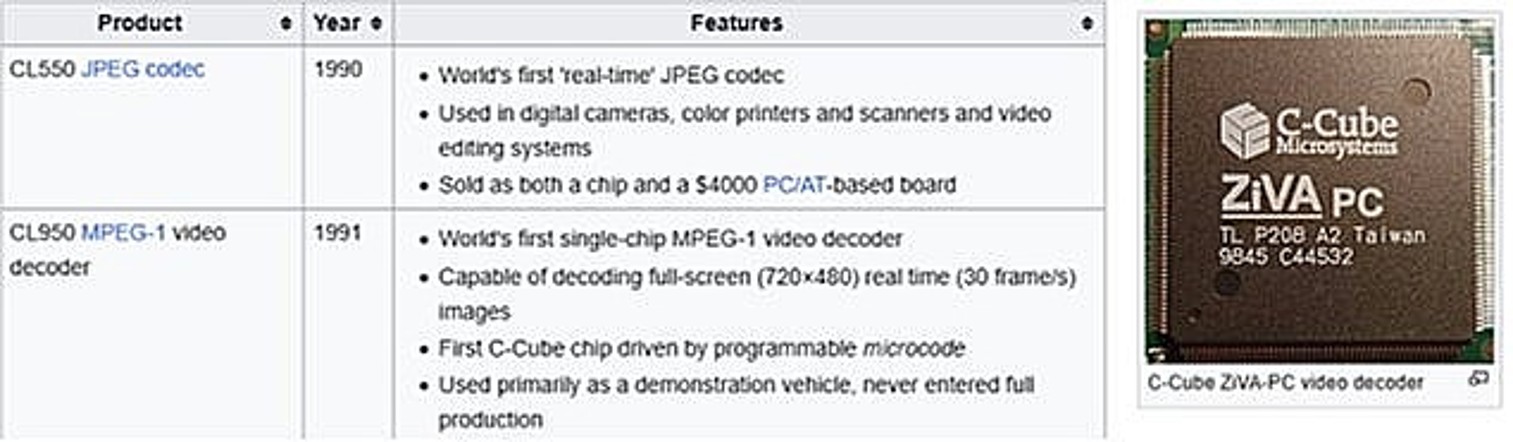
Manual for the JPEG compression chip.
After getting the JPEG software compression solid and fast, and doing hardware drivers for customers using the chip, this project was complete. I had trained two other engineers to do maintenance, so I wanted to look for the next fun project. My manager was also leaving, and he soon called me to contract on his next job.
My manager, Jim Rafferty, later commented on our work there:
You probably remember but there were some competing compression bitstreams out there. To solidify the code you developed as the industry standard I called an old friend, John Warnock of Adobe fame, and asked him to integrate image compression in the soon to be released PostScript Level II. I knew if he did our version of compression, we would win the standards game since desktop publishing was driving the industry. We ended up selling our code to Adobe and the rest is history. It worked!
Vividus, Part-time Contract Engineer, 1990
This was a short contracting job I did while working fulltime on another project. A developer had his own existing animation program and wanted the paint portion of his program updated from 8bit color to cover 16, 24, and 32bit color. I did this contract in the evenings as a side job.
I enhanced the color painting portion of this digital animation desktop Macintosh program.
Ames Cornish was the author. He designed and wrote Cinemation, a multimedia authoring tool which won a MacUser Eddy finalist award for "Best Animation Program".
Manual cover for the Cinemation program.
Review:
Cinemation was a multimedia authoring software program developed for Macintosh computers, focusing on creating interactive animated presentations, training materials, and movies. It allowed users to combine motion, sound, QuickTime video, and interactive elements like buttons and transitions, with features such as frame-based animation, tweening, ghosting for editing precision, and templates for backgrounds, clip art, and sounds.
July 1990 - January 1991
MediaVision, 1990
MediaVision already had PC sound expansion boards that they were selling, and now they wanted to have corresponding Macintosh ones.
Jim Rafferty, manager
Hired by Jim Rafferty, to do software and firmware, who I had worked for at C-Cube.
I brought in Dennis Grimm who I had worked with doing the board test hardware for Macintosh at Apple, he designed the hardware card for doing sound. Dennis and I were doing the whole project, with Jim as the manager. With Dennis working with me, I was on safe ground for this short contract since I knew he could handle the hardware portion of this job.
Dennis Grimm, hardware designer.
Maynard (Dennis) had a long career in the computer and electronics industry. It included working for Xerox Corporation, Diablo Systems, Apple Computer on the original Macintosh "100 team," NeXT Computers, Radius, Silicon Vision, and eventually starting his own business, Grace Video.
· I designed and developed all software for the first Mac sound board, ProAudio Spectrum.
· Wrote boot code in ROM for this NuBus plugin card. Simple status and signatures.
· Designed and wrote the sound drivers, including MIDI support, for this board. That included both recording and playback for multiple channels, frequencies, and rates.
· Designed and wrote a simple Joystick driver.
· Designed and wrote a SCSI driver for supporting devices attached to this card.
· Created a sound playing and editing application for use with this board.
This was MediaVision’s move to get into the Macintosh market, their previous equivalent products were for the IBM PC. They had plenty of PC engineers but did not have any engineers that knew the Macintosh. That is why they built an entirely new team for the Mac. This team consisting of contractors told you that MediaVision was not completely invested into Macintosh. It was expected that their PC engineers would take over maintenance once the product started to ship. The rivalry between PC and Macintosh was so heated that their PC engineers had no desire to create anything on Macintosh, but they would be tasked with maintaining it.
Review:
Pro Audio Spectrum 16 NuBus: Released in 1992, this was a sound card designed for Macintosh computers with NuBus slots (e.g., Macintosh II series, LC with adapter). It provided 16-bit audio sampling at up to 44 kHz, improved synthesis via Yamaha chip, stereo mixing, MIDI support, and bundled software for audio editing and games.
Sound board hardware designed by Dennis Grimm. I wrote all the firmware and software for it.
The list on the right of the previous flyer, bundled software, was a list of software that I wrote. Some of it was based on the look and feel of the corresponding PC program, and others were entirely new. Not listed is the firmware that I wrote for the board and external sound box.
Existing PC multimedia component. I wrote software to connect and use it on the Macintosh.
This external box was unchanged, so the same box worked for PC and now Macintosh. It only required a different set of drivers, one set for each platform.
Audio recorder I wrote for the Mac desktop, patterned after the PC version.
The bottom window contains the recording and playback controls as well as stereo VU meters.
The upper window shows the recorded, or played back, audio in real-time.
Joystick calibration, for Mac.
Joysticks required calibration to find the center where no movement occurs. Not calibrating could result in ‘drift’ of the joystick cursor without any movement.
My friend Dennis and I finished up this contract job. We documented the hardware and software that we had designed and created. MediaVision was going to transfer all our work to the PC group for maintenance. Contract over – time to find another challenge.
January 1991 - November 1993
This is a longer and more detailed job description than the others for several reasons:
· QuickTime was a technology that had a major impact on Apple’s future, and the multimedia industry.
· This was a small, hand-picked group of talented engineers working closely, I was fortunate to have been picked to join them.
· John Buck’s book, Inventing the Future, was first written to cover QuickTime and other early projects. It contains much more about QuickTime than my description and provides information about other members of the QuickTime team.
· QuickTime was well received and of interest to the non-technical people as well as engineers.
QuickTime, Apple Computer, 1991
QuickTime is a multimedia framework and extension of Macintosh system software, designed for the creation, editing, playback, and management of movies, which are sets of time-based data including sound, video, animation, scientific instrument data, financial results, and text.
Answering a job posting, I think in the San Jose Mercury newspaper, I went in to interview with Eric Hoffert who was working in Apple’s ATG (Advanced Technology Group). I had worked full-time at Apple before and this project looked like it could be both fun and interesting. I showed Eric samples of my previous work and talked about my previous time at Apple.
Hired by Eric Hoffert (ATG) and approved by Bruce Leak (QuickTime). I worked with them both along with Mark Kruger, Sean Callahan, Jim Batson, and Peter Hoddie. There were others working on QuickTime but these were the ones I worked closely with.
Developed MovieShop application for optimizing layout of Video and Audio streams on CDROMs for QuickTime. Developed MovieAnalyzer program to display movie data and look for playback problems.
Wrote low level caching data handler for QuickTime, optimized for reading from CD. Helped design and implement other areas of QuickTime with the core team.
Badges for working at Apple Computer.
Hired
Eric Hoffert, in Apple’s ATG (Advanced Technology Group), was looking for a contractor to work on video creation, processing, and analyzing tools. Eric’s titles (he later told me) were: Image Impresario, Research Scientist, and later Manager Multimedia Communications.
ATG had several video and audio codecs (compressors and decompressors) that were going into the new QuickTime multimedia world. The person to be hired would work with the core QuickTime team, so that person needed to be approved by Bruce Leak, manager of the QuickTime team.
The position was later transferred from ATG under Eric to the QuickTime group under Bruce as the ATG contract ran out of funding and more work needed to be done.
My previous experience showed my abilities and convinced them to hire me:
1. As an Apple Diagnostics engineer, working on Lisa and then Macintosh.
2. Working at the highly robotic Fremont factory building Macs and doing media duplication.
3. My time at Radius working with Burrell Smith on video capture, image manipulation, and TV playback. While there working with Andy Hertzfeld on a QuickDraw accelerator.
4. Working at C-Cube on JPEG hardware and software image compression.
5. Working for Vividus on a 32bit paint program.
6. Writing driver software and applications for MediaVision aimed at Macintosh and audio.
7. Designing, programming, and selling my own application for program design, called Prototyper.
Eric Hoffert wanted a tool that could process video clips, which were later called Movies, using various compression formats. He wanted the ability to vary parameters such as data rate, frame rate, key frame rate, video to audio sync offset, all to see the results of making those changes. I immediately went to work creating a tool for him.
Since it was an internal tool there was no need to use the Apple GUI designers and artists, which would have slowed the process enormously, we just needed quick robust internal tools. I started working on a movie creation tool, MovieShop, and soon learned that I was to have two main classes of users for that program. Eric was the first customer, but there was interest from other parties.
1. The first was the person that wanted direct control over everything that they could control. These were experimenters, like Eric Hoffert, and the QuickTime engineers testing playback or a new feature in the data stream.
2. The other class of users were the external content creators that wanted a one button do-it-for-me program, that used all the recommended settings and could be set to run batches of video and then be left alone to process them. Some of these people had movies that took many hours to compress and wanted a simple tool for doing that.
After the release of QuickTime, 3rd party compression tools became available to replace the internal MovieShop. So, the MovieShop tool had a limited lifetime since Apple did not want it to compete against outside companies doing programs for sale to the public.
As I got the MovieShop tool working then two of my own needs became quite clear to me.
One was the need for another tool that would look in detail at a previously compressed movie and show the settings used in its compression. So, I wrote MovieAnalyzer to display all the technical details about a movie. In addition to static analysis of the movie, dynamic playback analysis was also included to see how the movie played and if any frames were dropped. The focus was on Data Rates, Key Frame rates, comparing the size of compressed Difference frames to a Key Frame and Video to Audio offsets. Seeing when Key Frames were automatically generated, such as ‘cut scenes’, was critical for the codec designer. This program could be run on the lowest end Macintosh supported by a specific vendor to assure that their movies would playback giving their users the best experience.
The second thing was the need for me to be working at the lowest level of QuickTime, at the data caching level. With me working at the highest level, in MovieShop, and at the lowest level of playback, in the QuickTime data handler, then we could quickly make changes to the movie file layout to take better advantage of low-level data caching.
Switched from ATG over to Bruce’s QuickTime group
Bruce Leak had assembled a very small and tight group of what I call A+ people, both very smart and very hard workers. You were able to count on each one doing outstanding work in his own area. Not just getting their work done but getting it done quickly and robustly. All of them were open to ideas and input from each other. Bruce was especially good at knowing the technology from top to bottom and able to contribute ideas and problem solutions all during the project.
A key feature of a long-life file format, like we were aiming for with Movies, is flexibility to handle things you have currently planned as well as things that may show up years later. The format was very flexible and complete by the time I joined the project, and it had these attributes already.
The rest of the QuickTime team liked the fact that they could ask me for a change to the file format, and I would implement it immediately. I could turn out a new version of MovieShop for them in as little as 5 minutes, and with bigger changes taking an hour or so. This allowed them to make a change that broke previous movies but gave better results. They would then process their test clips with the new MovieShop and start playing their test clips again. Having this quick support allowed them to move much faster than normal and to try out ideas that would normally never have been tried due to having a major impact on everyone else.
After I had worked on the tools for a while, I then moved to work on the core data handler inside of the QuickTime playback engine. This was an ideal position for me to tune the file creation tools to match what the playback engine needed. Managing the video-to-audio sync offset was key to keeping the low-level buffers as small as possible. A sync difference too large would make either the audio or the video playback codecs require bigger buffers to store data that was not needed yet.
It was necessary to have an audio buffer large enough to keep playing audio if the video froze during a seek on a CDROM. This was manageable with compressed audio being much smaller than compressed video. We could store enough audio to still play sound if we hit a seek that paused the video.
The video codec, Road Pizza, was our main codec(compressor) for QuickTime. We also had other experiments, like a Jpeg codec, but later the codec from SuperMac and Peter Barrett was the best and was the most extensively used.
My impression of QuickTime team member Mark Kruger and his work:
I didn't know him prior to QuickTime. In QT he was working on compression codecs. He seemed to also be a hard-working general-purpose resource who could work lots of other areas.
Bruce and him were close friends then.
Mark would come into the office in his motorcycle leathers; he was a big guy. Bruce once told me, "Don't worry about Mark, he is a big teddy bear."
Bruce Leak – Manager.
Mark Krueger – Codec (video compression and decompression).
Sean Callahan - Codec (video compression and decompression).
Jim Batson – Plumbing. Connecting codecs and buffers. Both Video and Audio.
George Cossey – Tools and buffers.
I did not interact with the others very much; we were the core engineers from my viewpoint.
I was asked by the writer of “Inventing the Future” to write up what my day was like on the QuickTime team. I think he was hoping for something different and unique. I wrote what my day was like, but he decided not to use it in his book. Too ordinary, I think. Mostly just working hard.
I decided to put it here anyway, facts are facts.
Average day for me on the QuickTime team.
I am an early riser and set my work hours to usually be from about 6am until 3pm or later. Depending on where I worked, I would go home early and work on my own projects or I would work in the office longer as the project needed it. The QuickTime project required me to stay late, and I would leave a lot of the time around 5 or 7pm or even later.
Coming in early allowed me a few hours of uninterrupted work time before the office was filled with other people. Those were very productive hours as I would make the requested changes to MovieShop before the guys needing it would come in. MovieShop was used to process raw video into QuickTime movies. So, the guys working on the codecs(compressors) would make changes and then needed to reprocess their test clips to see their changes. For file format changes, or flags in the bitstream that were changing, then the other guys would need to reprocess their test clips.
At some places where I have worked, meetings could take up most of the day with no time to do the actual work in the worst case. Lots of time personal recovery was needed after 2- or 3-hour meetings.
Bruce Leak had a different approach to meetings. In rare cases Bruce would call a meeting in the morning to give us major news, but that lasted only 10 or 15 minutes. Most of the time it was just ‘come in and get to work’. Bruce kept track of what was going on and how each person was progressing.
The QuickTime group was a small high-powered team where each person could do their own work without the overhead of lots of meetings. Bruce would go around multiple times in the day to each person and talk to them about what they were doing and give them information about what other people were doing. These talks were sometimes a couple of minutes and other times longer when helping to solve a problem. That brought more focus to the tasks ahead for each person. We still had an overall picture, but we were focused on our area.
Bruce was very smart and when he talked to you individually about what you were working on, he understood the problems you were working on solving. He would always come up with ideas on how you might handle it or a different way to approach the problem. He could do that to everyone on the team and kept us moving. Having a technical manager with a wide range was a welcome change from most companies I have worked at.
If I got a heads-up from Bruce about someone needing a change, then I would go around and talk with the other guys to get ideas and find out what they needed from me. Of course, I would not stay too long since they were focused on solving their own problems and I needed to get back and implement the changes that they needed.
To keep us going and as an extra perk, there was a Foot locker of candy bars meant to give us an energy boost. I rarely took advantage of it, but it was nice that things like that were thought of. Sometimes I would hear Bruce say he needed to make a grocery store run to refill it.
As the other guys used both of my programs, MovieShop and MovieAnalyzer, they would run across bugs or have enhancement requests. I always tried to be quick to respond and would put out a new version of the program in as short of time as possible. Bug fixes and small enhancements could take 15 minutes or half an hour. Harder ones could take a couple hours, and major changes could take a few days. I would sometimes do 3 or 4 releases in a day, but usually releases would be every few days.
As the need to reprocess video clips increased, we sometimes had more than one Macintosh for our use. One Mac would process clips while development continued on a second Mac. I also had my own Mac at home, and I could keep working there when I went home. When my programs were in heavy use, it encouraged me to spend extra time making them better. An advantage of working on a software only project, not requiring expensive or specialized hardware, was that I could continue working when I went home.
End of the day
My home office while working for Apple.
CDROM discoveries
Another member of the QuickTime team, Peter Hoddie was quoted as saying: ”George did all the early work on the CD-ROM ‘seek’ problem. It was a small miracle, just so that we would never need to ‘seek’, because anytime you wanted to jump on the CD, it was like a second and everything in your computer would just stop. We couldn’t draw any more video and while the sound might go for a while longer, that was it. He worked to make the CD-ROM invisible, by constant profiling and tweaking and adjusting, and it was a huge project. “
Hard disks hold data in concentric circles, smaller circles closer to the center and larger ones farther away from the center. I wrote tools to show this and to analyze solutions to make it work better.
CDROMs are laid out like a vinyl record, which is in a spiral so that the needle does not have to leave the record as it plays the audio.
Tool that I wrote to show sector layout on the CDROM.
To accomplish working on a spiral track, the CDROM read head is designed differently than a Hard disk read/write head. The Hard disk head must physically move as it goes from one concentric circle to the next one.
I found that the CDROM had a read head that would seek to a specific spot on the spiral and then the head would swivel to follow the spiral as well as short seeks in both directions for a few tracks. This allowed for one large physical seek and then these minor head swivels to read a large group of spiral tracks. When the head had swiveled as far as it could then the head would be moved to a new position, and the swivel would reset and start again.
Tool that I wrote to measure seek times on a CDROM.
The time is getting to a location and then waiting for the CDROM to rotate to the right location.
Tool that I wrote to characterize CDROM accesses.
The time needed to move the read head, seek, was very long compared to the playback time. The media file was read using buffers that would cover the playback time for a short head movement. If the file was not laid out consecutively and was split into multiple locations on the CDROM then the buffered data was not enough to cover that seek time and there would be a pause in playback.
MovieShop
MovieShop started off with numerous controls that affect all different areas of the video clip. Later, due to some outside users with varying skill levels, another mode was added to get as close to ‘One button’ to process a clip. Outside users that had lots of clips to process and very long clips would often use that mode. MovieShop also had a ‘batch mode’ feature to handle processing multiple movies without operator intervention.
Definition: Key Frame and difference frames.
When video is compressed, there is a frame that is compressed first, called a Key Frame. There are a group of frames following that key frame that are reduced to only the different pixels between the key frame and next frame, or between two differenced frames. For example, if a person is walking across the frame, then there is only the need to keep where the figure was and where it was moved to. Non-changing background was not part of this ‘difference’ frame. This greatly reduced the number of pixels for difference frames to be compressed.
When a media file playback is started from an arbitrary point, the offscreen playback starts back at the closest key frame before the playback position. It then ‘plays’ offscreen until it catches up to the playback point. Not doing this would result in the user seeing partial frames that fill in and are not complete until the next key frame is encountered.
Definition: Key Frame Rate.
To allow for seeking to any point in a media file, the key frames need to be closer together. Key frames were usually set at least every second for media files to handle arbitrary positioning. The ‘key frame rate’ was a setting which was set when compressing a media file. The tradeoff was that the more key frames then the larger the compressed file, less overall compression. For media that was designed for constant playback and would not be started from an arbitrary point, then the spacing between key frames was greatly increased and the image quality on the ‘difference’ frames was also increased to take advantage of the available data rate created by having less key frames. Key frames generated on a ‘cut scene’ would be enough in most cases.
Smart codecs kept track of how many pixels in a ‘difference’ frame changed from the previous frame. When a certain threshold was reached then an automatic key frame was generated instead of a difference frame. ‘Cut screens’ would generate an automatic key frame since almost every pixel changed as the video cut from one scene to another.
Definition: Video to Audio offsets.
When compressing a media file, there are typically two related data streams in the file. There is a video stream consisting of key frames and difference frames. There is also an audio stream where the audio is also compressed. Both streams have their own timestamps on each data packet. When played back there is usually a difference in how long to buffer and decompress audio vs. video due to codec decompression time. Audio hardware buffers also could affect playback timing differences. There is the need to have enough audio buffered to keep playing audio when the video lags and cannot keep up. In that case the video may freeze for a short time, but the audio will keep playing and the playback clock keeps going.
To help smooth the data rate, audio packets are placed away from keyframes if possible since keyframes are much larger than difference frames.
For a scene where the camera was panning, almost every pixel would change. But if you look at it as the same background and a ‘motion vector’ to account for the direction and magnitude of the scene change then it could be managed much easier. The difference between the first frame and a motion adjusted second frame had a lot less pixel changes this way.
A more complicated version was thinking of it in 3D space. The background would have one motion vector and a foreground object, like a person, would have a different motion vector since they are moving across the screen at different rates and possibly in different directions.
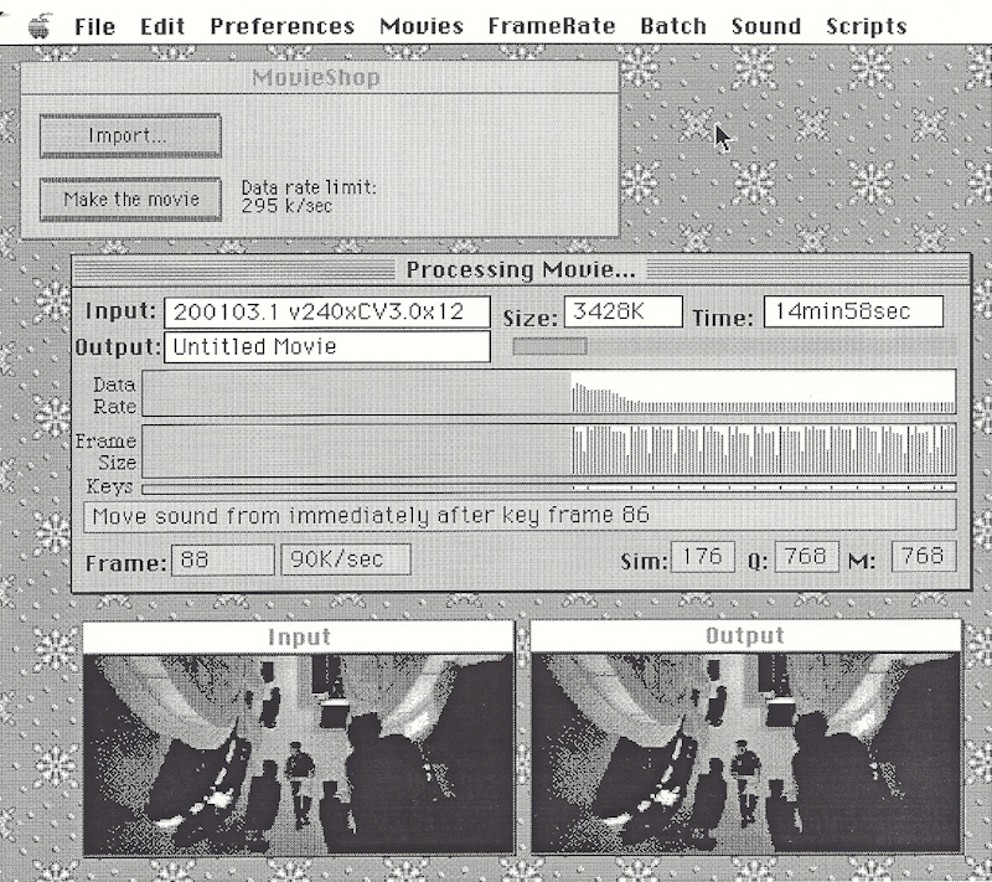
MovieShop – Video processing application.
Input shows the video before compression.
Output shows the video after being compressed.
Data Rate will affect how well the clip streams. Areas where the data rate is too large for too long of a time will have playback problems.
‘Frame Size’ tracks the compressed size of each frame. Key Frames being the largest. Differenced frames may also have increased quality to use available data rate.
Keys mark the location of key frames. Notice how they are separated and usually at a specified rate, except when a ‘cut scene’ affects them.
Message line shows what action MovieShop is taking as it compresses the movie clip.
Review:
MovieShop was an early utility program developed by Apple as part of its QuickTime ecosystem in the 1990s. It served as a tool for processing and optimizing QuickTime movies to improve playback performance, particularly from CD-ROM drives, which had slower data transfer rates compared to hard drives at the time.
The program allowed users to compress movies, adjust frame rates, and tune data rates to reduce jerkiness or stuttering during playback, making it useful for developers and multimedia creators preparing content for distribution on CDs.
Key features included:
- Compression and optimization: It could compress QuickTime movies to lower data rates while maintaining acceptable quality, often down to levels suitable for single-speed CD-ROMs.
- Editing capabilities: Basic movie editing, such as reducing frame rates or eliminating redundant data, without requiring full re-encoding in some cases.
- Playback tuning: Methods to ensure smoother performance on limited hardware, addressing common issues like frame drops in early QuickTime content.
My office for working from home.
MovieAnalyzer
A program was needed to look at processed clips, both coming from MovieShop and later from other compression products. The focus was to look at Data Rates, Key Frame rates, comparing the size of compressed Difference frames to a Key Frame. Seeing when Key Frames were automatically generated, such as ‘cut scenes’ greatly impacted the movie size and data rate.
Static analysis of the movie was done and shown in graphs and data for each movie.
Dynamic analysis was also done to show when a frame was ‘dropped’, skipped over.
MovieAnalyzer – Video playback analysis application.
The display on the left showed how key frames were distributed in the movie. The right-side window showed details about the movie. The small window at the bottom was the movie playing.
The order of disk reads was not the problem I was solving. My goal was to completely remove all seeks, to make reading the file as smooth as possible.
My work on MovieShop was to properly segment and interleave the video and audio samples.
The offset between video and audio samples was critical as well as all buffering (data handler work).
The size of the buffers was also critical for playback. Keeping the playback footprint to a minimum
while making the buffers large enough to cover disk seeks when the file was not laid out properly.
This required me to make a tool, MovieAnalyzer, that could monitor buffer sizes as well as
disk read times. It also measured codec data usage and what happened when the file was
not properly interleaved and the read of the file had delays in it. This was key in properly
interleaving the video and audio data samples, keeping them at the correct offset in time
from each other to properly maintain buffers and keep them full.
Plaque given to the core members of the QuickTime team.
I remained working on QuickTime after Bruce and most of the crew left to go work at Rocket Science Games. After a pretty short time, Bruce came to recruit me. I asked what I would do there. His reply was that I would do what I did on QuickTime. So, tools and low-level code. Sounded good to me, getting back with guys I admired and had fun with before.
Things in the Apple QuickTime group were not as fun as before; the best guys left (except Jim Batson) and took the fun and hard work with them. I accepted the offer right away.
An example of a great manager.
Bruce Leak was, and is, very highly thought of as a manager. These are my thoughts on him managing the QuickTime project. He was praised for being a manager that formed and managed a small group to make a very successful product.
He is very technical, I think mostly from his previous color Quickdraw work. Everyone on the team could talk as technically as they wanted and knew that he would understand. Usually, a manager would only get 20% of what you would say, usually not nearly as technical.
He is an 'idea man'. Talking about a roadblock to your work, or during the design phase of your work, Bruce would have multiple ideas about ways to approach the work, which would then lead you to even more ideas for your project. His ideas were very practical and have great insight.
Bruce was a very effective shield blocking upper management from interfering with the team members.
He kept meetings to a bare minimum. For information that needed to get to all team members, he would usually just go around individually to tell us while he was coordinating our work with other team members.
Bruce hired very expert and capable engineers. This allowed him to work as more of coordinator and idea man than being a micro-manager. The people in the group could see what needed to be done and just did it. In some areas Bruce or someone else would have a design in mind and would grow it as time went by.
Where Bruce was lacking in experience, like writing an application like MovieShop, he relied on the engineer working on it to make it great. He would back-off and let the engineer that knew the most do the design. Bruce would still contribute ideas, and he helped with any roadblocks.
My impression is that Bruce can gather top engineers together to make a project successful. He then relies on those engineers to use their expertise to make the project successful. He did not know the details of what each engineer was working on, he had a general overview.
When he recruited me for Rocket Science, it was to rebuild a previous successful team instead of needing me specifically. He did not really know all that I did but wanted to get the top engineers again so that this new project would be successful.
November 1993 - March 1995
Rocket Science Games, 1993
Rocket Science Games was a video game developer founded in July 1993 by Silicon Valley entrepreneur Steve Blank and businessman Peter Barrett, headquartered in Palo Alto, California, with an additional design and production facility in nearby Berkeley.
The company's core vision was to revolutionize the video game industry by blending Hollywood's cinematic storytelling and production values with Silicon Valley's technological innovation, particularly through full-motion video (FMV) on platforms like the Sega CD and CD-ROM for PCs and Macs.
Peter Barrett
The company quickly assembled a high-profile "supergroup" team, drawing talent from Hollywood and tech, including concept artist Ron Cobb (known for work on films like Alien and Back to the Future), screenwriter Mike Backes, game designers like Brian Moriarty and Will Harvey, and experts from Industrial Light & Magic, LucasArts, Amblin Entertainment, Marvel Comics, and Apple Computer. Barrett, who had developed the Cinepak video compression format, led game development, while Blank managed marketing and financing.
Most of the core QuickTime group left Apple to extend and use movie technology at a streaming video game company. Bruce Leak took most of the QuickTime people with him to go work on ‘full motion branching video games’.
I think that Bruce recruiting me for Rocket Science Games was more about bringing a successful QuickTime team over, instead of me personally.
Bruce Leak
Bruce recruited about 3/4 of the QuickTime team and they went to Rocket Science Games.
I think he saw some skills were missing and wanted to staff with either people that had
not come over yet or people with skills needed in making games.
One outside hire he did was a game design tool maker. That fellow went on to join Apple
and work on VR for many years.
Another outside hire was a kid that made a sign and showed it outside our building until Bruce hired him. He turned out to be pretty good. The sign said, "Will program for food". I think Bruce liked the idea of doing that sign and then hired him.
An example is a driving game where a fork in the road takes you straight into a village where you are then attacked, and the other fork takes you to a rickety bridge going across a raging river. There were separate video clips for each fork you could take, and the appropriate one was played based on the direction you choose with your joystick.
Some game player decisions were very close to each other as the video played and required special data layout to hide any potential time delays when seeking to other areas of the game. Playing from a 1x CDROM is very slow, seeking from one video clip to another clip in a different part of the CD. A major problem I addressed was to properly layout the data while also covering all seeks and potential seeks with pre-read data put into buffers.
I developed a Game Compiler used to compress, layout and optimize streaming video and audio for full motion branching video CDROM based games. Rocket Science started with two games in development, LodeStar was one, Cadillacs and Dinosaurs was the other and we had more being designed for the near future.
A ‘red flag’ I saw at that time was that both of the game designers, very well known in the industry, had signed on to first do the games Rocket Science wanted and then they would be allowed to do their own game design.
I also developed a Game Validator that ‘played’ the game to verify all data paths were valid. These were video streaming games, and all the video paths needed to be checked. QA people could have been tasked with verifying all paths and decisions a player could take, but they would miss some.
Like at QuickTime, I also worked on the low-level caching drivers to optimize reading from a 1X CD. The games were being made for the PC, Sega, and 3DO game systems.
When we decided to make a Sega CDROM game, I created a Macintosh based remote debugger for the embedded Sega game system. Bruce brought in Tony Fadell (contractor) to help work on this. Tony is a very good programmer, and I was glad he was brought in to help.
Side note: Surprisingly Elon Musk was a summer intern that worked at Rocket Science Games on the Lode Star game. I did not know him at that time; he was in a separate group.
My business card at Rocket Science Games.
Peter Barrett, one of the founders of Rocket Science Games, had some shirt buttons made up and handed them out at the front desk, they said “Why yes, I am a Rocket Scientist”. I still have one of these buttons.
For team building, Peter bought us all white Lab Coats and took us on a field trip. It was to a place that had simulation cockpits for each person to simulate flying a rocket ship. You were flying in a 3D environment with the people in the cockpits next to you flying their own spaceship. It was a lot of fun.
I always considered what we did at Rocket Science Games to be what the next generation of QuickTime could have been. We worked on video playback, from a 1x CD player, that had game player decisions that decided what video to switch to. We handled branching in the video stream. Branches to a single destination, to one of two destinations, and to one of many (6 or 8) possible destinations. I designed advanced buffering to allow this to happen on a Sega game system using a 1x CDROM player.
The methods I came up with for branching and covering seeks were worth filing patents on. I don’t think that was done, but it should have been.
The tools there were a great deal more complex than the earlier ones for QuickTime. I did a ‘Game Compiler’, like MovieShop in some ways but far more advanced, as well as other tools. The game consists of video clips, sprites, audio, decision flags, and other meta data.
A Game Compiler application I wrote to process a game design for full motion videos.
The ‘Game Compiler’ would process all the game assets, videos/images/sounds/commands, and lay them out inside of a datafile for burning on a CDROM. The complex part was making branches in the video, based on the players’ actions, as seamless as possible.
First level branching would consist of reading ahead, before the branch, enough data to cover the head seeking time on the CDROM. Start the seek, play from pre-read data in the buffer, and then switch back to the stream when the seek was done. Simple huh?
Second level branching was where the decision was one of many, for example 7 different locations based on game play. This was handled by making the branch decision early enough to start the seek while playing the current clips remaining video. By the time that pre-read data had been played then we would be at the new stream position and reading that new data.
Cadillacs and Dinosaurs was our second title, based off of a comic book series. This title was all animated artwork with no live people, except for their voices. I think the top management felt this was a ‘fun’ idea to make a game out of.
Game Analyzer.
The ‘Ring’ buffer was the main data being played back. Data would continue to flow into the ring buffer, wrapping around for needed space. Playback would pull data and then invalidate that portion of the ring buffer, so it could be used to hold new data.
A ‘Side’ buffer, possibly more than one at a time, was to cover a possible seek. Data would be read into a side buffer and when a decision was made, we would start playing from that side buffer or release that data as unneeded.
The ‘Sound’ buffer was to keep playing audio, sometimes background music.
A tool I wrote to automatically ‘play’ a game file, the Game Analyzer.
The Game Analyzer graphically showed the various buffers being created, used, and/or disposed of as the game was played. The video being ‘played’ was shown in the bottom window.
This tool would keep track of all the branches and make sure they were all taken before it ‘verified’ the game.
The first game that we made was to be played on the Sega game console.
Back of the game we made, showing some video sequences.
When the company folded, I heard that the tools and technology that we built were sold for more than the games had made. My buffering for game playback had lots of new ideas and concepts.
A picture drawn by Ron Cobb, famous artist, but never used. Ron had done artwork on the movie “The Last Starfighter” back in 1984.
Loadstar: The Legend of Tully Bodine (often just called Loadstar) was Rocket Science Games’ first released title. It launched on Sega CD in late 1994 (roughly November) and on MS-DOS in 1995. It is an FMV rail shooter in which you play as Tully Bodine (Ned Beatty), an interplanetary trucker hauling contraband camels while dodging police and shooting from a first-person cockpit view as the ship travels on tracks.
en.wikipedia.org
Contemporary magazine reviews from late 1994–early 1995 were mixed-to-negative, with scores clustering in the 40–80% range and an overall critic average around 53–62% depending on the compilation.
Closeup of camel. Not used in the game, but an awesome drawing done in 1994.
Towards the end of making this game, management admitted that it was more about the artwork and less about the game play. Sales were dismal.
The studio itself later acknowledged that movie production values received far more attention than playability.
Ed Harp, who later worked at Apple in the VR group, wrote the game authoring tool. My game compiler took the authored file and created a playable CDROM game from it. This shows a game being designed in Ed’s tool, each arrow vector is a short video sequence.
Example of a small portion of a game. Each arrow represents a short video sequence. Each of the circles are ‘nodes’ that expand and are shown below.
Example of a ‘node’. Arrows pointing into the node are video clips of game progression going to a decision. Arrows coming out of the node are videos played based on the user decision in the game.
‘Node’ detail. Each arrow is a separate video clip. This shows how complex the problem was to make a program to properly connect and layout all the short video sequences.
Loadstar was a live action, intermixed with animated sequences. We paid to get Ned Beatty, movie star, to do some of the live action scenes. A small group of people, I was not in that group, went off-site to film those sequences.
Worked with Tony
Tony Fadell came to Rocket Science Games as a consultant/contractor. I worked with him making a debugger for the Sega game system. Bruce had brought him in to help with the debugger, he was a very good software engineer.
Later I heard he invented the iPod music playback hardware and was shopping around at a lot of big companies trying to get someone to make it. Apple finally took it and made Tony a VP of a group to oversee it. They did the Shuffle as well as the iPod and it worked with iTunes.
He later is attributed to being the inventor of the iPhone.
Sometime later I heard Tony had a house at Lake Tahoe that he would go to on weekends. Sometimes it would be freezing in that house when he arrived there after a drive from Silicon Valley. And it took a long time to warm up the large house.
That was a problem in search of a solution. So, he invented the iNest thermostat to remotely, over the internet, start heating up the house before he arrived for the weekend. He sold that idea/product and moved on to the next thing. A good example of a ‘thinker’ who is also a ‘doer’.
Leaving Rocket Science Games.
Rocket Science Games was founded in 1993 with initial offices in Palo Alto and a design warehouse in Berkeley. In 1994 the company consolidated into a single building at 139 Townsend Street in San Francisco’s South of Market district (a historic 1909 brick-and-timber warehouse).
Rocket Science games announced to the employees that they were going to move from Palo Alto up to San Francisco. That was too far of a commute for me from the south end of San Jose, so I looked for the next challenge.
March 1995 - November 1995
Claris Corp. (Apple Computer), 1995
ClarisWorks was an integrated office suite developed by Claris Corporation, a subsidiary of Apple Computer, combining word processing, spreadsheet, database, graphics editing, and presentation tools into a single application. It was popular in the 1990s for its ease of use and affordability, especially on Macintosh computers, and served as a competitor to Microsoft Works.
In 1995, Claris Corporation (Apple’s software subsidiary at the time) was headquartered at 5201 Patrick Henry Drive in Santa Clara, California. The distinctive office building was nicknamed “The Wedge” because of its triangular, wedge-like shape. It sat about six miles from Apple’s Cupertino campus.
Claris was a spinoff from Apple. It was to make applications for the Macintosh and sometimes making them available on the PC. Its main product was a mammoth suite of applications that had multiple applications closely linked to each other. This allowed for very easy sharing of data and images from one application to another. This mammoth application was called ClarisWorks. Microsoft had a similar product called Microsoft Works for the PC.
ClarisWorks combined word processing, spreadsheet, database, drawing, painting, and presentation tools into a single, user-friendly application. Easy sharing of data between components.
· Word Processing: Included templates, spell-checking, and basic formatting, ideal for reports and letters.
· Spreadsheet: Supported calculations, charts, and data analysis with a simple interface.
· Database: Allowed users to create and manage flat-file databases for tasks like contact management.
· Drawing/Painting: Offered vector and bitmap graphics tools for creating illustrations or layouts.
· Presentation: Enabled slide creation for basic multimedia presentations.
· Integration: Documents could combine elements from multiple modules (e.g., embedding a spreadsheet in a word document), a key strength.
A senior manager of an R&D group at Claris, John Pavley, had the idea of using the new OpenDoc technology, which was catching on and looked like it could be a major hit, and moving a version of their ClarisWorks application to it. ClarisWorks was a monolith program that had tightly integrated applications bundled together. Once separated into separate OpenDoc parts it would be ready to go if OpenDoc became widely used. This was a chance to learn a new, and possibly revolutionary, technology – OpenDoc. So, I worked on breaking ClarisWorks into separate OpenDoc components. I was leading a couple of other engineers and we were having fun.
OpenDoc was a multi-platform software componentry framework developed primarily by Apple Computer in the 1990s, designed to enable the creation of compound documents through small, reusable software components that could interoperate seamlessly across different applications and operating systems.
The purpose of OpenDoc was to promote collaboration among software developers, foster innovation through third-party components, and create a document-centered computing model that was platform-agnostic.
I later found out I was hired to work on an unapproved project; I was not told this when hired.
Marketing people found out and then shut down this rogue project. We had gotten pretty far and had a couple of the components running. Claris marketing was upset by the idea not coming from them and also not being approved by them before any work was done on it.
I left when the project was shutdown. Some others in our group transferred over to working on ‘ClarisWorks for Kids’.
Not something I was interested in working on, I went to Claris to learn and use OpenDoc.
November 1995 - November 1996
The Sony VAIO brand made its debut in 1996 with two desktop models, the PCV-70 and PCV-90, announced at the PC Expo trade show in New York. These were Sony's first foray into the personal computer market, positioning the company as an "audio-visual/information technology" player rather than just an electronics giant known for TVs and Walkmans.
The VAIO name stood for "Video Audio Integrated Operation," symbolizing the blend of analog (VA as a sine wave) and digital (IO as binary) technologies.
Aimed at high-end multimedia consumers, these PCs emphasized sleek design, ease of use for novices, and audio/video capabilities. They shipped in August 1996, running Windows 95, and were priced aggressively to compete in a market dominated by beige boxes from companies like Compaq and IBM.
VAIO PC
This photo shows my software program running on a new VAIO system.
Sony was about to get into the desktop PC market and wanted to make a big splash. I was hired to develop an introduction application for the new user to be shown what features were available on the PC when they booted it up for the first time.
I worked with Sony engineers and managers when I was at Apple, working on their 3.5in floppy drive. I always admired the quality of their products and liked the company. This was a chance to work at Sony on their brand-new Windows PC. Sony was forming a very small team to do this.
To help make an introduction program I was assisted by a Designer/Artist/UI engineer from the well know Sony Design Center, his name is Hiroaki Nakano. He came up with a 3D look for the application. It had ‘walls’ with various controls on them, as well as icons that were rotating 3D objects. Since we did not have 3D support in hardware, I animated the spinning icons by ‘playing’ each one back like a filmstrip. Turning from one ‘wall’ to another would be a fade from one background to another.
Photo: Hiroaki Nakano, an extraordinary artist.
Hiro (Hiroaki) later started his own company, and I called on him for art and UI expertise when I was at other companies. His artwork would greatly increase the quality and value of any software it was on. He was a very good friend over the years and did the artwork for a number of different projects I did at different companies.
As part of this initial VAIO PC release, I wrote a Windows95 screensaver for sequencing through images. I completed and shipped Sony’s first desktop VAIO PC.
Next, our team did a Java prototype on a new Internet TV product, channel selection and TV features.
For this I was Lead/Manager for 2 contractors doing the Internet product. This was while I was managing and also still programming full-time. Worked with Sony Marketing, Sony QA, Intel Project management, ATI graphic engineers, and CompCore MPEG engineers to ship the system.
My business card while working at Sony.
2 page ad for the VAIO PC.
QuickStart foldout that came with new VAIO PCs.
Quickstart foldout that came with the VAIO pc, showing my program in action.
Advertisement for the VAIO.
The window in the center played selected videos. The icons were simulated to look like rotating 3D icons, using a video filmstrip that my program played back for each icon. Pressing on a side wall would rotate the users’ view and that wall would then be in the center of the screen.
Selection pane for major features and sections of the program.
Full screen video playback.
Other media players are available on the VAIO pc.
Front cover of the manual that came with the VAIO. Everything on the VAIO had high quality graphics to go with it.
A patent for my work at Sony. On leaving I assigned Sony the rights for it.
We shipped the first VAIO PC with my software presenting it to the user when they started it up. My boss was leaving; he was a manager who usually had 100s of people under him. At Sony he only had 5 people. The artist I had worked with went on to another Sony project. There was an internet project in the investigation phase, but I did not expect it to go anywhere since our manager left.
November 1996 - August 1997
Power Computing, Inc., 1996
Power Computing was a prominent Macintosh clone manufacturer, producing systems that often outperformed Apple's own hardware in speed and value. The company released several key models, including updates to the PowerTower Pro and PowerCenter Pro lines, which received positive attention in industry publications and events for their performance, upgradability, and competitive pricing
Power Computing's products were part of a brief "clone wars" era, where they captured market share by delivering faster, cheaper Macs.
Power Computing’s Silicon Valley presence in 1996 was its engineering office in Cupertino (not its main manufacturing site, which had already moved to the Austin, Texas area). The company listed its address as 10261 Bubb Road, Cupertino, CA 95014.
Power Computing was the major Macintosh clone maker.
I was hired by Jon Fitch, a hardware/design engineer that I worked with at Apple on both the Lisa and Jonathan computers. At Power Computing I wrote diagnostics and manufacturing software for their Macintosh clones.
I prototyped and tested SDK test control software before manufacturing was moved to Texas. I made a trip to the Texas building, where they were assembling the computers. There was a corral right next to the building and there were Texas longhorn cattle in it. A nice trip with good people there.
Developed manufacturing control software and diagnostics for making Macintosh clone systems. Wrote numerous test suites to test new computers through the manufacturing process as well as load them with semi-custom software sets.
Added networked data collection for manufacturing using AppleTalk and Open Transport, test station control software. I wrote software to gather and correlate testing software from multiple test sites in the factory.
Steve Jobs was against 3rd party’s making Mac clones. He tried to kill Power Computing and when he failed then he got Apple to buy it and later disband Power Computing.
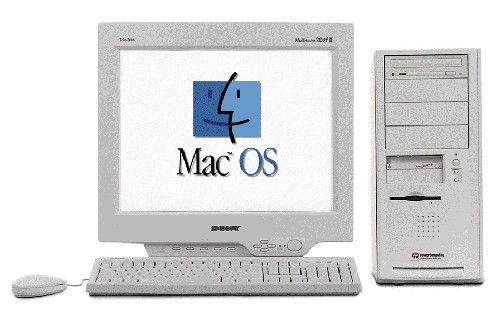
Power Computing ad showing awards won.
We had a marketing campaign that basically said that since Apple could not give the end user what they wanted then Power Computing would. We had more models, low end to high end. Custom loaded disks shipped to the customer with commonly requested applications already loaded on the. Different drive sizes, memory sizes, graphic cards and all these were custom to what the user ordered.
High end Power Computing system with 6 expansion slots.
Low end Power Computing system, only 3 expansion slots.
I had written software for Power Computing to load customized software onto their systems. The customers could pick what products to add, like virus protection or office programs, so each system could potentially be custom. I wrote both build and test software for the production line, but production moved to Texas and needed to be maintained there so I shipped the software for someone there to maintain and update it.
I decided to look for the next challenge.
August 1997 - April 1998
Magnifi, Inc., 1997
Magnifi Inc. was a technology company based in Santa Clara, California, specializing in multimedia search and retrieval systems during the late 1990s. It was known for developing one of the early search engines focused on discovering and organizing audio, video, and other multimedia content on the World Wide Web, addressing the growing need for tools to manage non-textual data as internet usage expanded.
Hired by Eric Hoffert, who had previously hired me to contract at Apple on QuickTime for the ATG group. He had left Apple and was the main designer of the Magnifi software.
Eric had a view of media that was far beyond just pictures and video. He wanted a way to create libraries of media that were searchable and have thumbnail images describing each one. He wanted to handle a growing number of formats for images, audio, and text.
I designed and implemented a set of WindowsNT SDK C++ multi-tasking programs used for multimedia file analysis, auto-generation of preview images, sound clips, and extracting all text. Using GIF, MPEG, JPEG, QuickTime, DirectShow, NetShow, and the Inso toolkit.
We used a 3rd party package, called Inso, for text and spreadsheets. This package handled file formats for specific applications, but we could do media better than Inso could. I developed the code for still images, sounds, and movies on my own.
Business card for when I worked at Magnifi.
Magnifi’s description of their product, where they gave a name to the technology invented by Eric. I worked in the ‘MediaCrawler’ and ‘Media Blocks’ areas. The MediaCrawler, done by someone else, would return media that I needed to analyze and make thumbnails for.
A description of ‘Media Blocks’ from Magnifi’s documentation. This was the main area that I worked in. Getting format information, making thumbnail images for stills and short filmstrips for video.
Example of the detailed results coming from a search through the media. This has an example film strip that I created for this video. It takes sample frames from various spots in the video. The best frames to take were at cut scenes, then you were assured of seeing a change.
Comparison showing the normal text results from a media search vs. the results from a search in Magnifi’s system. Older systems showed information about media in a text format, as shown on the left. Our system, on the right, showed a thumbnail or a filmstrip along with information in a more readable format.
Documentation of the Magnifi system. The server is where we do the ‘magic’.
After creating the media tools, the work then turned into Database server work. Not what I wanted to work on and they already had some server engineers, so I moved along.
Interviewing - Something I remember while interviewing around this timeframe.
Sean Connery
I was interviewing around this timeframe. One place I interviewed was owned by the stepson of Sean Connery. I remember this interview because it was unique, I did not end up working there.
They had a director’s chair with Sean Connery’s name on it. It was placed with some awards of his along a wall. It was obviously there to impress visitors.
One of the guys I was interviewing with told me Sean Connery would stop by from time to time. When Sean came, Sean happened to poured coffee and gave it to this engineer. The engineer was very impressed by how modest and nice Sean was.
I found information on that company:
Olivier Garbe, born in 1954 to Micheline Roquebrune and her first husband Jean-Pierre Garbe, became Sean Connery's stepson after Connery married Roquebrune in 1975. In the 1990s, Garbe founded Winnov, an electronics and technology company specializing in video capture, HD streaming, and related hardware solutions, headquartered in Santa Clara, California, in the heart of Silicon Valley.
Winnov, Inc. is a privately held technology company specializing in high-definition (HD) video capture, streaming, and encoding solutions, primarily for educational, corporate, government, and medical applications.
April 1998 - November 1998
TV Interactive, 1998
In September 1996, TVI unveiled an early innovation called SmartPaper (also referred to as "smart" paper), a touch-sensitive paper designed to function like a TV infrared remote control.
wsj.com
This product was positioned as a multimedia tool allowing users to interact with TV content via a physical, paper-based interface that could detect touches and send signals.
TV InteractiveTM Corporation had developed and patented a new kind of input device — called SmartPaper Remote, that allows electronic media to be browsed by touching text and graphics in printed publications. There was a touch pad that the publication rested on. The publication had to be only a few pages long, it would not handle large catalogs.
When I joined the company, hardware already existed and an early prototype of the software was in development. They had lost their software engineer, I never found out why. I took over all the software and expanded its feature set.
I wrote tools to map the ‘hot spots’ of a very small catalog, each page containing links to a URL to be displayed. You place the small catalog on the pad, touch an object you found interesting, and my program would navigate to that URL to show an ad, play a movie or sound. A major restriction was that ad pages could not have overlapping hotspots, that was why it could only handle publications with a few pages. The device did not know what page you were on. All it could go by was the location of the users press.
After I started work, about 2 months later, another engineer at TVI told me that the boss was carrying a concealed pistol. I did not get the whole picture, but a past employee threatened the boss and said he was coming after him. Nothing happened while I was there, the guy never showed up.
Specifics of what I worked on:
· Editor - Major enhancements and cleanup on an MFC SDI application that allowed graphical editing of hot-spot image areas for a HyperTouch book. Added FTP support.
· Player - Created an ‘engine’ MFC application that displayed Internet web pages, played MPEG movies, displayed JPEG and GIF images. Program also used HTTP across the Internet. Used IE Explorer ActiveX and ActiveMovie OCX controls.
· Wrote NT Server 4.0 shell applications to automatically send email (POP3) and to parse a text file and put parsed data into the Microsoft SQL 6.5 database.
· Wrote a IIS 4.0 ISAPI extension, called using HTTP and talks to a SQL database.
· Designed HTML and ASP pages for forms entry, database connection, and auto-generation of HTML from a server-side ASP file.
While working there I was approached by a programmer that was in my group at Claris and had worked for me. He was now at work in the building next to TVI. He said his company was about to make it big and he wanted me to come over. He told his boss that I needed a huge stock option to work there. I did not care, but my friend was pushing it to help me out. His boss said ‘no’ and broke off negotiations with me. Too bad because about 3 years later my friend struck it big, getting over $6 million from his stock.
My experience has shown me that very few of the new millionaires did something to deserve it. A much larger group were just there at the right time and went along for the ride. Lots of them were not good engineers but just got lucky. Some were good engineers and were rewarded. Founders of a startup, along with a few key engineers, were the ones I always felt deserved fame and fortune.
What happened a lot, to me and others, was working somewhere and doing such a good job that the owner of the company could sell it to a much larger company for many millions of dollars. The employees would be transferred to the larger company and never got anything additional for the work they did to make the smaller company valuable.
SmartPaper, developed by TV Interactive Corporation (TVI) in the mid-1990s, was a touch-sensitive technology integrated into printed publications like books, magazines, or catalogs to create an interactive remote control for host devices such as televisions or personal computers. It enabled a "touch and view" experience, where users could touch printed content (e.g., a TV program listing or product image) to trigger commands like changing channels or launching related digital content, without needing to memorize codes or use traditional remotes.
This was positioned as an early form of interactive multimedia, bridging physical print with electronic devices.
TVI description from the printed page’s connection to a URL on the PC.
This is an application that I enhanced to design how ‘hot spots’ on printed pages connect to URLs.
At TVI I worked there until the company lost funding for my project and it was shut down.
September 1998 - December 1998
Media Guaranty, 1998
Media Guaranty Trust, Inc. was a software company headquartered in Palo Alto, California, specializing in multi-media database systems and media asset management.
I found an opening at Media Guaranty in the multimedia area. I decided to chance it and jumped right into this position.
I wrote Java multimedia related apps. Wrote a Java app using JNI for processing image data, wrote multi-threaded ‘job’ engine to handle multiple media processing threads.
Wrote multi-threaded processing apps using QuickTime, Inso, and DirectShow.
Business card while working at Media Guaranty.
Another startup bites the dust.
Unknown to me, Media Guaranty was about to go under when I was hired. I worked there providing as much value to their software as possible, but too late. I worked there until the company lost funding and everyone was laid off. This short position only lasted about 4 months.
December 1998 - May 1999
eRemote startup in VSIS Inc., 1998
VSIS Inc., a venture company backed by Mitsubishi Electronics America.
“Founded in 1996, VSIS (Sunnyvale, Calif.) set out to tap Silicon Valley’s budding intellectual-property and design community, acting as a quasi-startup that was to develop its own IP or serve as a venue for scouting out promising technologies to acquire. The company was also a center for R&D and product development for system-on-chip (SoC) devices.”
Hired by David Allport who was the designer for the UI and feature set. He and I were the software developers, we had two others that were working on the hardware. David designed the UI for the handheld device and found an artist to produce the artwork needed for a demo version. He had the vision for what he wanted, and I jumped in to help him achieve that vision. David had multiple patents on his design and kept adding more over time. David had a large portion of the program up and running when I joined his team.
Working with him was one of the most fun and rewarding jobs I had. He was a great guy to work with and we remained friends for many years after that.
Photo: David Allport
This job was using the Java programming language. I helped write an embedded Java application for a handheld consumer device with color LCD screen. My focus was to design and write EPG (Electronic Program Guide for TV) screens for the application/device.
I wrote a user customization program that processes EPG data for individual users. This software searched in a database of current TV offerings in the USA. It would find the TV programs for the user’s location and service provider and then present all available channels to them. This application runs on Java under Windows NT.
Personalized for who picks it up and uses it. This shows 3 users.
I designed and wrote a data parser and importer for EPG data that we purchased. We would get new EPG data periodically so the user would have a fresh ‘TV-guide’ for whenever they watched TV. Uses FTP(a File Transfer Protocol) to get a file, uses JDBC (Java’s method to talk to a database) to import processed data into a SQL Server database. Then I wrote exporter and export picker programs for EPG for any area of the US. These searched the database for TV programs from a specific provider, like Comcast or Spectrum, and for a specific zip code.
The user had both touchscreen buttons as well as hard physical buttons to use on this device. We were coding to make it easy both ways.
I setup internal web IIS server and ASP pages for custom data displays. Created real-time access from ASP pages to ODBC database for EPG displays.
The icons for each device had a 3D look to them. To me they almost looked like they had a plastic shine and appearance. The artist created a pretty unique look for the buttons at that time. This makes the buttons more approachable for children.
The picture in the icon was a ‘realistic’ and ‘simplistic’ design, making the buttons recognizable to both children and to new users.
Pressing the icon would go to the control screen for the device selected.
This screen was an easy way to easily power on or off the device you wanted. The devices on this screen would show or disappear based on a parent vs a child being logged in.
This screen had a look to it that played down any complexity of the device being controlled. ‘Clean and Simple’ was the goal. It must work for smaller children also.
Playing music remotely was very easy. This showed detailed information about the Album, the Artist, and the Song(track). All the controls are here for playback.
The TV selection screen is customized for each user. Children can be limited to what channels the parents wanted them to.
The column on the left were TV categories, like Drama, Comedy, News, and others.
Our program filtered the shows and made them selectable by category, as well as just by channel.
TV guide screen. Program and channel selections.
I worked on this project with David and made very good progress. The mother company decided to abandon the project. David kept working to write up patents for the ideas he came up for user interface. I was let go and looked for the next thing.
June 1999 - June 2000
TiVo Inc., 1999
TIVO had a patent associated with recording live video and then later playing it back. This patent prevented a great deal of competition from decreasing TiVo’s available market of users, until TiVo licensed the patent or the patent’s life expired.
“a device that records digitized video onto a hard disk”
I was hired to do content creation tools and did not work on any software running inside the TIVO box. I taught myself Borland application framework since my manager wanted me to use that because that was all he knew. He said that he knew Borland framework and if I programmed in it then he could look at my code to check it. I doubt if he ever looked at the code.
· Editor - I designed and wrote an authoring program using Borland Builder framework. This application handled Images, Sounds, Video clips, sends Email, talks to servers using HTTP, and uses FTP to send and receive files. The application uses SQL across HTTP to query an EPG database (Electronic Program Guide, TV listings). My application was used in daily production of the on-screen TiVo Magazine by the team of people creating custom content for the TiVo box.
· Wrote programs to query a movie and TV database using HTTP and JDBC. This was a database I setup and kept up to date. The content team used it when creating Showcases.
· Wrote NT Server 4.0 applications to do data mining of EPG (Electronic Program Guide) data. Numerous programs would search, categorize, and process Movies for automatic insertion into daily data. Invented a lot of methods of mining data as well as preprocessing data for quick searches.
· Wrote a QuickTime movie processing app that captured video using a D1 capture card, it modifies the captured video in the CC (Closed Caption) area, then plays the video back out to a VTR.
· Setup IIS and use ASP pages using ODBC for query of custom data in database.
This is my business card for while I was at TiVo.
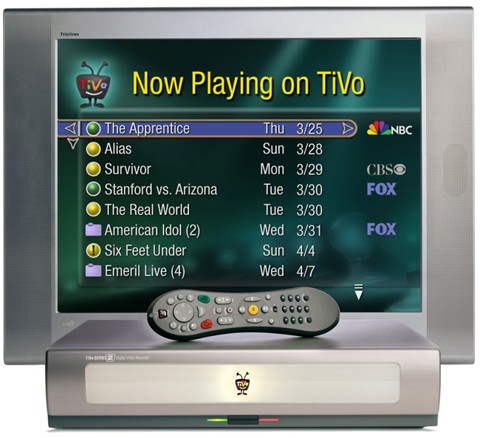
Example of a screen on the TiVo unit. This screen lists TV shows that have been recorded and saved on the TiVo hard drive.
TiVo’s ad about a feature in the TiVo system that I did a design tool to create content for. This tool was named ‘Showcase Builder’.
My application/tool that was used by in-house content creators daily.
This application was used by a group of about 5 people, doing the daily ‘Showcases’ to be downloaded to all TiVo boxes. They had to manually create the showcases before the tool was created, so my tool made their work much easier and a great deal more error-free.
Image selection window in the Showcase Builder.
Selection tool for getting a Leonard Maltin, well know movie critic, review of a movie. TiVo had a special license from Maltin to use his reviews. I wrote software to take his reviews and put them in a database that could be searched.
Selecting a specific movie for review, using my Genre Browser.
Selecting a specific movie for review, using my Program Browser.
After the tool was written and used quite a bit, the job turned into long term maintenance. My manager then left, and a new manager was brought in. The new manager was not someone I wanted to work with, so I looked for something new to work on. I had originally hoped to program on the TiVo hardware but never got the chance.
June 2000 - October 2000
LinuxTV.com (parent is ConnerTech), 2000
“Audio/Video Recording System Enabled by Hard Disk Drive.”
A Red-Flag alert when I was hired, but the job looked like fun and a good learning experience. The Red-Flag was in the name selected; it was created to get interest from potential investors. We were not using Linux, but management told me the plan was to move there. We were not a normal ‘.com’ company, but that attracted investment money.
I was hired because of my previous experience at TiVo. They wanted to do something similar. I told them I had worked on content creation tools and not the playback software. They did not care and just wanted someone that had worked in that area, so I thought it was a good opportunity to do the core playback code and the UI for it.
I did a complete design for their box, all the screens, features, and functionality. I called upon my friend Hiro, from the Sony Design Center, to provide graphics for the screens. Hiro’s artwork was, of course, beautiful and quickly elevated all my programming work.
I had lots of fun designing and writing the PVR (Personal Video Recorder) application for a TV set top box. The original program that I designed and coded was on the PC and then moved to VxWorks which we expected to run on our set top box. This program handles English, Chinese, and Japanese text displays (single- & double-byte fonts). Once these were handled, it would be easy to add any other language.
I also wrote server code and created a database for EPG (Electronic Program Guide) data so we could show TV Guide information on our screen. I used my previous experience at eRemote (VSIS) doing work on EPG data.
Wrote NT Server 4.0 applications to do data mining of EPG data. Numerous programs written to download, import, export, and data mine the EPG data. Data mining meant getting the provider, channels available, and individual TV programs for a specific time period.
Setup IIS and use ODBC for query of custom data in SQL Server 7.0 database.
“Now Playing” showed a list of all recorded shows that were now available for the user to playback and watch. The time, channel, and duration of each recorded program is shown when selected. If a category, such as ‘Drama’ was known then it was shown. If the program contained closed-caption text then that was also shown.
Main screen. This shows the main selection areas.
Search results – after a ‘Category’ search. This search shows programs in the selected category starting at the current time and going into the future as you scroll down.
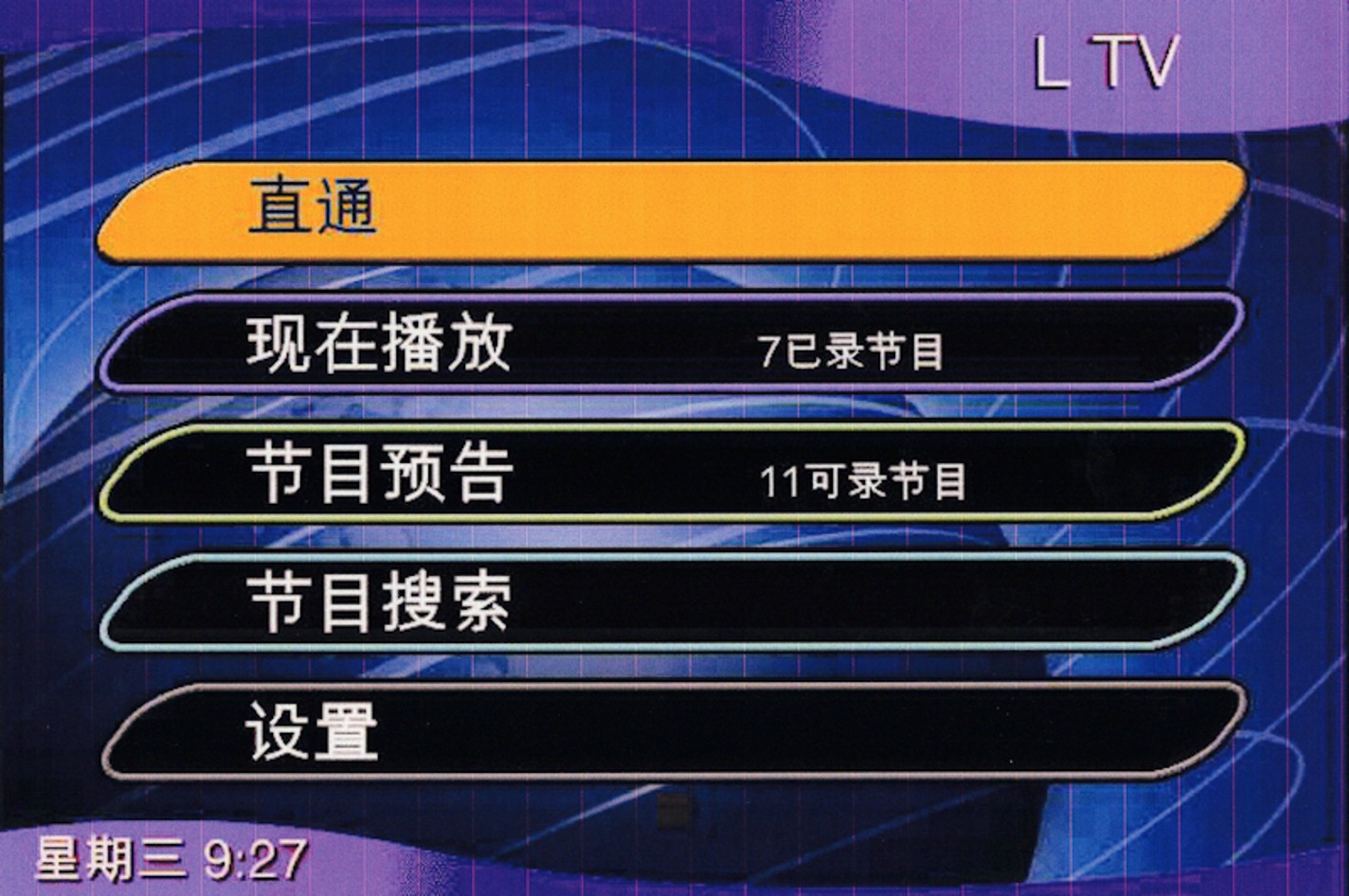
Alternate ‘look’, theme. Different colors and fonts. I added the ability to switch between different themes. These were done by my artist friend.
Settings – visible channels. Limit channels shown to only the user selected ones.
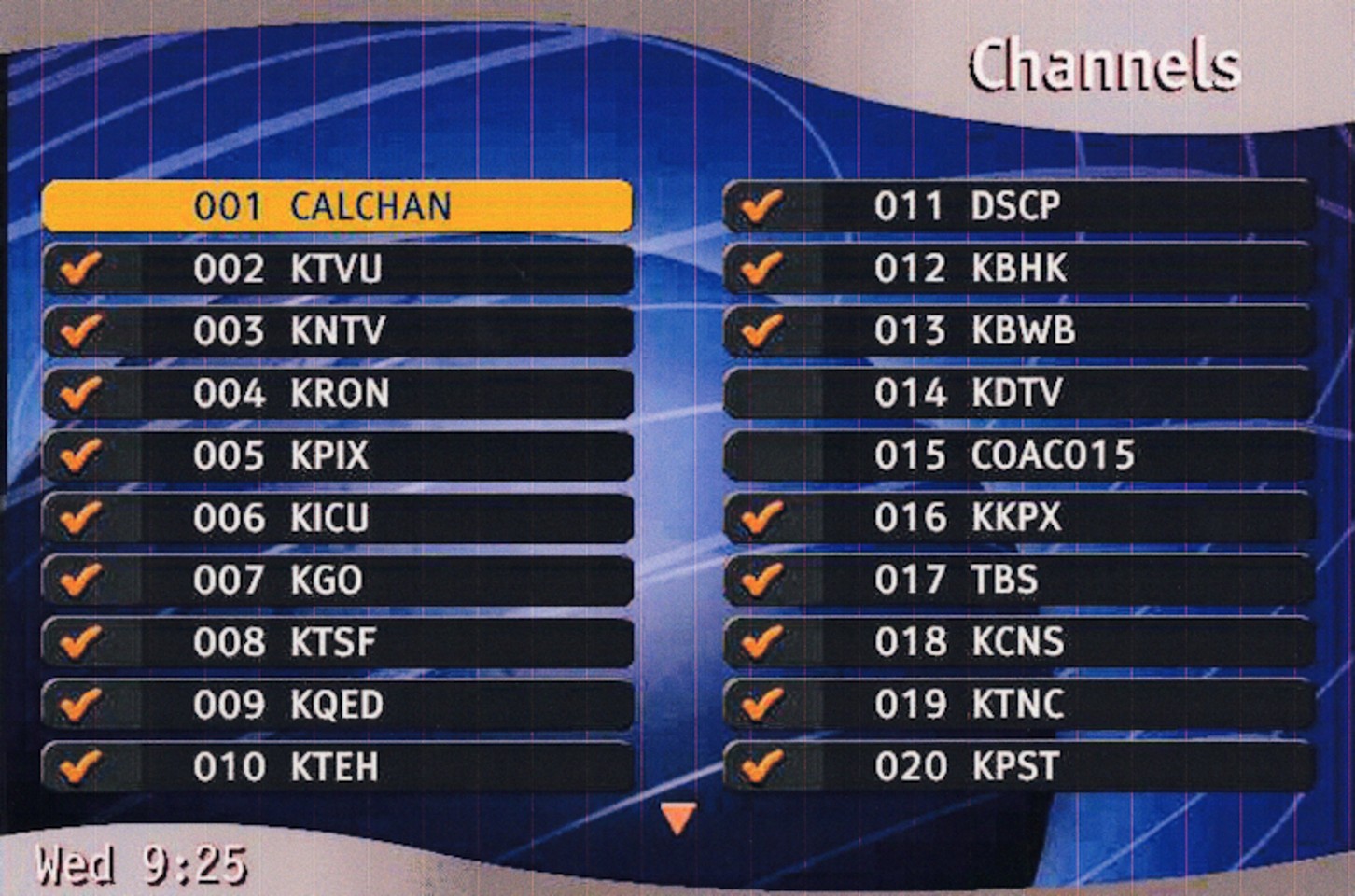
Main screen showing alternate language used for the UI. Support for English, Chinese, and Japanese. Other languages could be easily added.
Search results – after a search by program title.
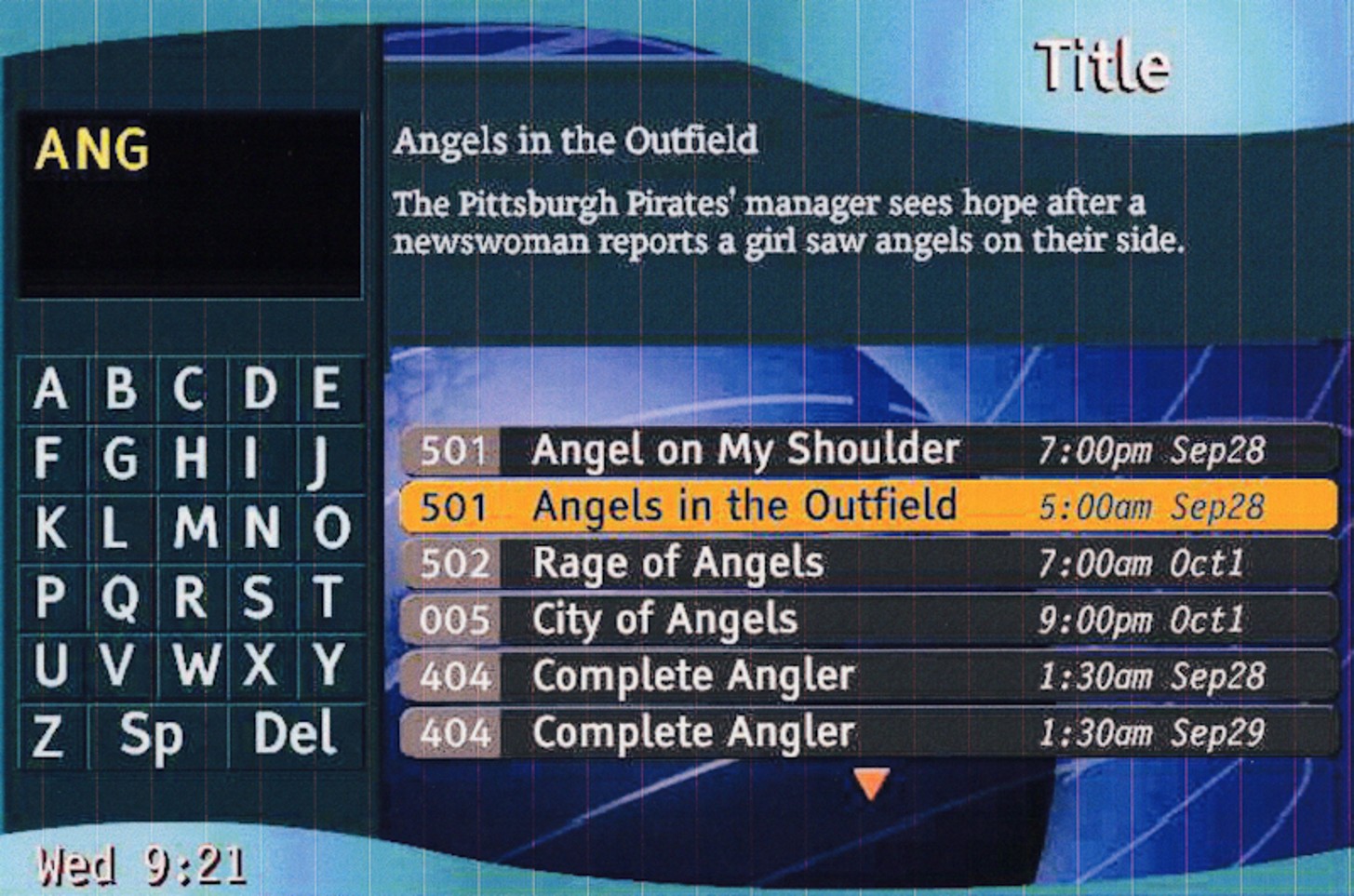
Details selection for a new recording.
I did a comparison of competing products, TiVo and Replay. This was to make sure we had a superset of their features.
Then I did a feature analysis of TiVo to make sure we were not missing any features our competition has:
The artist, Hiro from Japan, gave us initial idea screens. See how good an artist he is and the wide variety of ideas.
Other studies, design, and documents either managers or I made:
1. LTV1 Demonstration Plan for TCL
2. LTV1-C Functional Requirement Document
3. Time Shifted architecture
4. TextStringsJp
5. remote 20000620
6. Prelim_Conner_TV_Numerical_Order_REV2
7. Live TV architecture
8. LinuxTV client iPVR architecture
9. LinuxTV iPRV Standard Server
10. Generic PlayerRecorder
11. EPG Slicer
12. ToDo
13. BringUp Order
14. Channel Lineups U.S. 3.0
15. TV Schedules 3.1
16. EPG Customizer
I worked there until the company lost funding. The software was in very good shape, a great deal of it fully functional. Hardware was needed and a database person to handle the EPG data. It came to an abrupt end for me, of course management knew months before.
October 2000 - February 2001
InnovisionTV (aka Innovision Labs), 2000
I was hired to do an evaluation of numerous Web platforms and products for use on an Internet TV.
Then I designed numerous parts of the software, at both the application and server levels. The software is designed for an Internet-enabled TV.
Business card while working at Innovision.
Worked there until the company lost funding. Short project since I did not know their financial situation when I was hired. It was fun while it lasted but the end came way too soon.
February 2001- July 2001
Philips Semiconductor (SSG group), 2001
To continue my focus on multimedia I joined the Philips TriMedia team, working with a Video/Audio specialized processor.
“Trimedia is a family of very long instruction word media processors from Philips Semiconductor. Trimedia is a Harvard architecture CPU that features many DSP and SIMD operations to efficiently process audio and video data streams.”
I wrote WinCE/Trimedia applications for playing MP3 audio and Mpeg2 video. For our Trimedia board I developed Host PC (x86) to Trimedia (PCI card) communications for multimedia apps.
I took over an existing PC PCI driver and support libraries for a custom DSP board, using Trimedia. Drivers that were worked on were for WinNT, Win2000(WDM), and WinCE 3.0(DLL).
Wrote WinCE/Trimedia applications (C & C++) for playing MP3 audio and Mpeg2 video.
Developed Host PC (x86) to Trimedia (PCI card) communications for multimedia apps.
Developed Trimedia TSSA components for read/write of audio/video streams from a host PC.
Employee badge, right before I switched to contractor.
Philips provided the media processor, TriMedia.
National, and later AMD, provided the host PC. The Geode CPU.
July01-May04
3+ year Contract Engineer, Joint Project with Advanced Micro Devices (AMD), National Semiconductor & Philips Semiconductors (SSG), 2001
Three companies were working together, so I came up with a way to be shared as a contractor between them. This allowed much easier technical discussions between the companies. Since they were doing joint projects, I was able to coordinate the work to make it more effective.
Usually, I would work in areas that were being done jointly by the companies. During slack time I would work on something just one company wanted.
The Philips group were Americans and Europeans. The National Semiconductor group were all first generation from India.
Badge after switching to be a contractor, so I could also work for AMD and National Semiconductors while still working for Philips.
Philips Semiconductors (SSG group):
I worked with Chuck Peplinski, my manager, for most of the time there. Chuck was very technical and did a great deal of the work himself while also managing. He was one of the few managers I had at a large company that was technical and able to do the work himself. He was a very good programmer
Photo: Chuck Peplinski
I created a standalone version of WMA (Windows Media Audio) codec for TriMedia.
For the RealNetworks project, I ported the RealNetworks player and codecs to a standalone embedded Internet Radio platform. Then I developed Trimedia TSSA components for the Real Networks player. Adapted RealNetworks’ Helix code to run on the Trimedia.
Wrote web page RealPlayer ActiveX control for WinCE 4.0 and Win32 using Trimedia. Reverse engineered existing PC control to match functionality.
Also, I added multimedia capability for 3rd party WebPads using a Geode (x86) CPU and a Trimedia (DSP) running WinCE 3.0 & 4.0 and Linux.
Wrote WinCE/Trimedia test applications (C & C++) for TmMan driver verification. - Added multimedia capability for 3rd party WebPads using a Geode (x86) and Trimedia (DSP) running WinCE 3.0 & 4.0 and Linux.
National Semiconductor:
Photo: Ramaiyer Ramesh
I worked with Ramaiyer Ramesh here, and he later hired me to work with him at BrightScale. He was a very smart and pretty easy-going manager.
Porting – Moving software from one platform or PC to another.
Ported Microsoft WM8 multimedia player and codecs to standalone embedded Trimedia platform using multiple network stacks.
Added enhancements to the PCI drivers and support libraries for a custom DSP board, using the Trimedia with TmMan libraries. Did driver work on Linux, Win2000(WDM), and WinCE 3.0/4.0/4.1(DLL).
Developed Host PC (x86) to Trimedia (PCI card) communications for multimedia apps. Designed and wrote Host/Trimedia communications and control for MP3, Mpeg1/2, Mpeg4, WMT, RealPlayer across PCI using messages and DMA.
Developed remote media playback using RDP (Remote Desktop Protocol) and Virtual data channels.
Designed and got working for Win32 and WinCE with Trimedia DSP.
Changed DShow filter to support RealNetworks. Added stream parser for stream identification.
Advanced Micro Devices (AMD):
(NOTE: The National Semiconductor group, Geode, was bought by AMD and the same group transferred with the hardware. So, I am working with the same people that I worked with at National Semiconductor. Some work is joint between AMD and Philips)
Ported Trimedia application and codecs from the early IADK2.0 framework to the advanced MPTK 1.0 (pnx1500). Ported Microsoft WM9 player and codecs to a standalone embedded Trimedia platform using multiple network stacks.
Sandeep Doshi, a very smart engineer I would call A+.
Created host player and libraries for Trimedia hosted application configuration and playback.
Creation, tuning and rewrite of Trimedia DSP applications that control codecs and renderers. Adding support for dynamic reconnection.
Ported Trimedia application and codecs from SDE2.1(pnx1300) to IADK2.0 (pnx1300) Helped port WDM 1500 driver to WinCE on Geode (low power x86 now from AMD).
Rajgopal Narayan , a very nice manager with the added bonus of him being very technical and smart.
The joint project came to an end. Since I had moved from being Fulltime over to being Contract for this partnership, I was let go. Lots of times contractors go first when projects end or are downsized. I have seen just the opposite, where fulltime employees were laidoff and contractors stayed on. But not this time.
July 2003 – April 2004
Arcadyan, 2003
Arcadyan Technology Corporation, established in 2003, is a Taiwanese company specializing in the research, development, and global marketing of computer network products, including broadband multimedia network equipment. Philips owned a 48% share of the company. Arcadyan established an office in San Jose, California, as part of its initial operational rollout.
DIVX (Digital Video Express) is a
digital video format. Created in part by
Format
DIVX was a rental format variation on the
Working as a contractor on the MediaNode Divx addition.
Added DIVX(video) and WMA(audio) support to an application and playback engine.
Fixed Mpeg2 scaling and playback issues. Added support for WMA (Windows Media Audio).
Optimized video playback for Mpeg audio/video streams, application-level tuning.
Designed and implemented a method for playing PAL clips on NTSC and the other way around. Different framerates of 24fps for PAL and 30fps for NTSC were accounted for.
Reconfigured connection software to use faster video scaler component.
Fixed problem with ‘buffer thrashing’. Constant ‘allocate, use, delete’ buffers was fragmenting memory and causing playback delays and other problems.
May 2004 - August 2005
DualCor Technologies, 2004
Bryan Cupps was the main designer of a new type of phone with 2 processors, one processor for phone features and one to run Windows XP applications on a phone. A very innovative idea.
From 2006 company listing at CES:
2006 “DualCor Technologies, Inc., today at the Consumer Electronics Show (CES), previewed the DualCor cPC, the world’s first ultra-portable personal computer to simultaneously run full-function Microsoft Windows XP Tablet PC Edition 2005 and Windows Mobile 5.0 operating systems. “
Photo: Bryan Cupps
I wrote the phone application and then wrote equivalent applications to what was on Window’s PocketPC. The PocketPC was a subset of Windows, and our phone was to run the full Windows instead. These applications were Contacts, Tasks, Calendar, and Notes applications. I looked at the PocketPC version of these apps and then made a full Windows version with the same feature set.
· I wrote the Phone application to run under WinCE, using a Wavecom phone module. Dials, answers, displays contacts, calls, multiple skins, etc. Launches other WinCE applications.
· Wrote WinCE to WinXP communications and custom control code for Phone/PDA.
· Managed Platform Builder for WinCE hardware image. This was a Microsoft tool used to make a custom version of WinCE with the feature set that we specified.
· Designed and wrote WinCE Contacts application, WinCE Tasks application, and WinCE Calendar application, all patterned after PocketPC ones.
· Designed and wrote WinCE Notes application, for quick drawn note taking.
· Designed and wrote sync software between WinCE POOM and WinXP OOM, Outlook Object Model. For contacts, tasks, appointments, and email. This synced between both processors and Oses.
· Wrote ‘soft keyboard’ apps for both WinCE and WinXP, for use with our touch screen. -: Wrote custom ‘app bar’ for WinXP.
Overall feature set. One CPU for the phone portion. The other CPU to run Windows and related applications such as Microsoft Office.
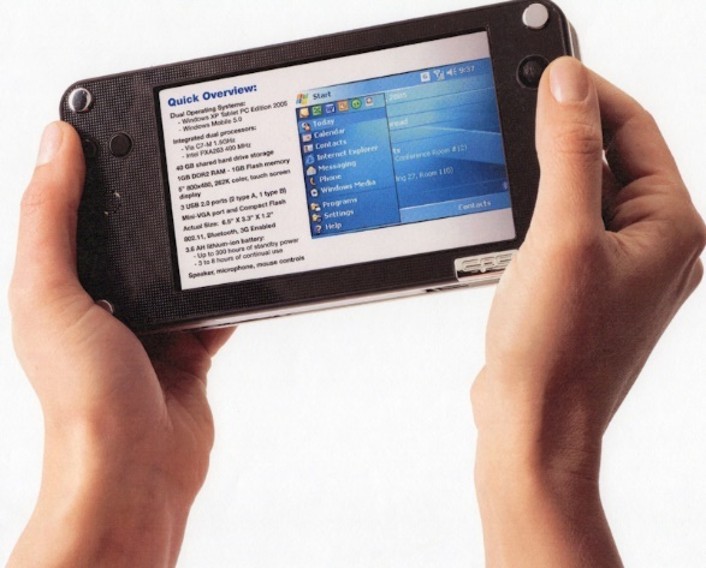
Showing the size of the device.
Different view of the device and thickness, not bad for 2 CPUs at the time.
Excel and Word both running side-by-side at the same time.
Phone dialer.
Screenshots of contacts being used.
Initial specifications and initial screen I wrote using those features.
‘Tasks’ application designed to look like the PocketPC version.
Creating a new task.
This company moved out of Silicon Valley and up to Scotts Valley. I commuted for a while but decided that the commute was too far for me. I moved on to the next challenge.
August 2005 - November 2005
BitSlinger, my own business. 2005
Designed and wrote a developer tool for explaining common Software Patterns.
Wrote sample pattern code for 23 patterns in C++, C#, and J#. Patterns were being talked about a lot at this time, and programmers wanted to learn the basic patterns so they could use and expand upon them.
An application that I wrote and sold describing what software patterns were and how to use them.
Example of a portion of the ‘Abstract Factory’ being explained.
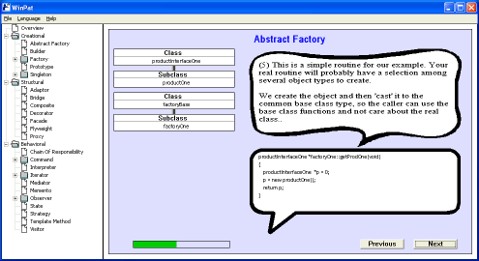
Another step of the explanation about an “Abstract Factory” pattern.
Nov 2005 - Mar 2006
Philips Semiconductors (SSG), 2005
I was called in by my friend (Chuck Peplinski) that I had previously worked with at Philips, and I came to do a short contract job for him.
My work was to design and develop WinXP Server and Client applications for video streaming, using networking protocols TCP/IP and UDP (WinSock2).
Photo: Chuck Peplinski
I wrote a DShow (Apple’s Direct Show) source filter that talks TCP/IP and UDP (network protocols) to an external set-top box for streaming video. It runs in memFile (playing from a local file) and netFile (playing from a network connection) modes.
Designed and developed embedded modules, input and output, used for streaming in and out video files from an embedded PSOS device. These used TCP/IP and UDP (Blunk) and talk to the PC programs over ethernet.
This job included a partnership with Marvell, Philips did lots of partnerships in order to get more companies to use Philip’s TriMedia chip in their products.
This contract finished, but a related one sprang up with Marvell.
2006
Marvell, 2006
Blu-ray DVD player project.
Marvell engineers worked with us for a short time when I was at Philips. When the Philips project finished, Marvell put out the word that any engineers could continue work at their company. Marvell had a group with all Chinese engineers, and they recruited American engineers from the Philips project when it was disbanded. They wanted help to get their Chinese engineers get up to speed. I went to help and wanted to see how a Chinese company was run.
Once there, I found out the group meetings were held in Chinese and later someone would explain to me whatever they remembered from the meeting. I could not understand anything said in these meetings, so attending was of almost no use unless there were diagrams shown on a projector.
Emails sent out were also in Chinese, so of no use to me. They held the meetings in Chinese because they were unused to American engineers coming to these meetings and the Chinese engineers only knew English as a second language and were not very good at it. The Chinese engineers would keep to themselves and speak Chinese most of the time. Around the office they would talk to each other in Chinese and go to lunch with each other.
Americans were excluded from being effective because of that.
I went to lunch with some of the Chinese engineers once. As it would have it, we went to a Chinese restaurant that they picked out. I ordered Mongolian beef, some of the engineers were actually native of Mongolia. They repeatedly told me that this food was not really what they ate in Mongolia. I thought that was funny.
Not a place I could work so I moved along after only a couple of months.
2006
Metta Technology, 2006
I was asked to come to Metta by some engineers I had worked with at National Semiconductor and AMD on the Trimedia projects. It was a recently created startup by two guys that my friends knew. The founders were wealthy but had never started a company before.
Sandeep Doshi, a friend and a very smart engineer, I would call A+.
I wrote a multiplatform/multithreaded media framework for use in DVD playback for SD, HD, and BD (Blu-ray) formats. Plays Mpeg, H264, VC1, AC3, etc. formats.
For Blu-ray I was writing a combination PS (Program Stream) and TS (Transport stream) demux. I had it designed and was in process of writing the combination PS (Program Stream) and TS (Transport stream) demux. The framework was playing some program and some transport streams at the time I stopped.
Some tools I made included analysis and display application for DVD xxx.IFO files. It decoded and displayed all data structures and their linkages to other files and data. This file was like a directory of what was on the DVD.
Rajgopal Narayan, a very nice manager with the added bonus of him being very technical and smart. I worked with him also on the joint Philips and National project using the TriMedia processor.
Photo: Rajgopal Narayan
The founders were putting out a lot of money for office space, equipment, and salaries. After about 6 of us working for half a year, they kept putting their own money in. The founders, of course, were not yet getting any revenue from the fruits of our labor. They got nervous and decided not to put any more money into the company.
I worked there until the founders decided to stop funding our project. I think they were hoping for a quick return on their investment, and this was taking more funds than they were comfortable with.
November 2006 - June 2007
Brightscale, 2006
“Themis is a family of programmable video post-processing solutions targeted @ LCD Panel manufacturers. Key differentiating product features are FRC and LED Backlight management. Initial kick off comprises of multichip solutions on a small form factor PCB or MCC module. Ultimate solution is an integrated single chip solution.” LED TV control plus.
FRC, or Frame Rate Control, is a technique used in displays (particularly LCD monitors and TVs) to simulate higher color depths than the panel natively supports.
I worked with Ramaiyer Ramesh here, and earlier at AMD and National Semiconductor. He had contacted me when my previous job with Metta was ending. Ramesh was a manager that was very technical, practical, and easy to get along with. Working with him was always a good time.
BrightScale was designing chips and boards for LED TVs. This was in the early days of LED TVs.
Photo: Ramaiyer Ramesh
I designed and wrote a Win32 C++ multimedia application to simulate HW, plays video and audio using cross platform OSAL (Operating System Abstraction Layer) and HAL (Hardware Abstraction Layer) layers.
Designed and wrote embedded C++ multiplatform/multithreaded media framework for use in an HDTV SOC (Silicon on a Chip) using 4 MIPS processors. I wrote a graphics library as well as using open-source TrueType font renderer (called freeType). Added open-source MPEG, AC3, and H.264 decoders.
Win32 application simulates hardware, plays video and audio using cross platform OSAL and HAL layers. Wrote custom video renderer and hooked to WaveOut audio.
Added features and testing while waiting for the chip to become functional. I wrote a graphics library as well as using open-source TrueType font renderer for doing CC (Closed Caption) and Setup screens on an OSD. Added H.264 and VC1 video support.
Business card while working at BrightScale.
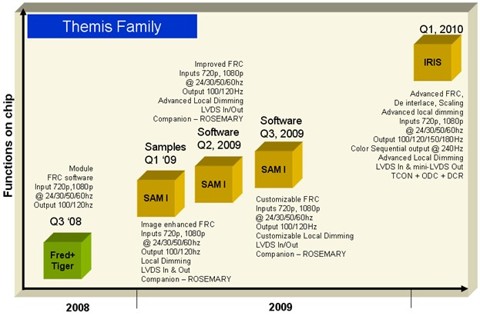
Proposed family of chips.
Manual that I wrote to describe my work on the display and control system.
System configuration program I wrote for setting up the TV.
My configuration tool for defining how the Over Drive Controller would be setup.
My tool selected how to communicate with the board.
The startup then decreased staff to save money while the chip design was sent out and being made, people were asked to come back later when the chip was available.
2007 –
BlackMagic Design, 2007
Blackmagic Design, a company specializing in video capture, editing, and conversion hardware and software. Port Melbourne, Australia
I was hired to be the start of a new Engineering group in the USA. Management was overseas and not available very often to talk to.
Sorry to say that I got no support or needed resources to start work. After I was hired the remote management told me over the phone that I was actually on probation and they would see if I did as well as someone else, they employed. If not, then I was out.
I left after management refused to give me documents, answers to questions, or computer sources needed to start work. I doubt if some in management were onboard with starting up this group. They would be losing some direct control since I was located in another country.
July 2007 - February 2008
Portrait Displays, 2007
Asked to come in by a friend, Dave Calvert from my early Apple days, after some of the application engineers had left, to keep releases shipping. So, I learned a large code base fast and started doing ‘firefighting’ releases and fixes immediately.
They had the Pivot monitor as a product. It would rotate from portrait to landscape mode. The video card would readjust for that mode.
Worked on a Win32 application and a MFC app with IE (Internet Explorer) use as the GUI, COM objects, DLLs, etc. Major work cleaning up old code. Working towards getting the code in a mode that would require as little maintenance as possible.
Business card while working at Portrait Displays.
This was a short-term job while waiting for BrightScale to call me back in. I left when BrightScale called me.
2008 - 2009
Brightscale, 2008
My friend at BrightScale called back for me to return when the chip was ready for integration and testing. I did major work on a multimedia framework that talked to the BrightScale boards and chips.
Ramaiyer Ramesh
Designed and wrote multiplatform/multithreaded media framework for use in an HDTV SOC (System On a Chip) using 4 MIPS processors. First platform up was x86 using open source Mpeg2 and AC3 codecs with my custom video and audio rendering written to simulate the hardware structure.
I then added features and testing while waiting for the chip to become functional. Wrote mini-graphics library as well as using open-source TrueType font renderer for doing CC (Closed Caption) and Setup screens on an OSD (On Screen Display). Added H.264 and VC1 video support.
Built as a monolith application, also as 5 separate applications using shared memory, and under the cross-platform Cygwin tools to get ready to move to the chip.
Win32 application was created to simulate hardware, playing video and audio using cross platform OSAL (Operating System Abstraction Layer) and HAL (Hardware Abstraction Layer) layers. Wrote custom video renderer and hooked to WaveOut audio.
Multiplatform/multithreaded media framework for use in an HDTV SOC using 4 MIPS processors and custom hardware. Got all 4 processors working as far as chip problems allowed using RTEMS and GreenHills compiler and JTAG probe.
Got hardware tuner, hardware PID filter, software Section filters, software Transport demux all working.
Integrated OceanBlue TV (DVB Digital Video Broadcasting) stack onto the multimedia playback framework. - Wrote minimal ATSC stack and moved on top of framework.
I worked there until the company lost funding and everyone was laid off.
They gave employees the Sharp TVs that they were using to try their boards on. As of 2026 that TV is still the one that I watch TV on.
2009
BitSlinger, Stock program, 2009
I did some work on sharpening Linux C++ skills and writing a phone sample application.
Writing a new C#/WPF real-time Stock trend analysis and charting application for personal use.
A stock tracking and analysis program I wrote.
Graph in my program. Showing history and some expected future directions.
Display of sell recommendations in my stock program.
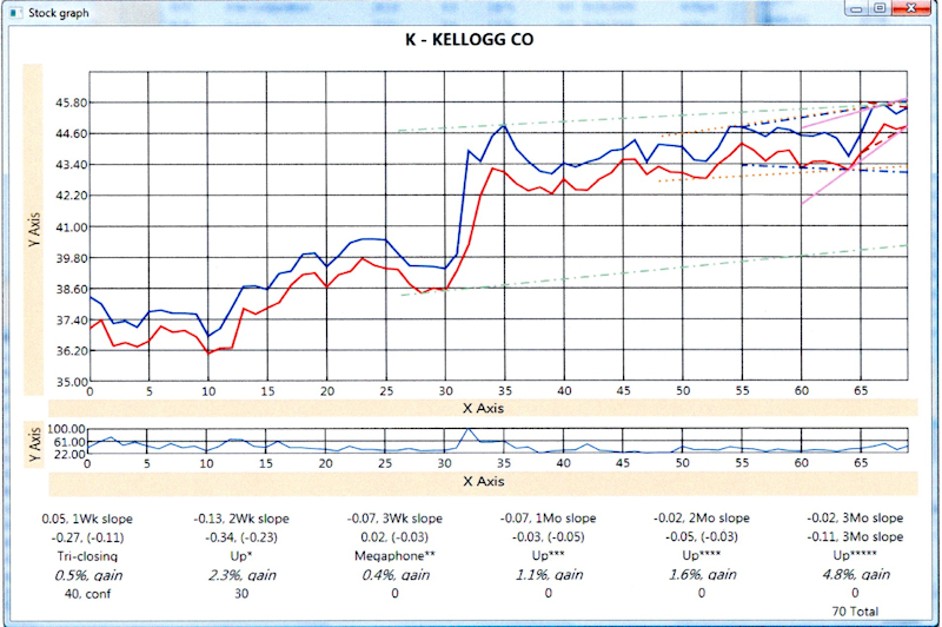
Display of potential future directions for a stock.
Simulator that I built in my program. Since this program would recommend buying and selling, I programmed it to act over a previous period and then could see how it did making buy and sell decisions. It used history only up to the simulation date, made a buy or sell, and moved the simulation date forward.
Graph showing candlesticks.
Auto buy sell:
2009 - 2010
Cisco, 2009
“The Cisco IP Interoperability and Collaboration System (hereafter referred to as Cisco IPICS) provides voice interoperability among disparate systems. It offers an IP standards-based solution that interconnects voice channels, talk groups, and virtual talk groups, and that provides powerful and flexible management of personnel and media resources.”
I worked on an existing program with other programmers that had been working on this program for quite a while. This was a contract job for me. They just wanted a good programmer to help with meeting schedules.
When Police want to talk to Fire personnel at an incident, they have the problem that each group is using a different vendors radio equipment. The radios cannot talk to each other. So, each group is isolated and cannot easily communicate. This product would take a radio from each system and interconnect them using special hardware and software. It would listen to one radio, digitize the audio and then play that audio into the other radio. This process was real-time, so very little time lag when someone spoke.
Login screen for the program.
Dispatch screen. Each block in the center section corresponds to an end user.
Virtual talk. Talking through the system, between different radio systems.
“The Flip Video cameras was an American series of pocket video cameras for digital video created by Pure Digital Technologies, a company bought by Cisco Systems in March 2009; variants include the UltraHD, the MinoHD, and the SlideHD. Flip Video cameras were known for their simple interface with few buttons, minimal menus and built in USB plugs (from which they derived the flip name), and were marketed as making video “simple to shoot, simple to share”
Flip Video cameras were well thought of and were high quality. I worked on existing cameras to add new features.
Worked on FlipVideo camera firmware, using C and ThreadX on MIPs. Some work on video thumbnails, internationalization, OSAL, and logging system.
Flip phone, large screen opening the clam shell.
This had a limited life as other phones got better and better cameras builtin.
Investigating Tesla
Out interviewing again. At one point I thought about going to Tesla. I had a friend there who was a hardware engineer, a good one. He told me to get hired that I had to be good, but the deciding factor would be if the people I interviewed with thought I would fit in ‘socially’ with their other team members.
I decided to pass. I was looking for hard workers and not a ‘tea party’.
2010 - 2015
VTS Medical Systems, bought by Steris, 2010
VTS Medical Systems, LLC (now part of Steris following a 2012 acquisition) is a company founded in 1970. It specializes in audiovisual (AV) integration and innovative solutions for the healthcare industry, including surgical monitoring devices, cameras (such as surgical light arm and headlight cameras), fiber-optic transmission systems, digital video recorders, system integration, infrastructure services, and education services.
The Harmony iQ 2100 consolidates operating room (OR) visualization technologies—such as cameras, imaging devices, and navigation equipment—into a single touch-screen interface and microprocessor. This replaces bulky stacked towers or racks, offering a smaller footprint, flexible placement, and support for advanced surgical procedures while enhancing OR functionality.
Hired by John Thomas when the company was still VTS Medical. He was forming a group to build an operating room controller for lights and video. VTS Medical wanted an operating room integration program that could control Operating Lights, Video cameras, routing of video to different monitors, room background music, and more.
They did not have anything when I went there. I designed and coded the software, worked with the two hardware engineers on a control box, and with marketing to fulfil their needs.
I designed and wrote the software from scratch. I contacted my artist friend, Hiro, from Sony to develop screens and screen components. Artwork makes a huge difference, from an engineering prototype into a polished product.
· Designed and implemented medical operating room control software.
· Controlling monitors, lights, music, video capture, and a lot more. Using Windows embedded for controlling internal boards as well as external devices from this GUI friendly internationalized touchscreen application.
· Used WCF and SOAP commands for server access as well as FTP of images and video. Used DirectX (DShow calls) for Video capture (H.264) and playback used by the Video Capture feature of the application.
· XP Embedded shell program for access to system functions.
· External test program, using WPF automation, for burning in the app and hardware.
· Video conferencing for clients and server, used room to room and room to remote across the Internet.
· Experimenting with Kinect and hand gestures for doctor manipulation of x-rays, etc. Doing demo and feasibility.
This was another of those times where I joined a company (VTS Medical), worked hard and added enough value that the company was then bought by a larger company (Steris). The original owner of the smaller company made millions. None of that was passed onto the employees that made the sale possible.
My stint doing medical operating room software was where I pushed to the limit the goal of ‘Stability’ and ‘Do No Harm’. This was an operating room after all, life and death.
From the beginning at this company, I was asking for a QA group to do testing before releases. My boss said that there was no need and that I should QA my own program. I have learned that this is the worst thing you could do. The designer of the program will use it as intended, while a QA group will do unexpected things and stress parts of the program that the designer would miss. I kept asking for QA, but the boss refused.
As a result, making error proof and crash proof software was my highest priority since it would be used in an operating room. I sacrificed speed for stability.
When I was leaving that position, a new guy that was hired started programming new ways just to learn them. I tried to stop him from doing that, but my manager was now getting a speedup that he had previously asked for, and that I had put as a very low priority.
When the program started crashing and it had never crashed before, the boss came to me to ask why. I explained the ‘Do no harm’ rule I followed was not followed by the new programmer even though I constantly stressed it.
Ad for the system we built. The software shown on the monitor was my design and I coded it all, a one-man software effort for the majority of the project. A couple of people were brought in towards the end and my main task was to keep them from corrupting the design. Some of the software running in the box was also my firmware and drivers.
Simple ad showing the system, and my program on the monitor.
Web page showing the different areas of the product I worked on.
My program is being used, operated by a touch screen, with the hardware on the desk next to it.
Description showing different features in the program I designed and wrote.
Surgical Checklists was added to after I left the company. Most of it was there and a few new features were added.
More description of our product.
Description of our product, hardware and software.
Main screen when our system boots up.
Pictures and text are customizable for each hospital. Shown on the Home page in the center pane.
The bottom horizontal pane shows the different areas to be controlled.
‘All On’ button turns on all monitors, cameras, and surgical lights.
‘Leaving Room’ turns off surgical lights, cameras and then monitors.
Video routing & Monitors
Video routing screen.
Route cameras (Sources on the left side) to specific monitors (Destinations on the right side). Since a camera was selected, its controls are shown in the center area. The video from that camera is displayed in the center window.
The center pane shows the controls associated with the video source; this may be different based on what type of input is selected.
Each source is named and numbered because there may be multiple sources with the same name, like two Light Cameras.
Controls for a monitor hanging from a metal arm, displaying routed video.
These are the most controls for a Steris monitor. Other monitors could be from other vendors and so would have a lot less controls visible.
The presets, starting with ‘Default’ and ending in ‘Ent’ are values designed for each of sources that will be displayed. Of course, the operator can override the settings and customize them.
Video Capture
Video Capture screen.
Displays video from different sources, video or still pictures can be captured for later storage or printing.
Video is captured for display later on the Doctors computer as a Mpeg movie.
Still pictures can be taken of the video from any video source. These are saved as JPEG images.
Image: Adjustable camera on an arm.
Playback of background music during a long operation.
For very long operations, the doctor would sometimes want background music to play. At this time an iPod, from Apple, was the preferred music player. The doctor would bring in his iPod, plug it into our box, and then could control it from this touch screen.
We were preparing other options, but none were approved at this time.
One was Sirius XM, but hospitals did not want to subscribe to it. With operating rooms not always near a window, and with multiple stories of rooms above it, an antenna and wire would have to be installed. Hospitals were not anxious to do that.
Self-diagnostics for all connected hardware.
I brought this feature to our hardware to make it easier to isolate connection issues with hardware being controlled. Connection was the most common problem needing an immediate fix.
This will scan all connected hardware and flag any that it has trouble connecting and controlling.
The temperature and power usage numbers are for our control box. For proper operation an approved range was defined. Our hardware would still work well outside that range.
Settings. Showing specific settings related to video capture.
User setup has other user accessible settings. Nurses need to keep in mind other doctors using the operating room after they leave.
The tabs in the center pane have the settings grouped.
Checklist. Steps a hospital uses for an operation.
When preparing for an operation to start, all staff start the checklist procedure. This makes sure nothing is forgotten and can be customized for each hospital.
The nurse checks progress using the checklist. In the past the checklist was written down. With this improvement, the checklist can be displayed on all the monitors in the room so each member of the staff can see what is happening.
Surgical Lights and Light Camera
Up to 4 surgical lights, the very large ones, can be controlled remotely here. These are the lights without a built-in camera (shown below).
Lights can be controlled from this screen or from the physical light itself. If controlled at the light, this screen will track all changes and display them here.
The light with a camera in the center has the camera controlled here.
Layout is:
a) Video sources on the left.
b) Controls for the selected video source in the center.
c) Destination monitors to show the video on the right. NOTE: Multiple destinations can be selected at one time.
Left: Light with camera in the middle.
Right: Light with grip in the middle.
Leaving and then retiring, 2015
While working for John Thomas from 2010 – 2015, in the years from 2013 to 2015 I would periodically look for a new position doing the next great thing.
Here at VTS Medical (Steris) I completed the operating room software and was ready for something in a different field. We were no longer in the creative process and had moved into the maintenance phase.
What I found each time I went to the interview was the same set of conditions:
a) Video and multimedia startups were dying down and harder to find; most new startups were strictly web applications.
b) Visa holders, H1Bs, from India were still flooding the job market and it was harder to find anything available. Companies grabbed the H1Bs as cheaper and could not change jobs easily since the company sponsored them.
c) Managers that I was interviewing with were quite often women, business degrees instead of engineering majors, who were growing their group as a ‘social club’ and they wanted likeminded people to join. Experience and capabilities were not as important.
d) Other managers were usually new Computer Science college graduates. They would give me a test from their senior year at college. I did not do good on these, some had things I never heard of before and did not use.
The result was that after 5 years at VTS Medical and not finding anything else to go to that was any better, I decided it was time to pack it up and get out of town.
I turned in my notice and put my house up for sale. House sold in a couple of weeks and then I moved to Southern Oregon near my brother and mom.
From the time of quitting VTS Medical/Steris and moving was only a couple months.
I purposely made a big change in my life. Once in Oregon I sold my car, got a 4x4 Pickup with a winch, expecting snow.
I tried programming but quickly lost interest when I realized it was just for me and would never get out.
Traded in my pickup for a used Jeep for around town.
I switched quite a few things in my life from a dedicated hardworking programmer into a guy living in the country with a Jeep and working on my 5 acres. Spending more time with family.
Looking back, I am amazed at how much I was able to accomplish.
It was due to constant hard work and driving myself to learn what was needed.
I never felt I was smarter than the others around me, but I did feel that I was a much harder worker than most.
Working at Startups, and inside some large companies where there were small groups acting like a startup company, brought the most challenges and rewards.
Large companies are usually doing maintenance on existing products. Finding a group in a large company doing something new is usually very hard. That small group keeps their team small and focused, trying to hide and keep the less capable in the large company from joining their project.
Finding a new challenge was sometimes hard, especially after going to a Startup company that soon ran out of funds and closed. Then an almost frantic search to find another position to keep getting a paycheck.
You always wonder what your life would have been like if you had chosen a different path, but I have had an interesting career that few could match.
Since retiring and leaving the programming behind, I am happier, much less stress, joke around more, think about other people more.
My wife sees the major change and likes the new me.